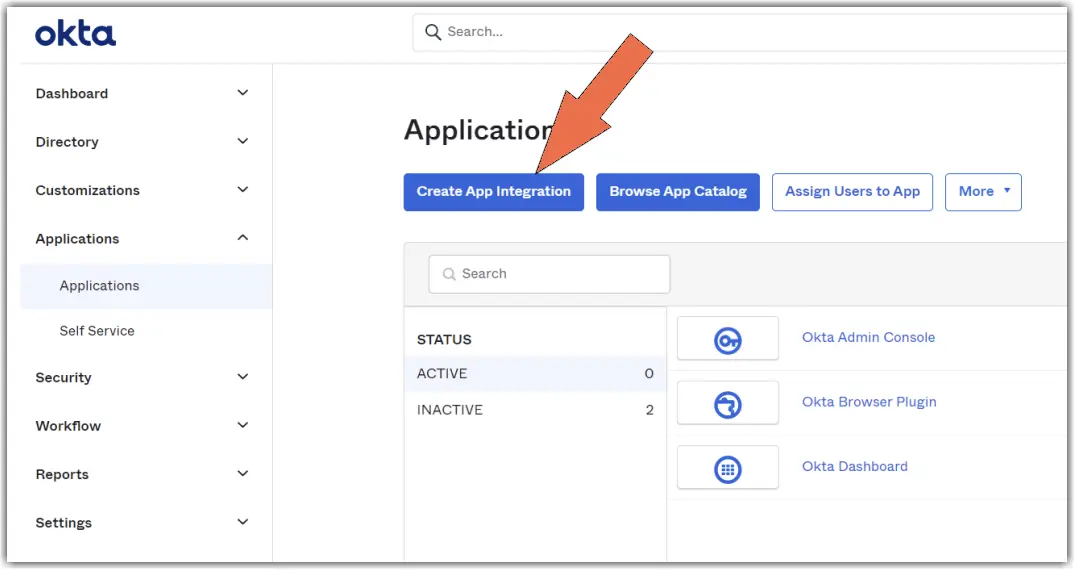
- In the Okta Admin Console, open Applications and Resources and select Applications.
- Select Browse App Catalog.
- Search for TeamViewer and select it from the results.
- Select Add Integration.
- On the General Settings tab, edit the Application if required.
- Select Next.
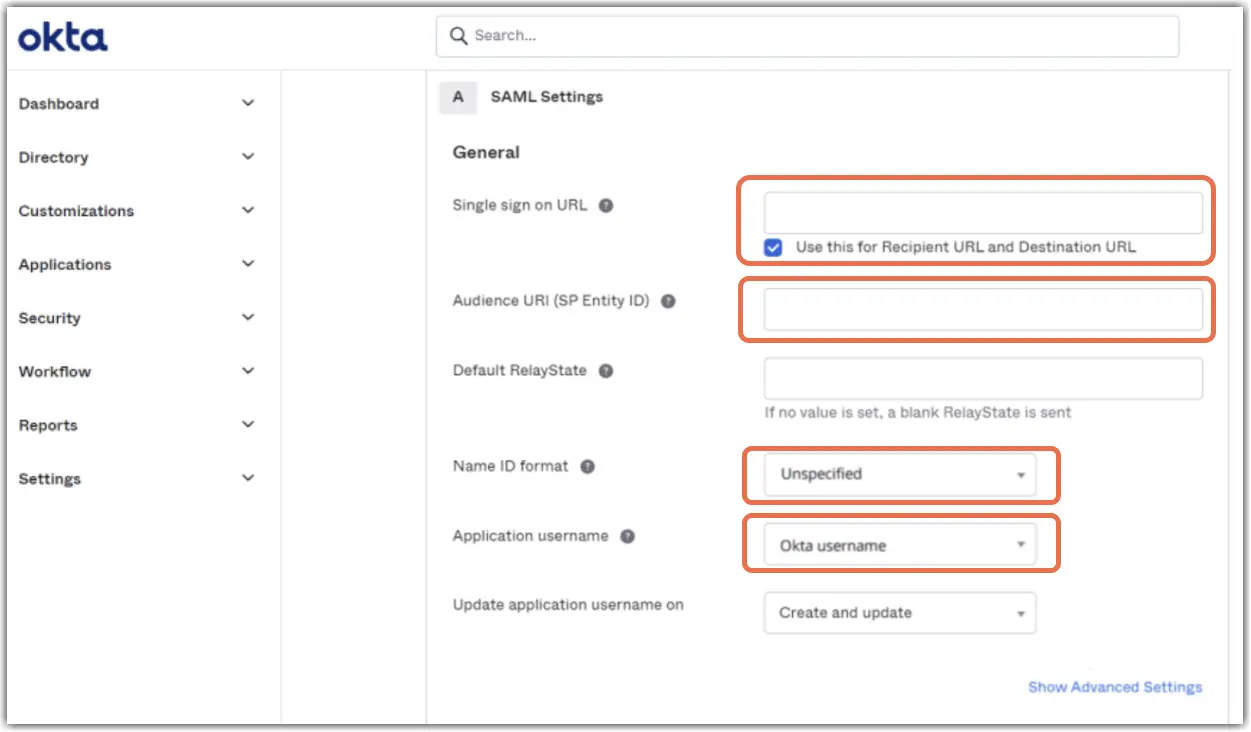
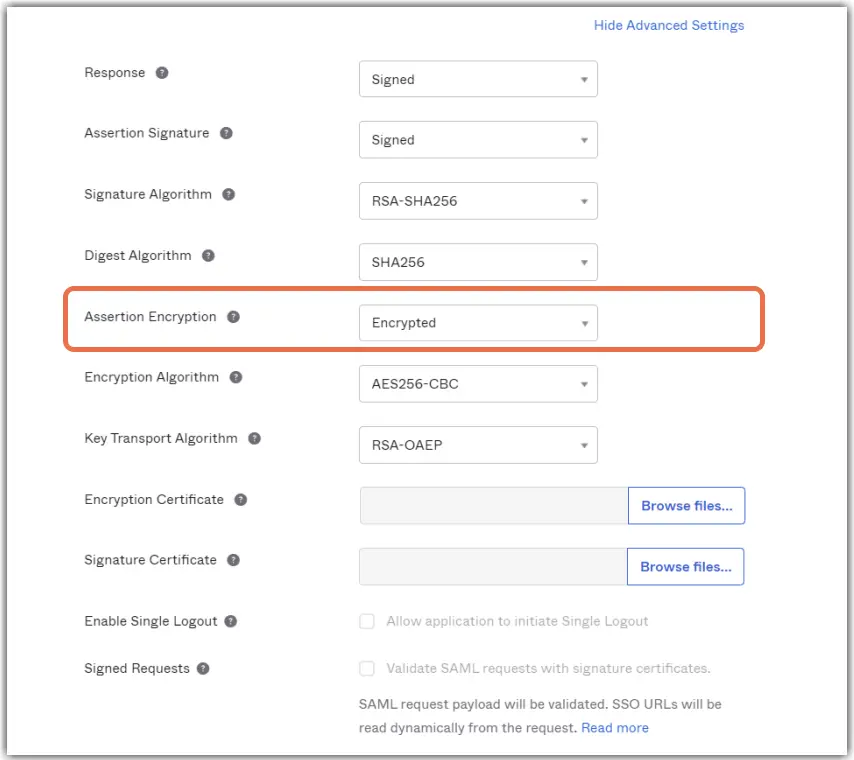
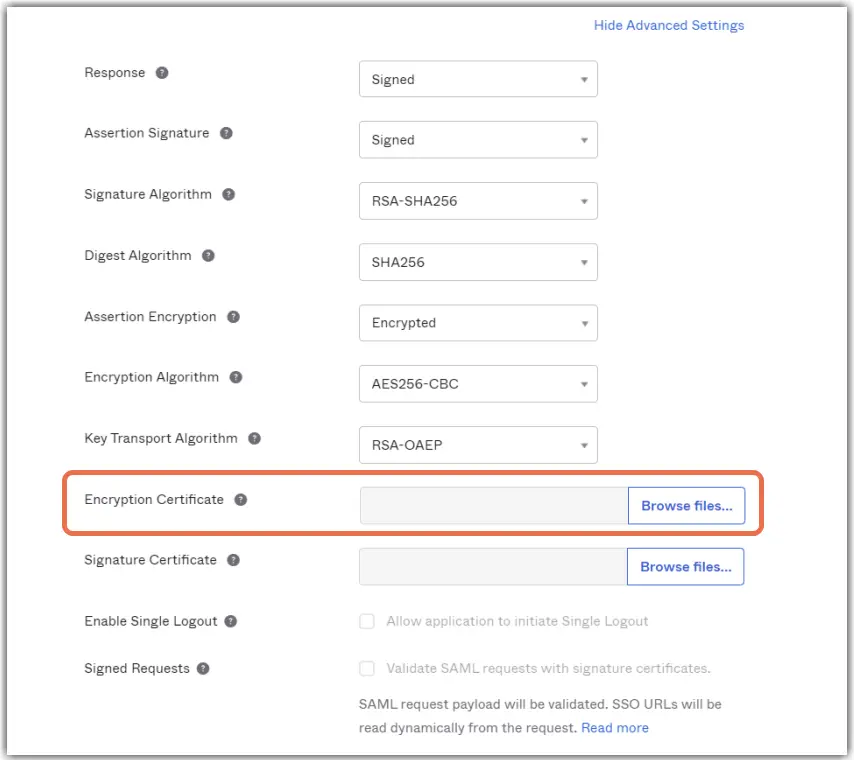
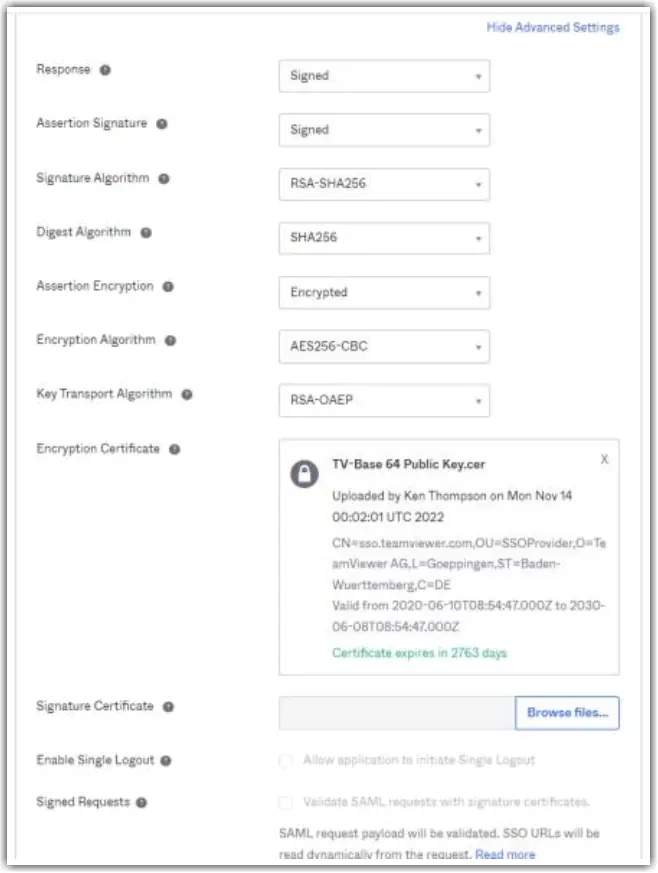
The TeamViewer OIN app is pre-configured with the correct Service Provider values and attribute statements, so you do not need to enter them by hand. For reference, the values are:
| Setting | Value |
|---|---|
Single Sign-On URL (ACS URL) | https://sso.teamviewer.com/saml/acs |
Audience URI (SP Entity ID) | https://sso.teamviewer.com/saml/metadata |
Name ID format | EmailAddress |
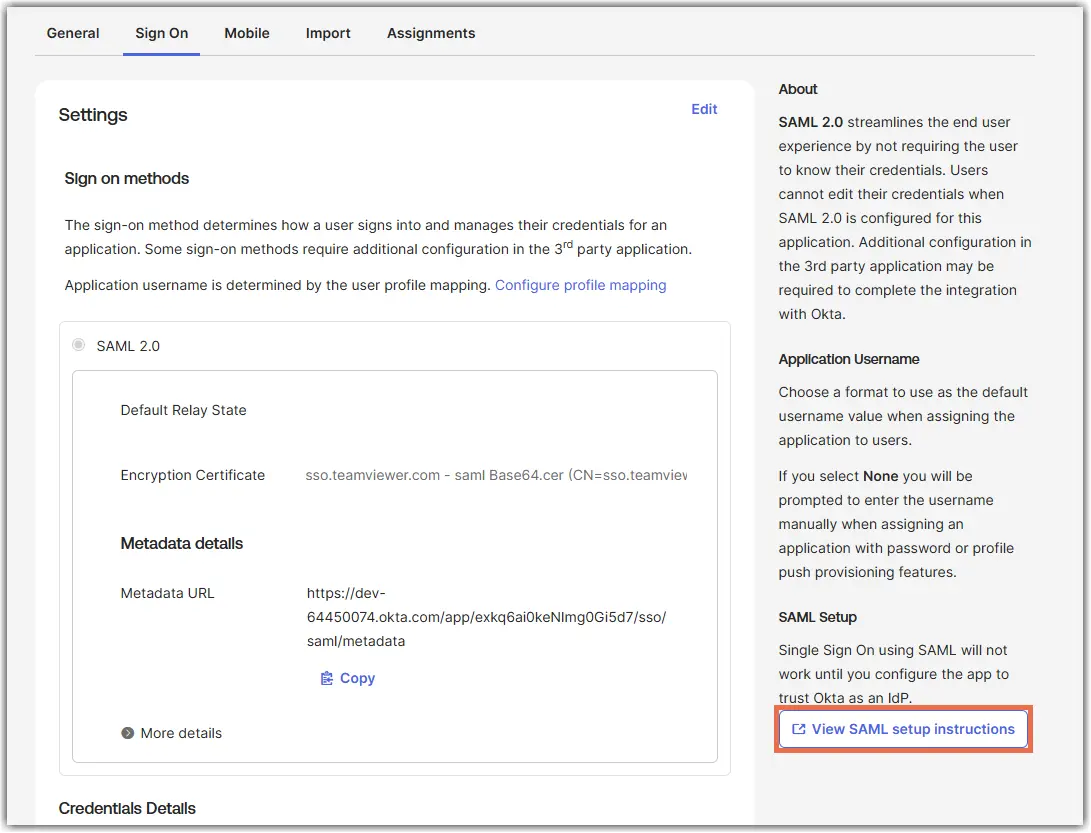
Note: You must set the application username format to Email later in the configuration.