知识库
Where to find my ID and password?
Last Modified 2026年3月4日
The ID serves as a unique identifier for the device, allowing it to be bookmarked and accessed by the user in the future. On the other hand, the password is necessary for the initial remote control connection to the device after it has been added as bookmarked.
This article applies to all TeamViewer Remote users.
How to find your ID and password
On the full TeamViewer Remote client
When not signed in
If you want to share your ID and password with the supporter, open TeamViewer Remote.
Your ID and your password will be displayed in the main interface.
When signed in
- Open TeamViewer Remote.
- Go to the Remote Support menu.
- Your ID and your password will be displayed within the Allow remote control section.
On TeamViewer QuickSupport
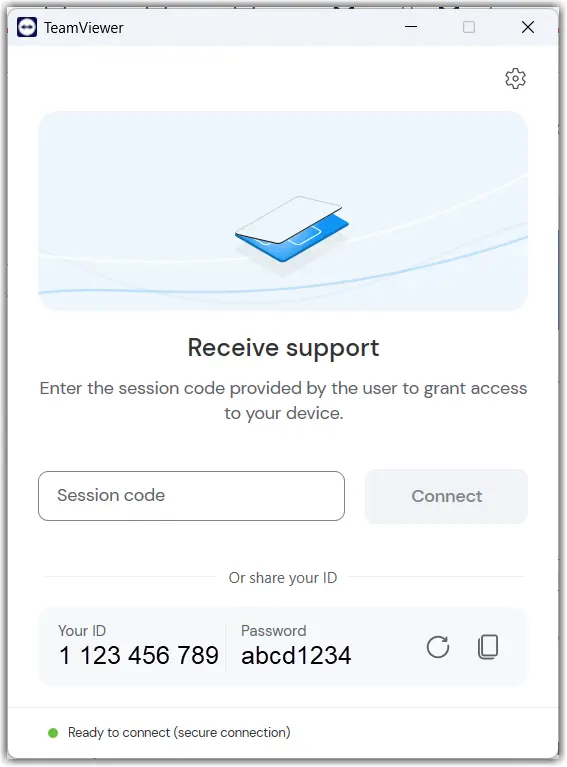
The ID and password are automatically displayed once you open the QuickSupport. No additional action is required here.
On TeamViewer Host
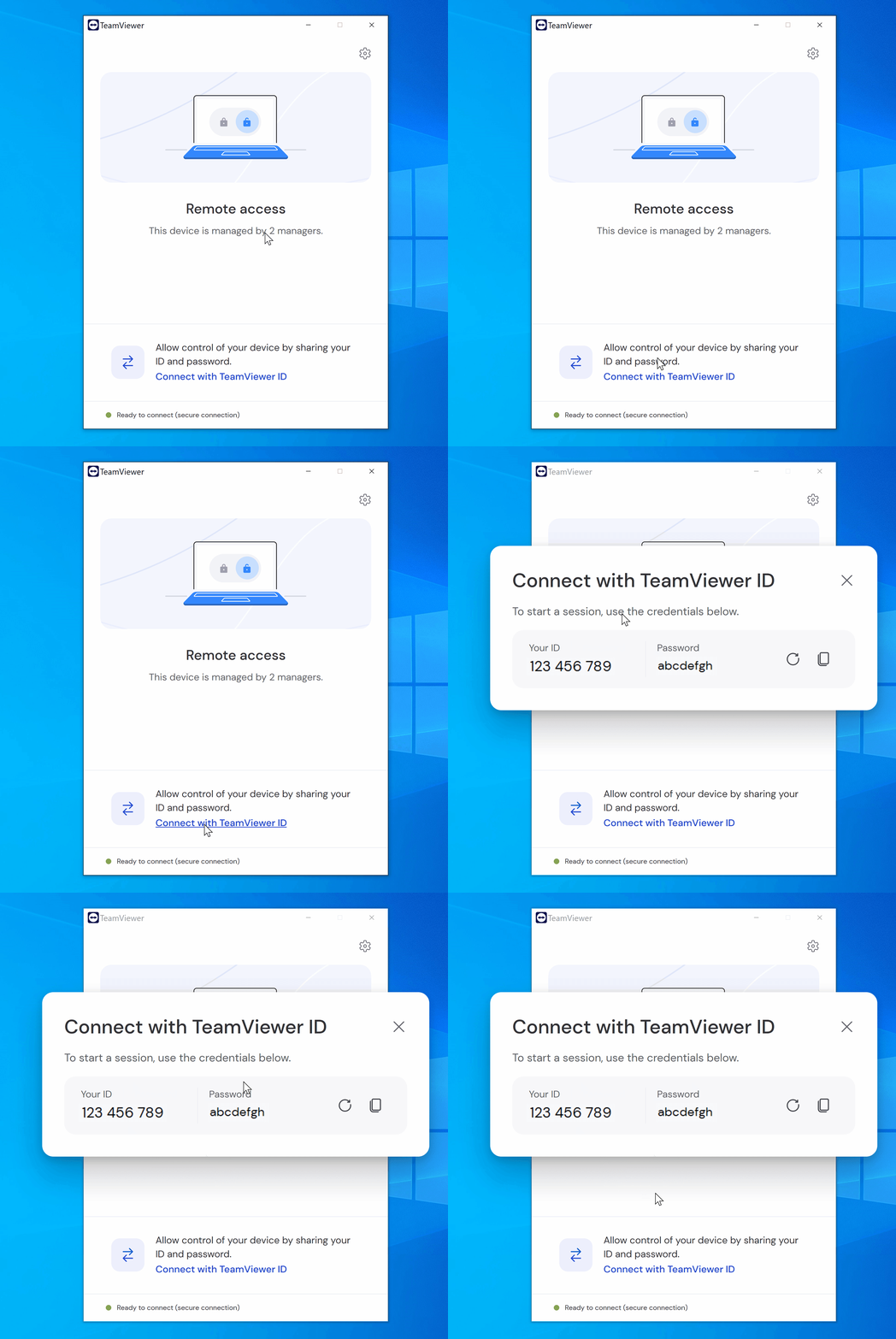
If you want to share your ID and password with the supporter, open TeamViewer Host and click Connect via TeamViewer ID.