Base de Conhecimento
iPhone
Last Modified 26 de abr. de 2024
Downloading and installing the app
The Frontline Workplace application for iOS can be found in the App Store. Alternatively, it can be downloaded by scanning the QR Code below:

1. After successfully downloading the app, you will be prompted to the screen below:
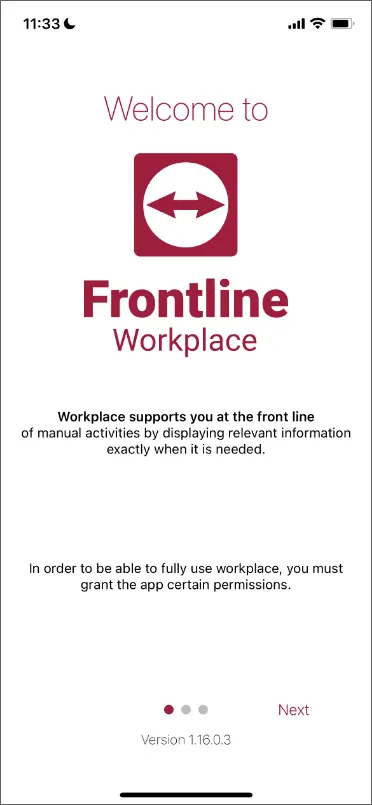
2. Follow installation instructions to complete the setup process.
Pairing the app with the server
If you are using the application for the first time, you need to pair it with the right server instance.
This can be done in three ways:
1. Click the corresponding link in the welcome email received when your account was created.
2. Fill in your company's Frontline Workplace server URL and domain.
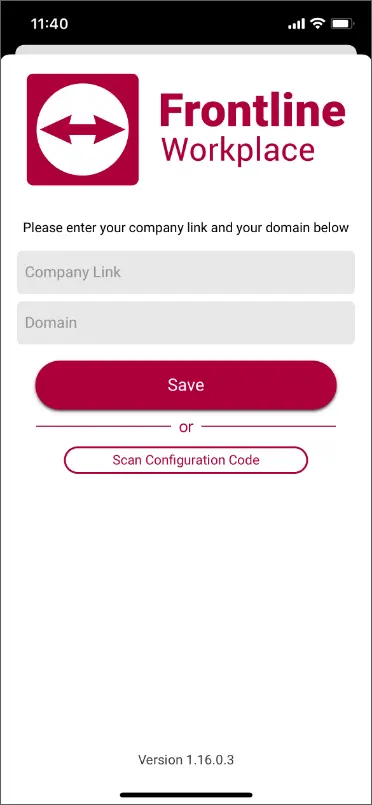
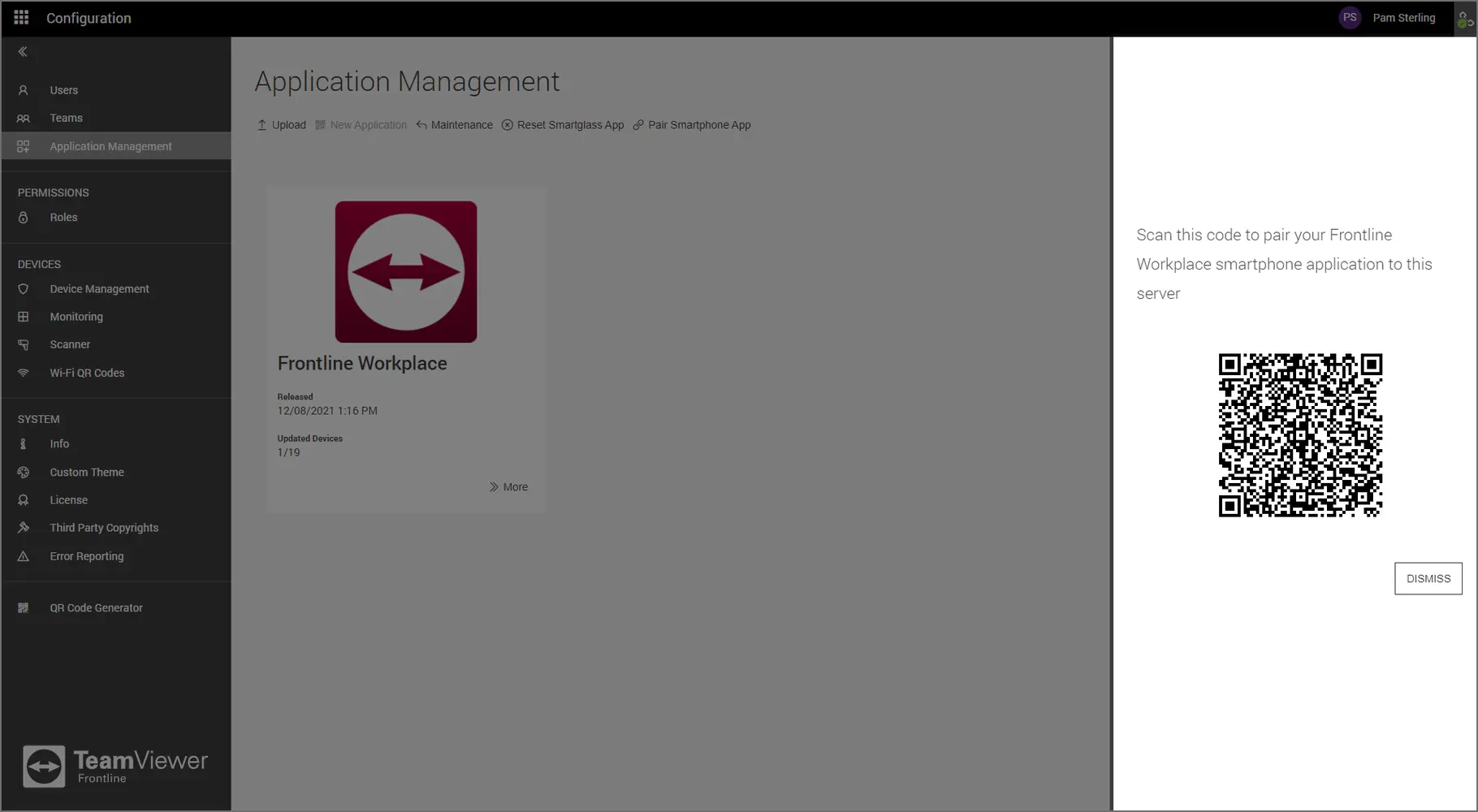
3. Scan a configuration code. The configuration code can be viewed by following the steps below:
a. Open a Web Browser.
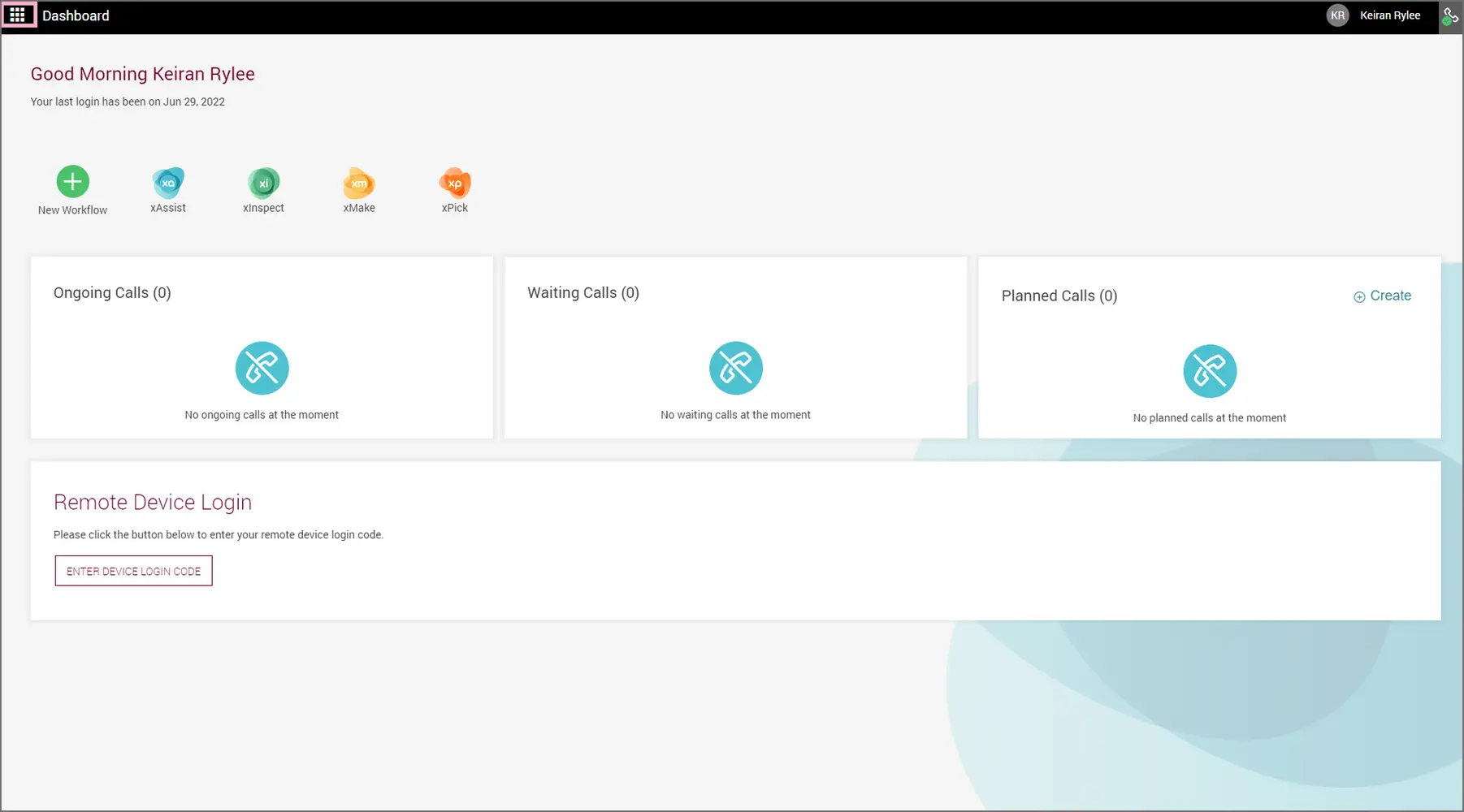
b. Sign in to the Frontline Command Center using your administrator's URL, domain, and credentials.
c. On the Home page, click the Menu icon on the top left corner of the screen.
4. Click on Configuration > Application Management > Pair Smartphone App.
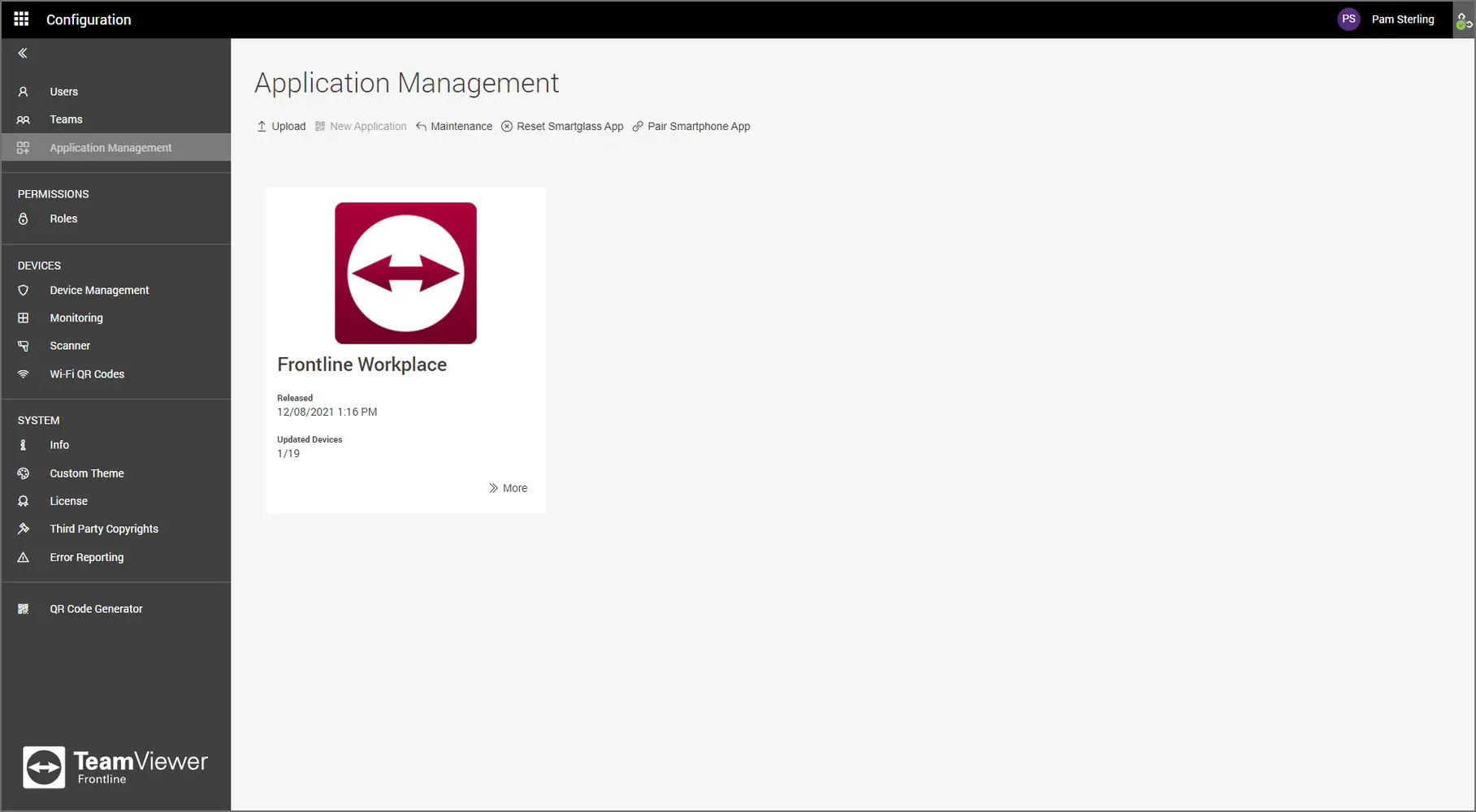
5. Scan this configuration code with your mobile device and click Save.
Note: Learn how to Sign in to the Frontline Workplace application to access the tools and features for iOS smartphones.