TeamViewer ONE
TeamViewer AI
TeamViewer ONE
With workloads rising, TeamViewer AI helps IT professionals save hours.
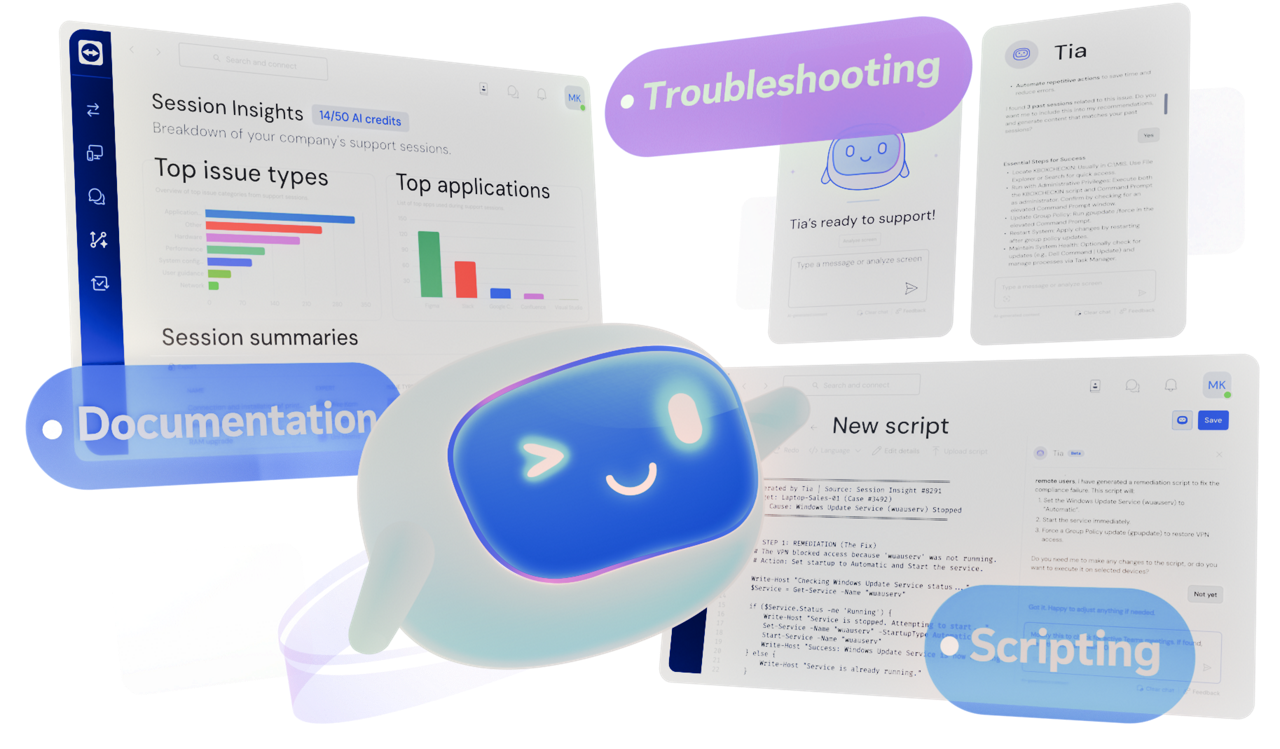
TeamViewer AI brings intelligent troubleshooting, documentation, scripting, and automation into your remote support workflows. Together, these capabilities help IT teams move from reactive, manual support to knowledge-driven, scalable operations.
TeamViewer licenses come with free monthly AI credits. Additional credits can be purchased anytime.
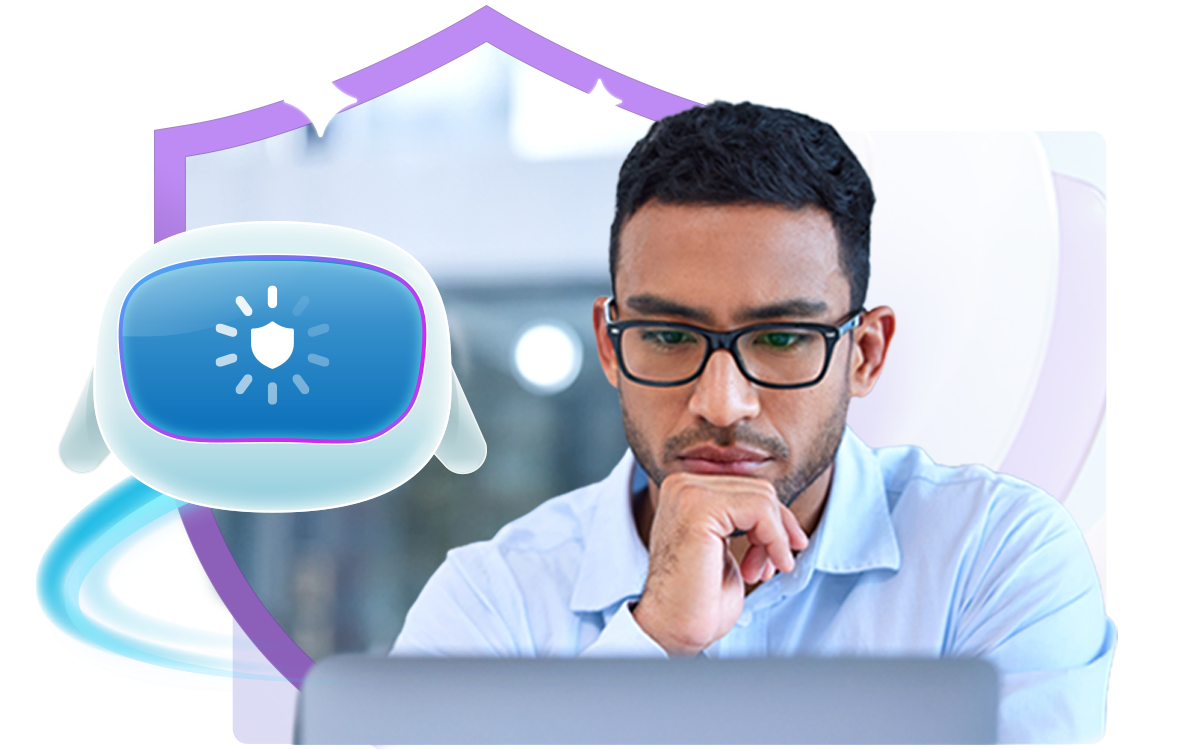
Security and control are built into every TeamViewer AI workflow, so you can adopt AI capabilities with confidence.
When a ticket comes in, IT supporters don’t have to search for answers; they just ask Tia, the TeamViewer Intelligent Agent.
Once prompted, Tia can diagnose the issue, recommend the right fix, execute approved remediation, and validate the outcome, all under strict human control.
Through configurable modes, administrators can decide exactly how Tia is used across teams, so you can scale support without giving up governance.
At the end of a session, Session Insights saves you up to five minutes by automatically generating a detailed, audit-ready session summary that supporters can verify for accuracy.
Verified session summaries improve knowledge sharing and become trusted sources for Tia, driving continuous improvement.
They also power dashboard insights in Session Analytics, revealing patterns and gaps that help you spot recurring issues and optimize workflows.
Tia Scripting turns proven fixes into reusable scripts. Scripts can be custom or based on the verified remediation steps captured in Session Insights. No manual coding needed!
You can review, refine, and test scripts before deploying them across devices or groups.
This helps standardize fixes and improve consistency.
Once a script is created, it can be turned into a reusable automation.
Automations detect and fix issues whenever they recur, so you can scale proven resolutions instantly, without manual effort. This means lower mean time to resolution (MTTR).
For better governance, policies can be used to control how automations deploy across device groups. CTA: Learn more
Add session summaries straight into your ITSM system for cleaner documentation, case continuity, and smoother handovers, with off-the-shelf integrations for major ITSM platforms.
Michael Welter, Yammm Co-President, shares how the team uses TeamViewer AI to automate documentation and scale knowledge sharing.
Discover how TeamViewer ONE improves productivity and lowers costs.
