Hero Highlight: Gradient

TeamViewer Remote for Mac
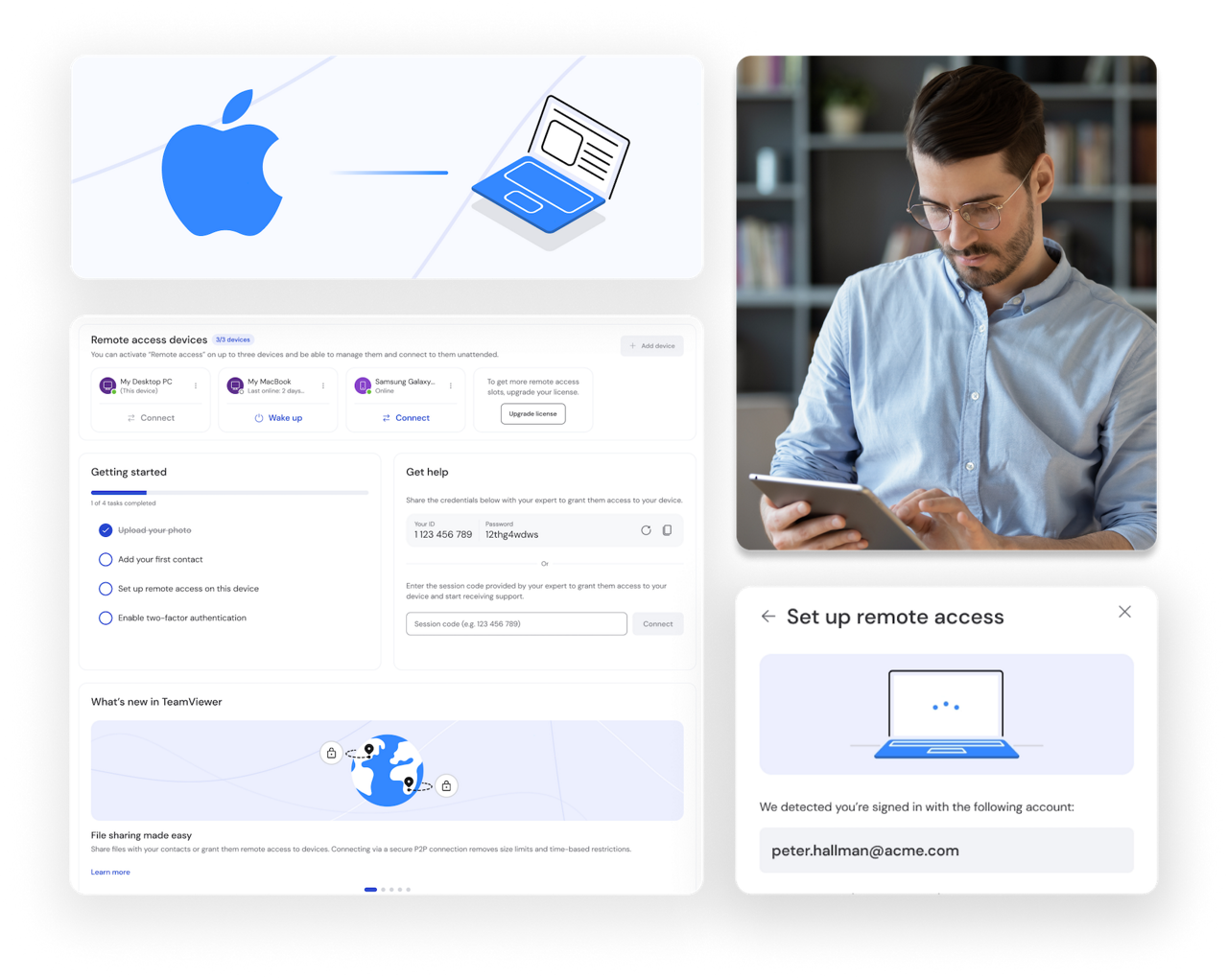
Control your Apple Mac computers remotely with TeamViewer's remote access software. Get secure access to your documents, programs, and Mac desktop, giving you the flexibility to stay productive wherever you are, whenever you need to.

Remote access features as seen in the TeamViewer Remote client

Enjoy remote desktop sessions on Mac computers with TeamViewer

TeamViewer's remote access software for Apple devices lets you access and control any Mac computer from anywhere. Provide technical support, collaborate with your team, or access your files and applications securely. Transfer files, chat with contacts, and switch between screens with ease.

Why use remote desktop for Mac and other Apple devices?

Here's how TeamViewer can improve your digital experience.

Access your Apple devices from anywhere

Stay connected to your essential software wherever life takes you. TeamViewer Remote lets you access your Mac, iPhone, or iPad from any location: during your commute, while traveling, or from the comfort of home.

Troubleshoot Mac and iOS devices remotely

Address technical challenges on Mac and Apple devices remotely, without requiring on-site presence. Remotely access any Mac, iPhone, or iPad within your network to detect and repair issues for users on the spot. Be proactive and enjoy reduced downtime.

Monitor your Apple fleet with confidence

Keep an eye on your remote computers and other Apple devices from any location to verify they're running smoothly. Track system health, get notifications, and address potential concerns before they escalate into major issues.

TEAMVIEWER KEY ADVANTAGES

TeamViewer Remote for Mac: Full control for Apple devices from anywhere

  • Remote support

    With a Mac remote desktop connection, IT support staff can deliver quick and effective solutions.

  • Monitor and maintenance

    Mac remote access allows IT engineers to monitor performance and update your MacBook or iMac.

  • Remote access

    Ensure remote access to/from Macs is safe and secure thanks to TeamViewer for Mac’s enhanced encryption.

  • Real-time file access

    Access and transfer the most up-to-date files and data through a seamless Mac remote desktop connection.

How to remotely access your Mac

Get secure remote access to your Mac or other Apple devices in minutes. Follow these simple steps and start working remotely with TeamViewer.

  • Create your account and enable unattended access

    Sign up for a free TeamViewer account or log in if you already have one. Configure Unattended Access on your Mac so you can connect at any time without needing someone to grant permission.

  • Connect to your Mac and start working

    Enter your Mac's device ID or search for it from your saved remote connections to link to your device. Get secure access to all your files, applications, and desktops in seconds. Work, troubleshoot, or manage your Mac from anywhere.
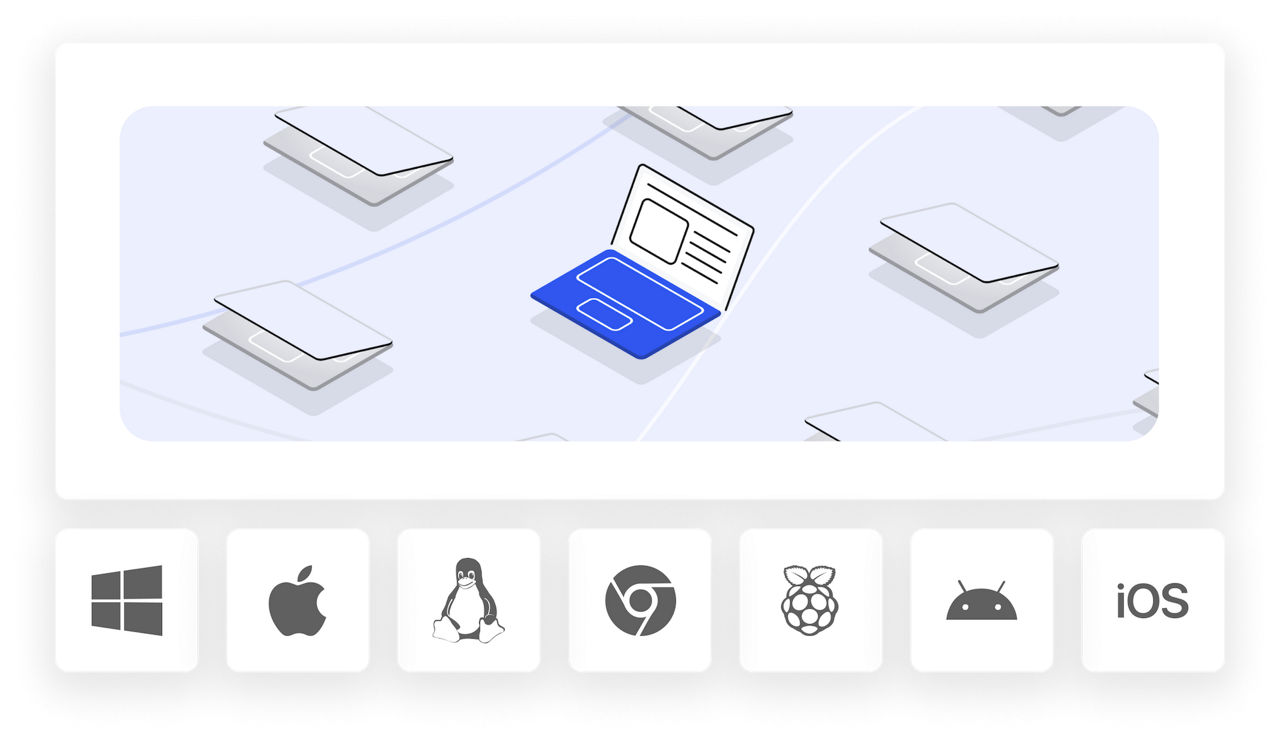
Remote access for Mac, iPhone, and iPad: All in one solution

TeamViewer Remote gives you secure access to all your Apple devices and beyond. Connect to your Mac, iPhone, or iPad from any device, whether you're using Windows, Linux, or Android.

What you get:

  • Cross-platform support:

    access your Mac and Apple devices from different operating systems, including Windows, Linux, and Android

  • Unattended access:

    connect to devices 24/7 without someone there to grant permission

  • Built-in collaboration tools:

    transfer files, chat, and make voice or video calls during sessions

  • Visual guidance for iOS:

    Use the QuickSupport app to provide visual guidance on iPhones and iPads

Remote access Mac FAQ

A remote desktop connection for Mac lets you connect to and control your Mac computer from another device. You can access files, run applications, and manage your Mac remotely, giving you the flexibility to work from anywhere with a secure internet connection.

Yes, it's safe with TeamViewer. We use AES-256 encryption and TLS 1.2 to protect your connections. You also get two-factor authentication, Conditional Access, and GDPR and HIPAA compliance, ensuring your data stays secure while working remotely.

Download TeamViewer's Remote for Mac and install it on your device. Create a free account and enable unattended access. Enter your device ID or select from saved connections, and you'll have secure access in seconds.

Unlike Apple Remote Desktop, TeamViewer offers cross-platform support. You get unattended 24/7 access, built-in file transfer, chat, voice, and video calls, plus visual guidance for iPhones and iPads through QuickSupport.

Choose TeamViewer Remote for your Apple devices

TeamViewer Remote secure access to any Mac computer from any device. Connect in seconds, work remotely with confidence, and manage your devices with ease.