Knowledge Base
Settings - System Messages
Last Modified Mar 14, 2024
Overview
Default Language
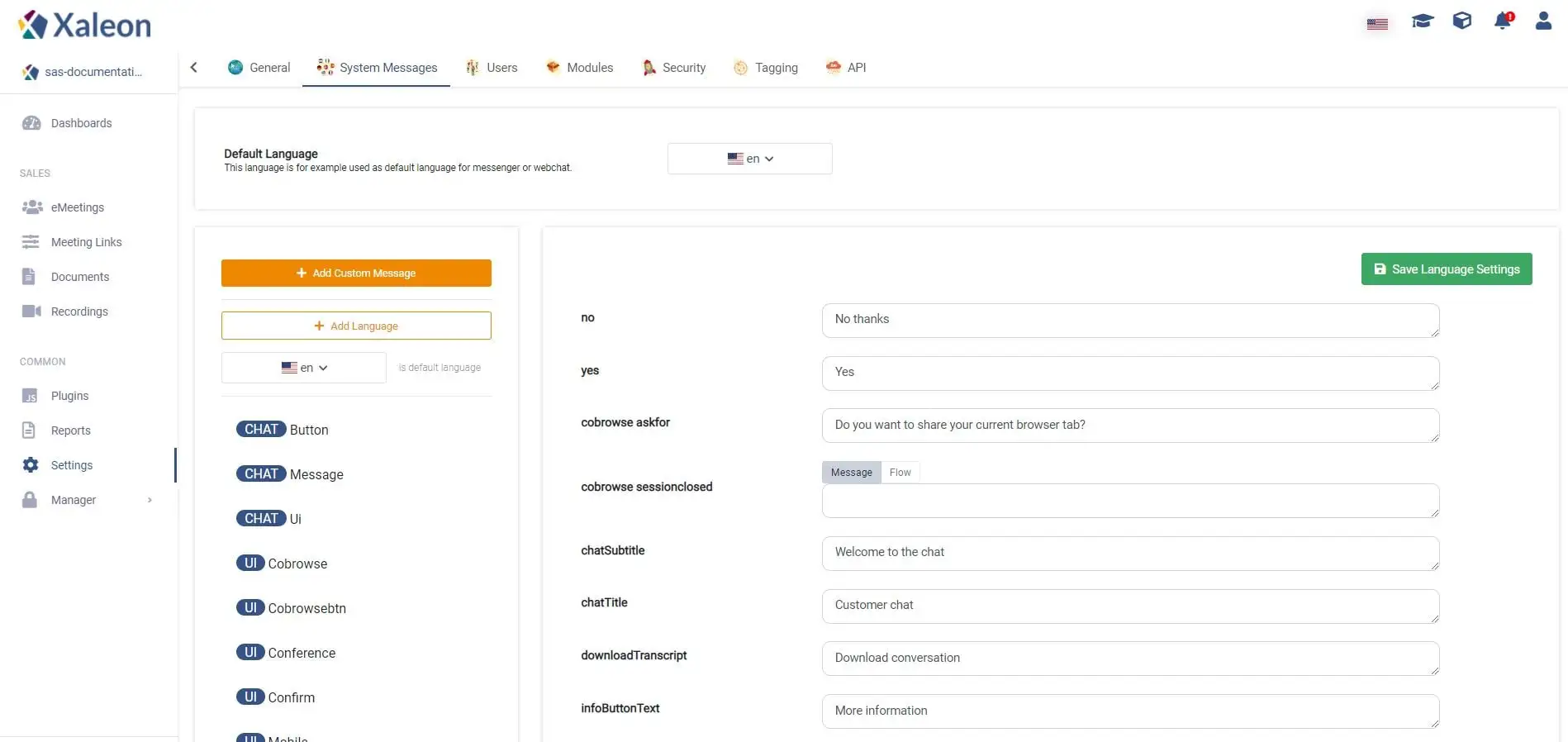
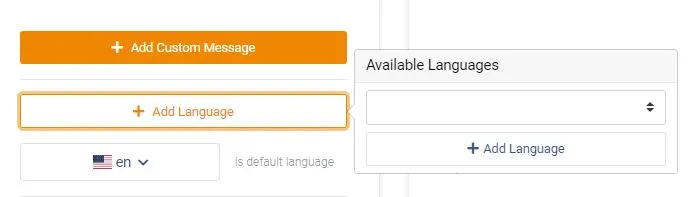
This language is used as the default language for your messenger or webchat. You can add languages by clicking + Add Language.
Messages
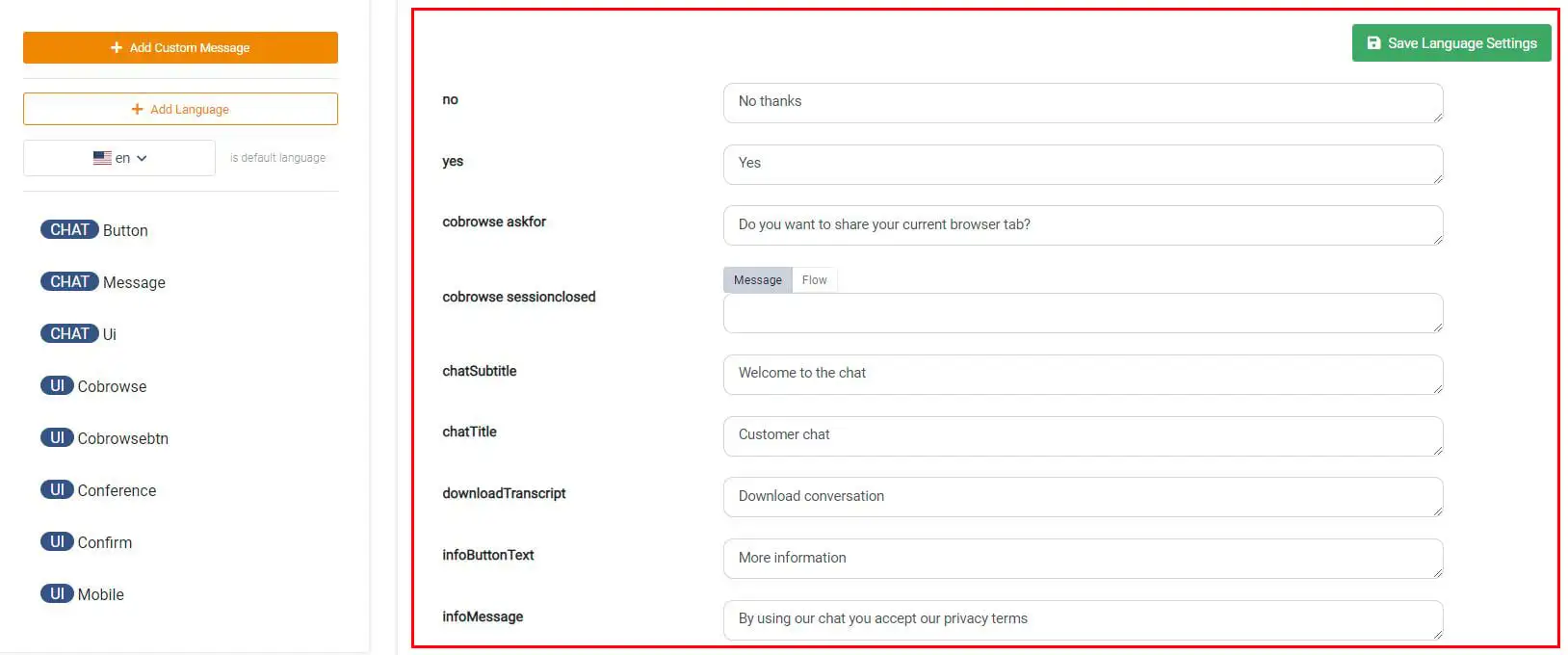
The list in the middle of the page shows all System Messages and their corresponding text. You can filter the list by clicking on a categorie on the left side.
Custom Messages
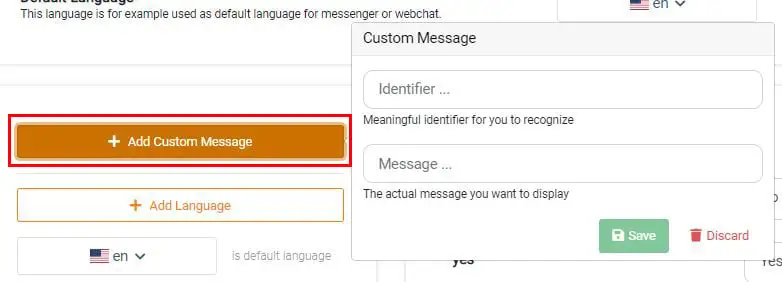
By clicking + Add Custom Message you can add a custom message to the list in the middle. To achieve this you have to define an identifier as well as the actual message you want to display. Custom Messages can be used e.g. in Routing Rules to send a specific message.