
Play your favorite PC games anywhere, anytime
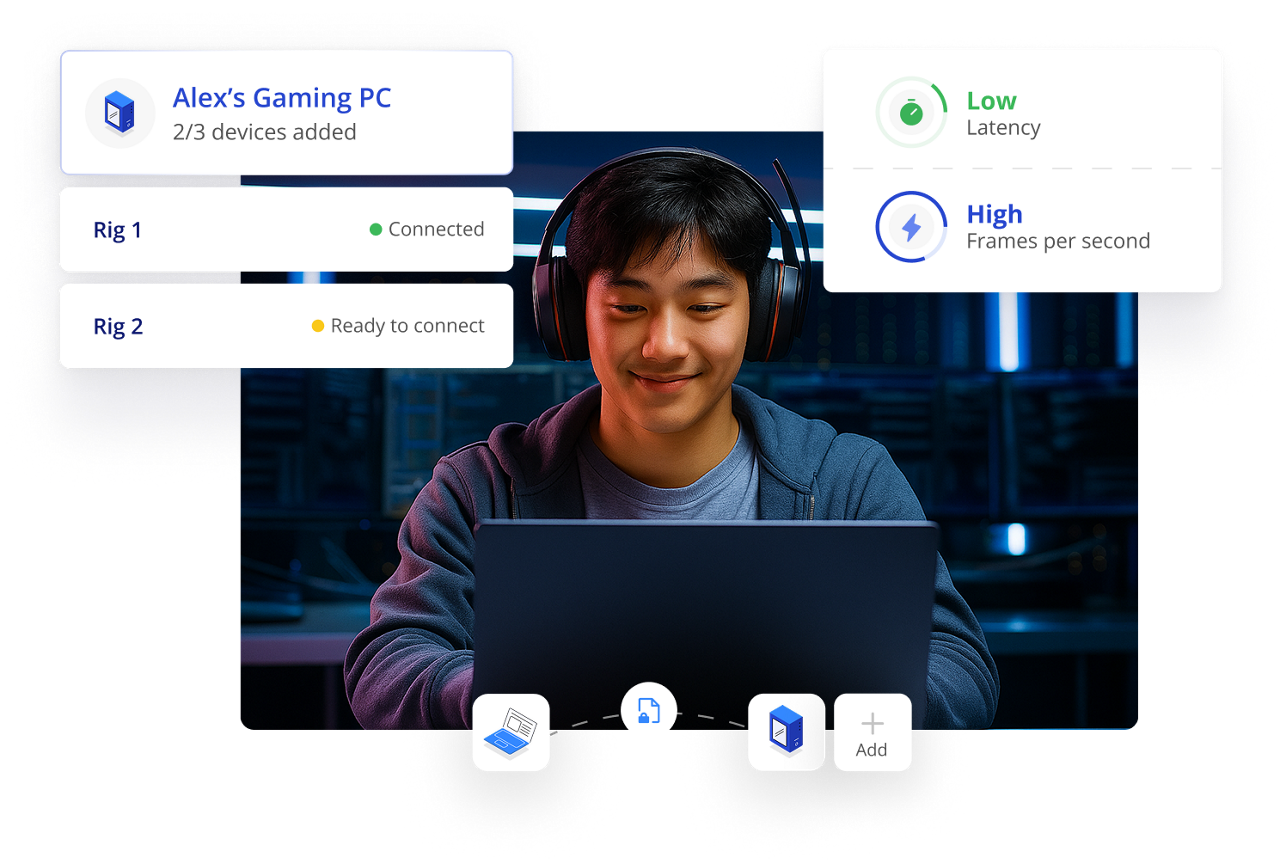
Get lightning-quick latency with high FPS so your moves register instantly—giving you the edge in any match.

Encrypted connections keep your gaming safe and secure.

Your powerful gaming rig is always ready.
Tap into its power anywhere and anytime you want.

Ensures perfect, high-fidelity color accuracy for high performance gaming and streaming sessions.

Why TeamViewer
Massive user base who rely on us daily for secure remote connections.
Remote software built on decades of industry experience.
We offer industry-grade security with 256-bit encryption and SSO.
Wake up sleeping devices and access them remotely as per your needs.
Easily share files between your gaming PC and local device.
Skip the setup stress, get connected, and start gaming easily.
Game remotely on up to three separate devices from a single license.
System requirements
Use TeamViewer on any OS—Windows, Mac, or Linux. The more powerful your device, the better your experience will be.
Connect to your gaming PC in just three simple steps.

1. Launch TeamViewer Gaming
Open TeamViewer Gaming on the device you're using (laptop, tablet, etc.). Start a remote session request to your home gaming rig.

2. Link to your host PC
Make sure TeamViewer Gaming is running on your main gaming machine. Follow the prompt to create a secure link between your devices—your connection is ready in seconds.

3. Start playing instantly
The session starts instantly, giving you full remote control. You are now connected to your high-performance machine and can start gaming seamlessly from anywhere.
Pricing
Access your high-end gaming PC from any device. Enjoy ultra-low latency and max FPS for seamless gaming and streaming. Ready to play?
VAT will be applied on the next step during the checkout process
At TeamViewer, we offer our customers annual subscriptions, which are paid for and renewed on an annual basis.
At TeamViewer we accept payment via Visa, Mastercard, American Express, JCB, and PayPal. Bank transfers are also accepted in Germany, Austria, and Switzerland.
Your subscription will automatically renew every 12 months unless you terminate your contract by submitting a support ticket or notifying us in text form, at least 28 days before the end of the initial term or any renewal term.
Managed devices are devices assigned to the company account and centrally managed within the company profile by the administrator.
An endpoint is a device connected to TeamViewer.