

TeamViewer DEX vs. Riverbed
Why choose TeamViewer DEX over Riverbed Aternity
TeamViewer DEX takes organizations beyond observability, helping IT teams move from insight to action faster with real-time remediation, automation at scale, and native remote support – all from one platform.
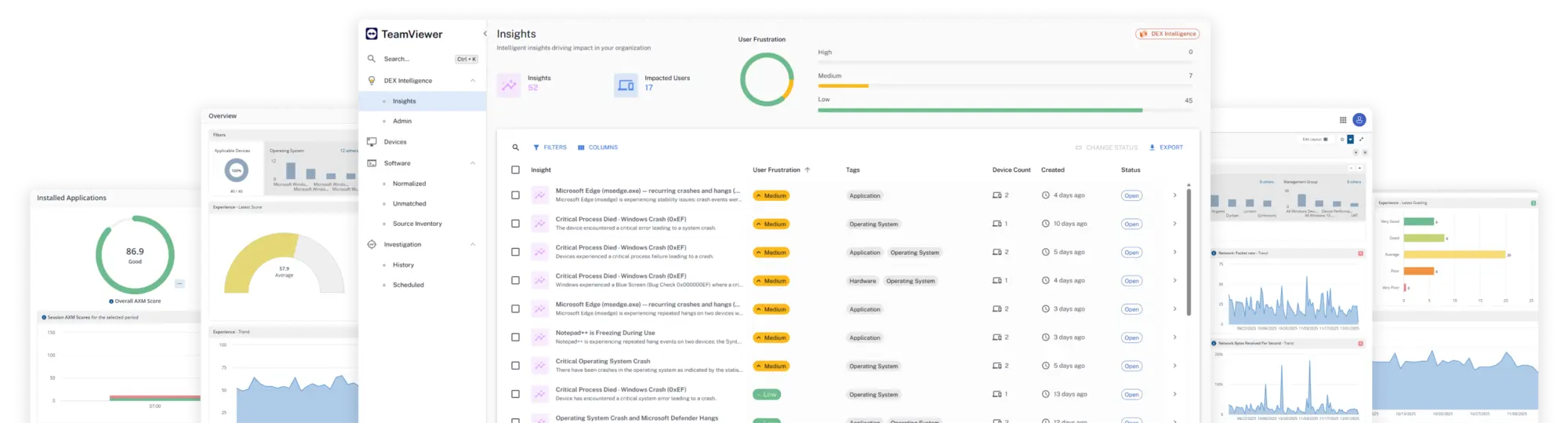
Stop observing issues, start resolving them
The demands of a modern digital workplace mean IT teams need to move quickly from insight to action, resolving digital workplace issues before they disrupt productivity or increase ticket volumes.
TeamViewer takes organizations beyond observability by combining digital employee experience (DEX), large-scale endpoint automation, self-healing, native remote support, and service desk workflows in a single platform. This reduces complex manual work, additional support tools, and unnecessary costs, making proactive IT easier to operationalize across the business.
With real-time endpoint remediation, automation at the edge, and a unified operational workflow, TeamViewer DEX helps organizations reduce ticket volumes, cut wasteful spending, improve DEX, and move quickly, broadly, and consistently from insight to validated resolution.
Move from insight to action with TeamViewer DEX
Where TeamViewer wins

Collect telemetry in real time and execute automations rapidly to resolve problems before they impact employee productivity.

When human interaction or confirmation is needed, you can switch to a secure remote support session directly from the DEX platform when Tensor is integrated.

With 3,000+ built-in automations and monitoring templates, organizations can accelerate remediation without relying heavily on coding or building additional automations.

Help continuously enforce configurations and support device compliance at scale with remediation actions that persist even when devices are disconnected or temporarily offline.
“We've used the information that TeamViewer has given us to help us address issues before users report them.”

Operations Engineer, Arup
Feature comparison
TeamViewer DEX vs. Riverbed Aternity
(Data as of September 2026)
| TeamViewer DEX | Riverbed Aternity | |
|---|---|---|
| Experience monitoring and analytics |  | |
| Automated endpoint remediation | | |
| Application performance visibility | | |
| Root cause analysis | | |
| Real-time remediation architecture | |  |
| Offline remediation enforcement | | |
| Desired state management | | |
| Out-of-the-box automations | | |
| No-code / policy-based automation creation | | |
| Native Intune remediation workflows | | |
| Native Jamf remediation workflows | | |
| Embedded remote support within ServiceNow | | |
| Real-time DEX scoring in ServiceNow | | |