Knowledge Base
Conference
Last Modified 14 мар. 2024 г.
New Plugin
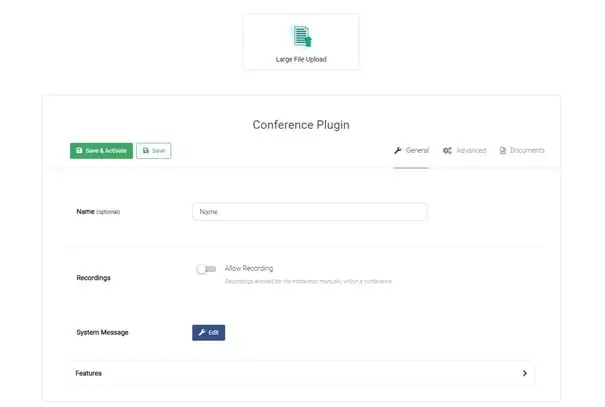
After creating a new conference plugin or editing the existing one, you find yourself on following view:
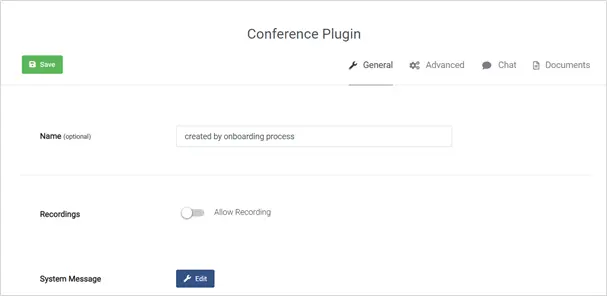
Tab: General
By default, the plugin is created by the onboarding process, so the name of the plugin contains this hint. This should be changed to a meaningful name.
Recordings
By enabling the recording feature, all eMeetings are recorded and saved for auditing purposes. All recordings are then available in the "Recordings" menu.
System Messages
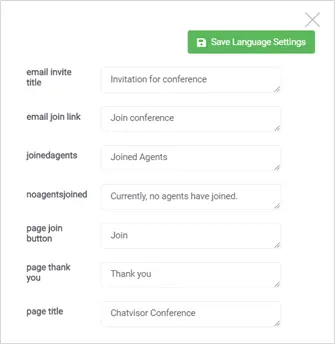
The system messages can be used to customize the wording of standard texts that the customer will read:
Features
Finally, it can be specified which functions should be available to the agent during an eMeeting:
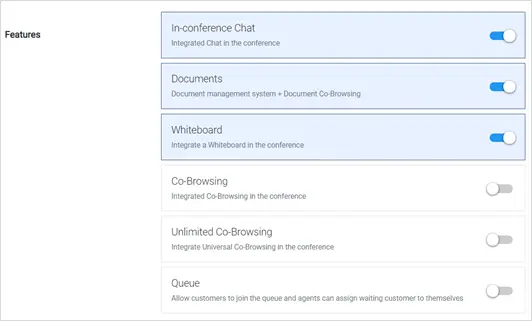
- In-conference Chat
- Documents
- Whiteboard
- Co-Browsing - only applicable when TeamViewer Engage is not used as standalone video consultation platform but is directly integrated on the website.
- Unlimited Co-Browsing (Beta) - allows to browse the whole WWW together with the customer
- Queue – only applicable for specific use cases like virtual conference (were booth visitors “line up” to talk with sales reps) or waiting rooms like when visiting a doctor. The Queue is usually integrated directly on a website – to do that, companies use the TeamViewer Engage JS API.
📌Note: Unlimited Co-Browsing (also Universal Co-Browsing): Please note that Universal Co-Browsing might not yet work on all websites. We are constantly improving the range of supported pages, but due to the variety of web technologies, different development styles, and the diversity in the WWW, we can not guarantee that every website works out-of-the-box. In case you find a website that is not working yet, pleaes contact our Support.
Tab: Advanced
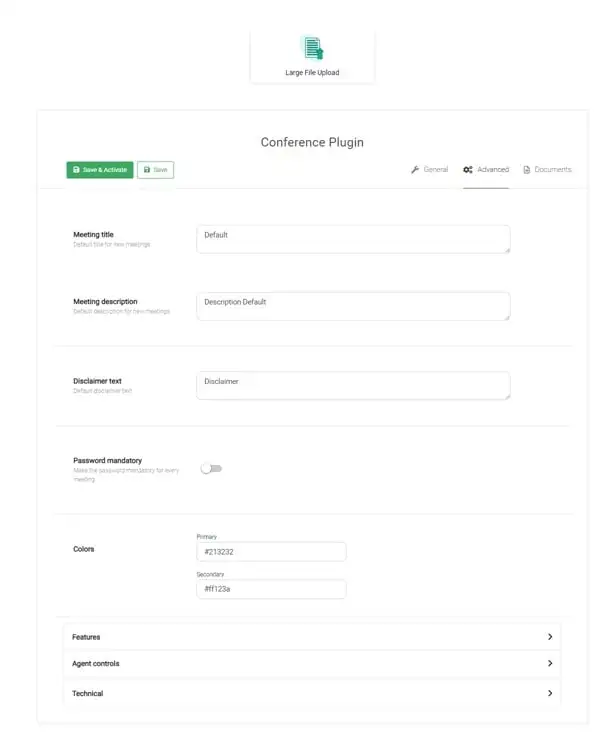
In “Advanced” you can add and change the default texts that will appear when you create a new appointment. Further you can change colors and activate/deactivate additional features for agents.
Colours
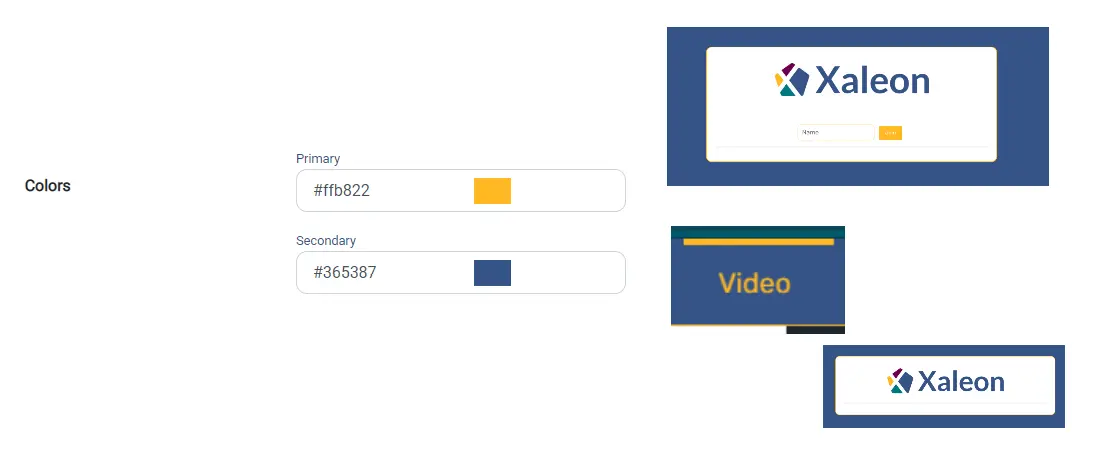
By changing the Primary and Secondary Colors, you can easily customize the appearance of TeamViewer Engage for your customers. As you can see in the examples next to each colour type, the primary colour changes the colour of lines in the UI, colour of clickable labels and colour of messages that customers send; the secondary colour mainly changes the background of the conference toolbar.
Features
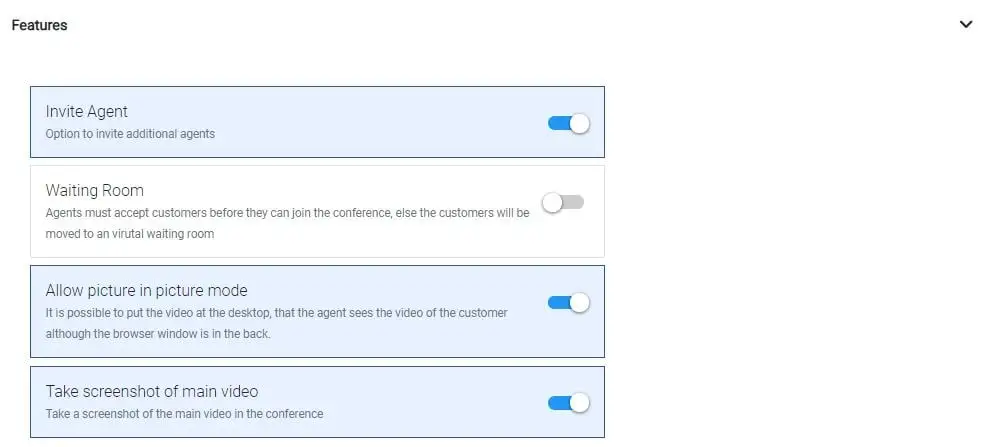
Define whether the following features should or should not be available for your customers/agents:
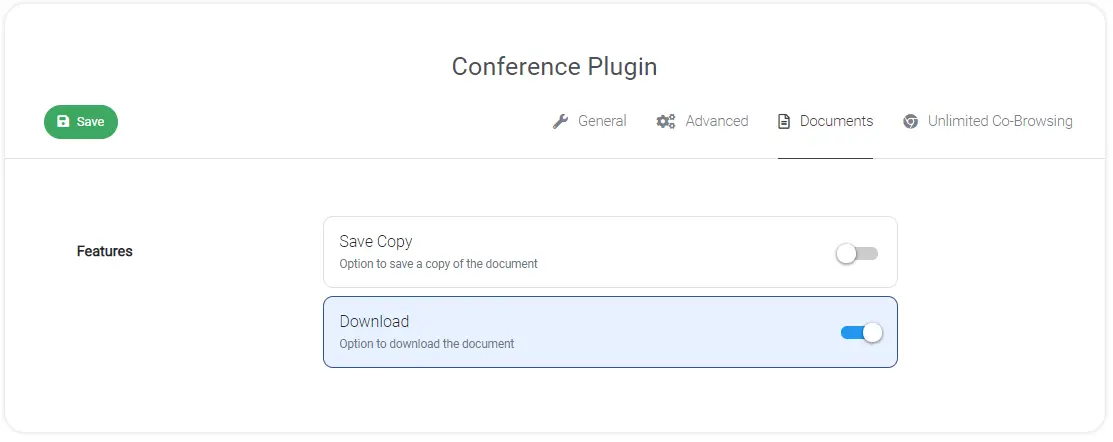
Tab: Documents
Enable or disable features within an eMeeting:
Tab: Unlimited Co-Browsing