
Knowledge Base
Settings - Security
Last Modified 14 мар. 2024 г.
Overview
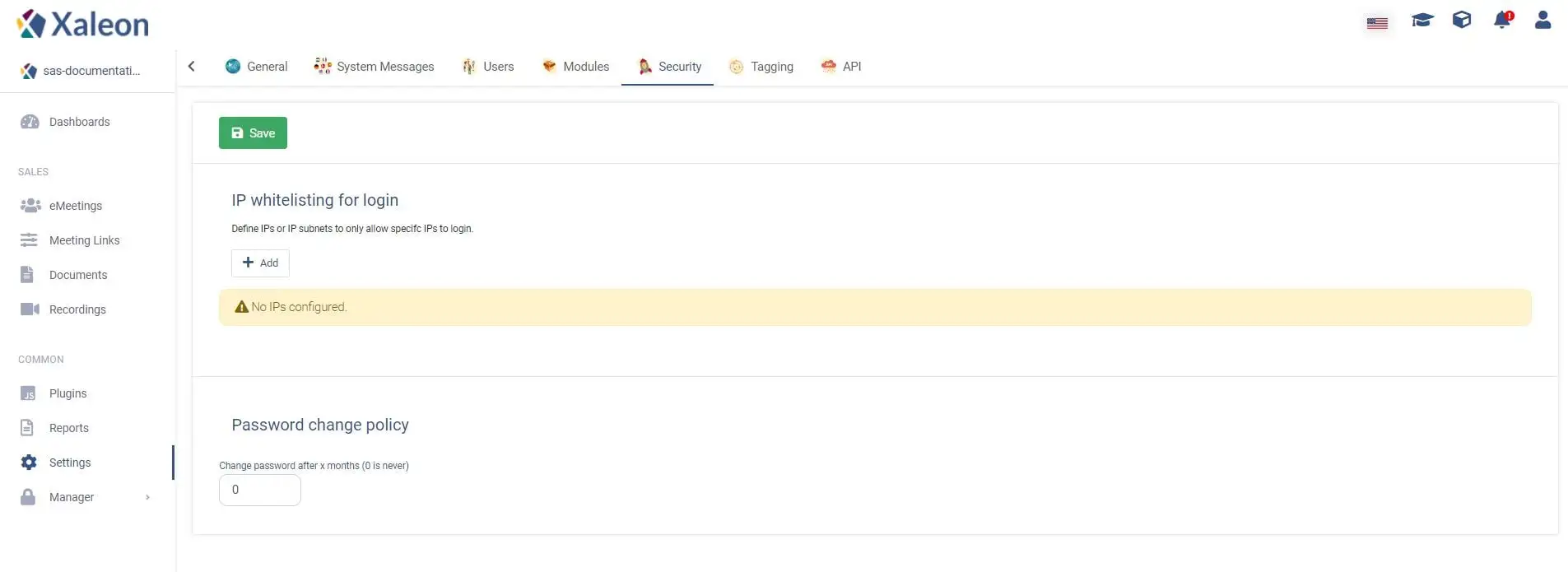
In the security tab you can define special security measures for TeamViewer Engage.
IP Whitelisting
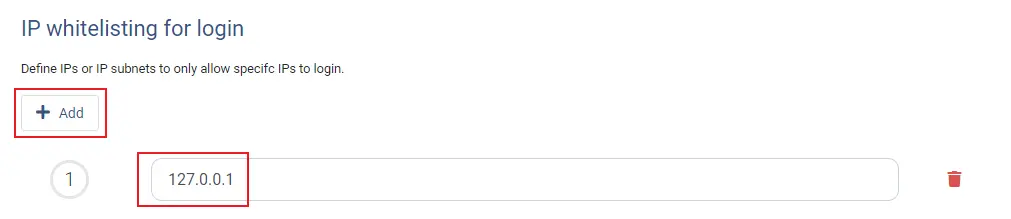
You can define IPs or IP subnets to only allow specific IPs to log in to TeamViewer Engage. This can be achieved by clicking the Add button and then enter a specific IP:
Password change policy
You can set how often users have to change their password by entering a value (in months) into the input field.
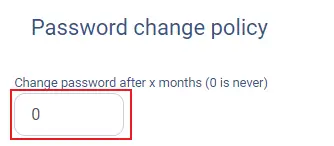
📌Note: By entering 0, users don't have to change the password (default)