Knowledge Base
User Groups
Last Modified 13 мар. 2024 г.
Navigation path: eMeetings + tab: User Groups
Purpose
User Groups allow you to put together a list of other TeamViewer Engage users of your organization. This list will then be available for selection when inviting additional team members to an eMeeting.
Example use case: you are an insurance broker and your organization has product specialists which you might bring into a conversation with a customer. To have these product specialists at hand quickly, you can bundle all those contacts in a User Group.
Feature description
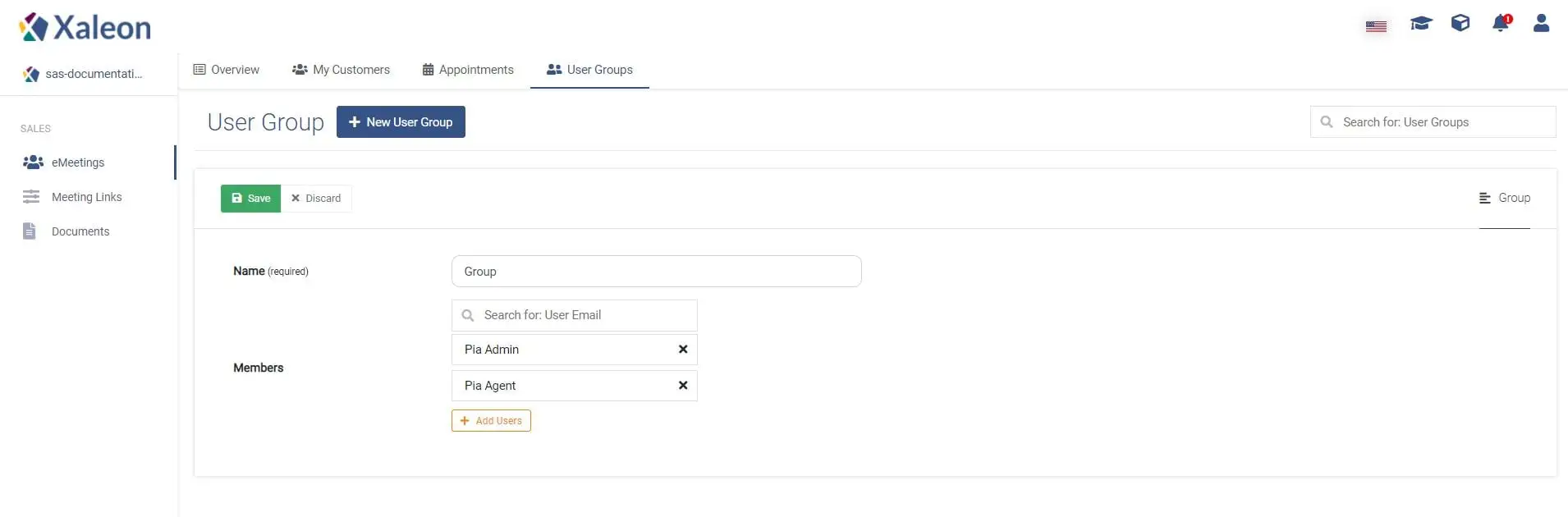
To create a new User Group click New User Group. Then add the respective TeamViewer Engage users of your organization.
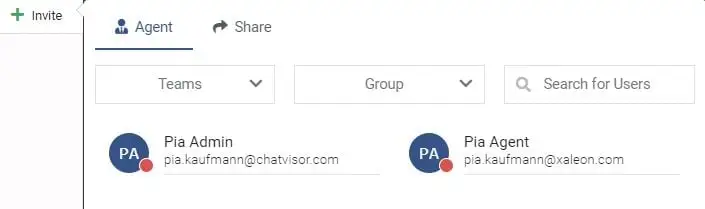
Invite users during an eMeeting
During an eMeeting you can use the User Group as a filter: