
Resolve issues faster with Tia Troubleshooting
For many support teams, a lot of time is spent manually collecting device context, interpreting symptoms, and repeating remediations. This leaves them stuck in a cycle of reactive troubleshooting that makes it near impossible to scale IT operations.
Teams want to use AI to break this cycle, but only if they can trust it, stay in control, and keep their environment secure.

Tia Troubleshooting helps you resolve issues faster and create consistent, standardized processes. At the same time, security is maintained through full traceability and strict human-in-the-loop approvals.
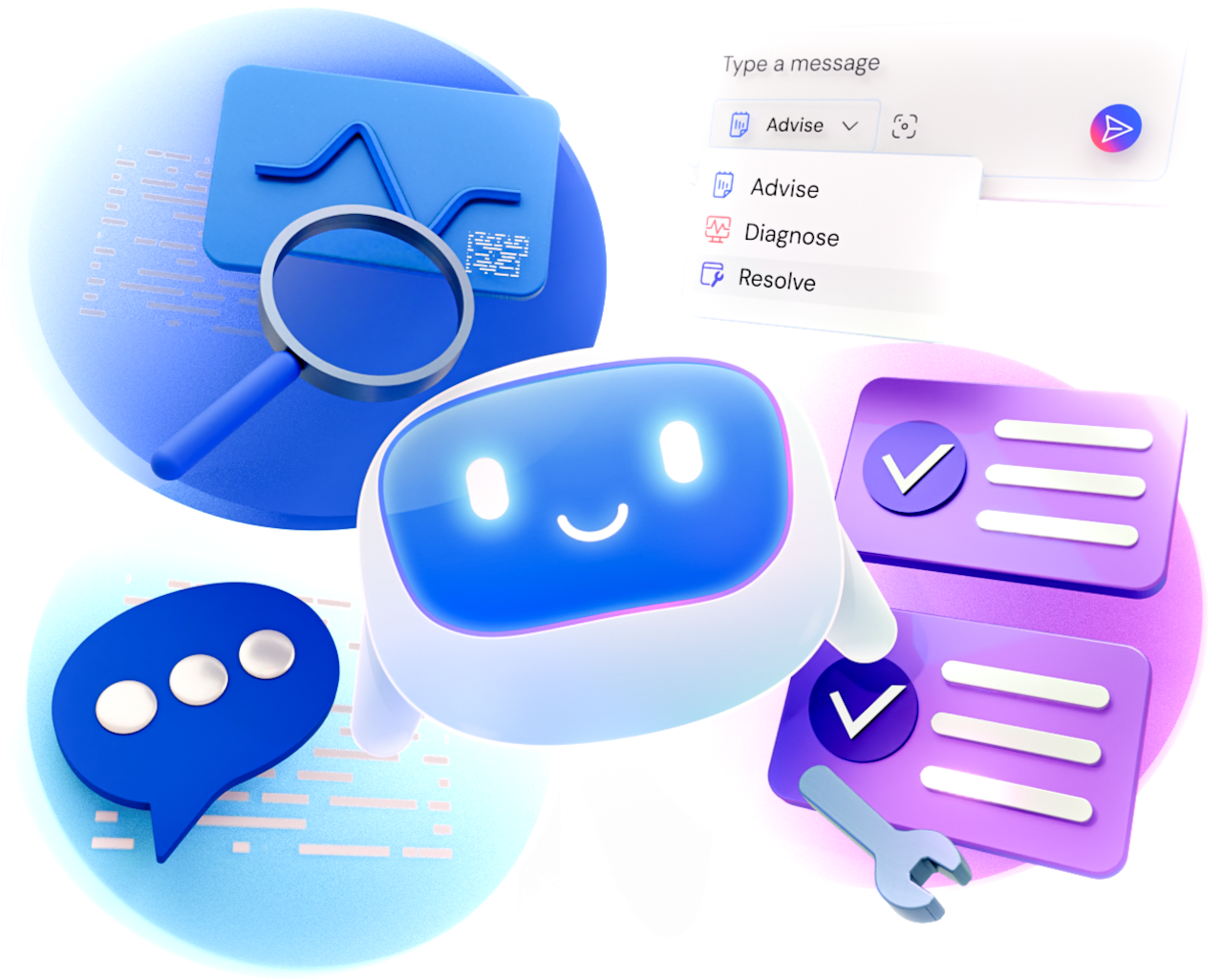
Administrators stay in control, deciding exactly how AI support is used across their teams through three progressive modes.
Uses proven fixes captured in Session Insights and device context to understand the issue and recommend the most relevant next steps.
Everything in Advise, plus live diagnostics. Tia collects and analyzes endpoint data, narrows down the most likely root cause, then recommends the right remediation.
Everything in Advise and Diagnose, plus remediation. Tia recommends the appropriate fix, carries out the remediation (after your approval), and validates that the issue is fully resolved.
Help your IT team tackle unfamiliar problems by providing context, diagnostics, and recommended next steps.
Move from diagnosis to remediation faster with AI that suggests fixes, supports approved execution, and validates outcomes.
Human-in-the-loop approvals, assignable modes, and administrator permissions keep AI actions aligned with your policies.
Make structured troubleshooting guidance available to your whole team and reduce reliance on individual experts.
Assign different AI capabilities to different roles without compromising security or control.
Security-reviewed capabilities and validated remediation deliver reliable, repeatable recommendations.
Complete visibility into AI actions, approvals, and outcomes simplifies and supports compliance.
Validated resolutions become trusted knowledge that improves future recommendations.

At the foundation of Tia Troubleshooting is Tool Catalog, a curated library of diagnostic and remediation tools. Grounded in TeamViewer’s endpoint automation expertise, these LLM tools are refined by experts and security-reviewed before they run.
Learn how TeamViewer AI can help you automate support and improve everyday workflows.
