
Screen sharing between devices with TeamViewer
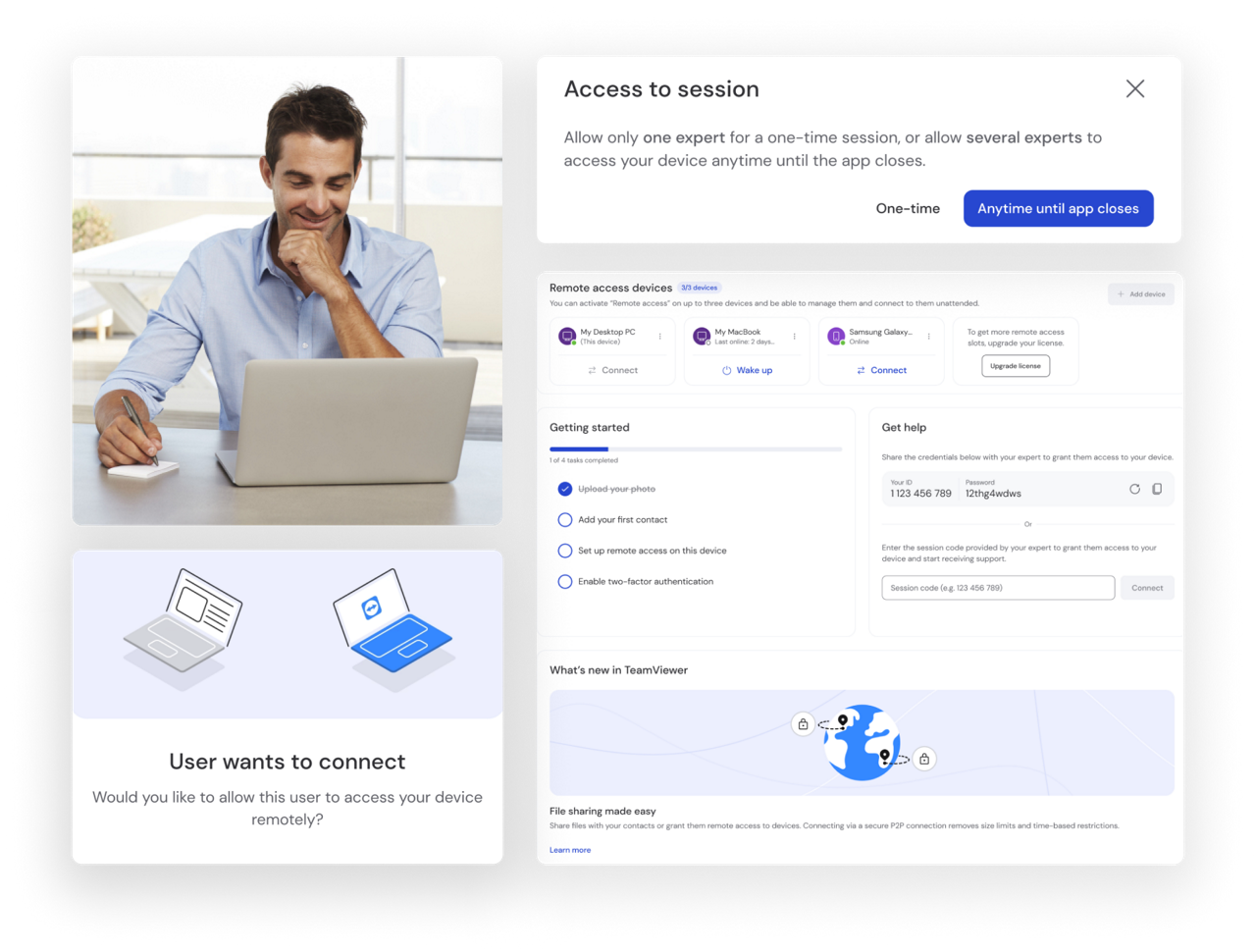
Screen sharing software enables you to share your screen — or a segment of it — with another device or multiple devices.
For virtual teams and remote workers, screen sharing enables more dynamic, hands-on access. It also facilitates real-time problem solving, making it a valuable tool for technical remote support, training, and customer service.
To configure your computer for remote access, follow the remote control a Mac guide.
For more information, follow the iPhone/iPad screen sharing guide.
TeamViewer Remote
TeamViewer Remote allows a screen share user to not only view the screen contents of another device but also watch as the other party interacts with it in real-time, navigating the interface and making changes.
This helps make TeamViewer Remote an essential part of your toolkit for remote work, monitoring, and instruction.
Sync with any device and OS—unlike other competitor products.
Start support sessions in seconds—just send a secure invite link.
Connect and add devices directly from the home screen.
Easily and quickly verify connection invitations before accepting.
Use TeamViewer Remote to give multiple colleagues real-time access to documents, images, videos, charts, and other assets, without the need to email. Discuss and make changes in an instant, while keeping your inbox clean.
See what the problem is, guide the user to a quick fix, or escalate the issue up the chain where required.
Mirror your tablet or mobile screen to your projector-linked PC for a seamless presentation or pitch. Use the same screen sharing software to gain access to colleagues’ screens on an individual level to provide dynamic feedback, corrections, and guidance.
Get an instant view of what’s being displayed on any of your specialist devices. Use the same solution to tweak the display or add updated information.
Spotlight
TeamViewer Remote security access controls are designed to ensure secure screen sharing. The solution gives you total control over who you share screens with, how much of your screen you share, and for how long.
For the transmission of data in screen sharing sessions, TeamViewer uses RSA public/private key exchange and AES (265-bit) session encryption. This ensures that only your intended recipients have access to your screen.
Yes, for personal use. TeamViewer Remote screen share capabilities are available as part of our basic package that can be downloaded for free from our website.
For commercial use, TeamViewer Remote is available via a range of licenses to suit everyone from single users to global enterprises. This screen-sharing software is also customisable, with the option of add-on features to tailor the solution to your project needs.
With screen sharing software, the information depicted on a device screen is broken down into encoded packets, compressed to minimize bandwidth requirements, and sent across the internet to another device. The recipient's device then rebuilds the image received from the other screen.
It’s fast, and efficient, and thanks to TeamViewer Remote’s high image quality and connection stability, it delivers an exceptional user experience.
Yes, TeamViewer Remote allows online screen sharing between all devices — including cross-operating system screen sharing — without compatibility issues.
This includes sharing between Windows, macOS, and Linux desktops and laptops, mobile devices (iOS iPhones and iPads, Android tablets and mobiles) and unattended Android devices. The solution also lets you run screen sharing on multiple devices at once.