The digital workplace is all the technology employees use to get their jobs done. For most businesses, it’s now the backbone of work, shaping almost every interaction, process, and result. Because it’s so important, businesses need ways to measure how successful their digital workplace really is.
A key metric for defining success is a DEX (digital employee experience) score. A DEX score helps quantify how well employees and technology work together. It's important because when technology works as it should, employees stay focused, productive, and engaged.
Of course, tech problems still happen. And when they do, it's critical to get them under control as quickly as possible.
Metrics like mean time to resolution (MTTR) and first contact resolution (FCR) measure this. They show how fast issues get solved and how often they’re resolved the first time around.
By keeping track of these metrics, businesses can build a digital workplace that works better, recovers faster, and supports people to do their best work.
In this article:
- Metric 1: Digital employee experience (DEX) score
- Metric 2: Mean time to resolution (MTTR)
- Metric 3: First contact resolution rate (FCR)
- Summary
Metric 1: Digital employee experience (DEX) score
What is a DEX score?
A DEX score is a measurement of how well digital tools and systems support employees in their workday.
It considers things like device performance, software reliability, how easily employees can access what they need, and how well systems are integrated.
A high DEX score means employees are having a positive experience with their tech, characterized by fewer disruptions and less frustration.
On the flip side, a low DEX score indicates that employees are frequently hindered by technology issues.
In businesses with a low DEX score, employees spend time troubleshooting or waiting for fixes, rather than focusing on their work. This often leads to frustration, reduces productivity, and lowers overall engagement.
A DEX score is a powerful way for IT teams to keep track of employee satisfaction and understand what is causing frustration and lost productivity. With this knowledge, they can proactively fix problems before they disrupt work.
How can businesses track and improve their DEX score?
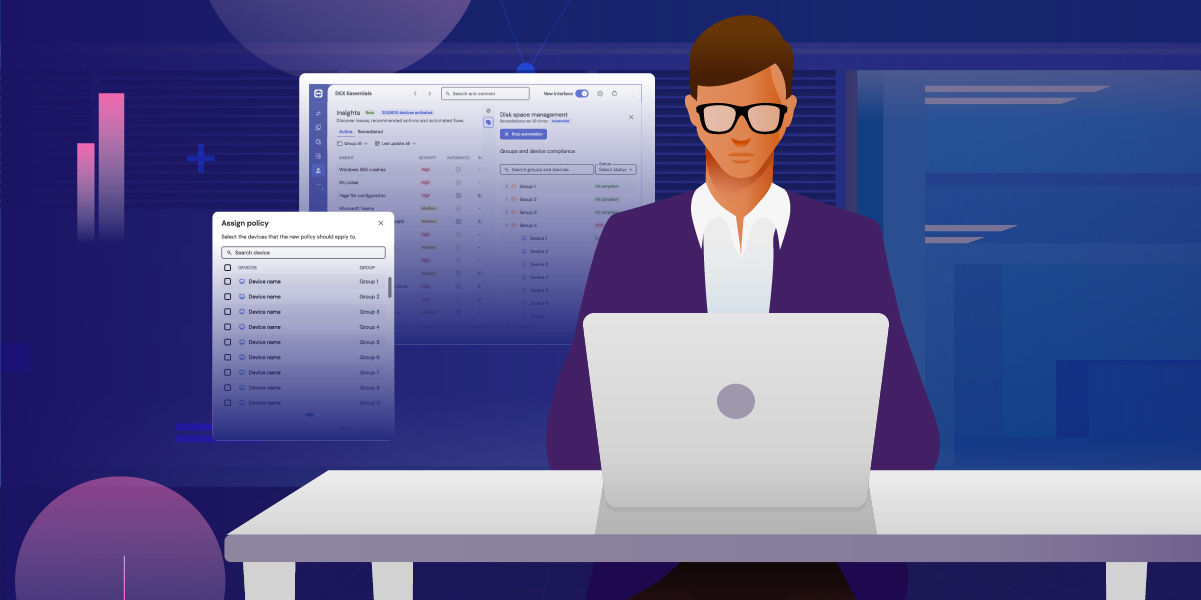
By implementing a DEX solution, businesses can continuously monitor the health and performance of devices, applications, and networks used by employees.
DEX solutions do all the hard work by collecting data from employee devices and combining it with user feedback, such as surveys or support tickets. They then use this information to calculate an overall score.
DEX solutions help businesses improve the digital employee experience because they uncover underlying issues that disrupt employees, often before employees even notice there’s a problem. This process of continuous monitoring means IT can be more proactive in addressing issues and minimizing downtime.
Secondly, DEX solutions can also automate routine fixes. Instead of relying on manual fixes or waiting for support tickets, automated remediation resolves common issues in the background.
Finally, leading DEX solutions quantify the impact of these improvements, showing IT and business leaders exactly how many issues were prevented, how many support hours were saved, and the overall productivity gains.
Metric 2: Mean time to resolution (MTTR)

What is MTTR?
When tech issues happen, the number one priority is to solve the problem as quickly as possible.
That’s what MTTR measures: the average time it takes from when a problem is reported to when it’s completely resolved.
To measure MTTR properly, organizations need to ensure consistent logging across all support channels (email, chat, etc).
MTTR is a vital metric because it shows exactly how much time a business loses when problems drag on. Every extra hour spent fixing an issue means employees can’t do their work, projects get delayed, and frustration grows.
By tracking MTTR, businesses can spot which problems take too long to solve and where support gets stuck. With that insight, IT teams can focus on removing blockers and improving resolution times.
What causes slow MTTR?
A major cause of slow MTTR happens when a multitude of tools are used for different aspects of support. One app for remote access, another for monitoring, and another still for reporting. Forcing support teams to jump between apps to get the full picture of an issue is a sure way to increase MTTR.
Manual processes are another culprit. For example, digging through old records to see if a similar problem has been solved before. The time it takes to perform manual processes adds up quickly, turning what could be a five-minute fix into a half-hour task.
Another major cause of slow MTTR is sheer ticket overload. When lean IT support teams are buried under hundreds of incoming requests, even simple fixes take longer to get to. It’s not always that the issue itself is complex, it’s simply that it’s stuck behind a long line of tickets.
This overload often leads to rushed troubleshooting, missed details, and a cycle where unresolved problems come back as repeat tickets.
How can businesses improve MTTR?
One way to speed up MTTR is to reduce complexity. As mentioned, many teams still rely on a patchwork of tools from different vendors to manage IT support.
Each tool might work well on its own, but switching between them creates silos and blind spots and slows down workflows.
Moving to a unified, single-vendor approach reduces fragmentation. It means fewer data handovers, fewer gaps where context is lost, and fewer logins. When everything is connected, support agents can see the full picture of an issue without jumping between apps. This alone can shave minutes, even hours, off resolution times.
A second way to reduce MTTR is with automation. By automating repetitive steps, or even resolving entire issues without human input, businesses can cut resolution times dramatically.
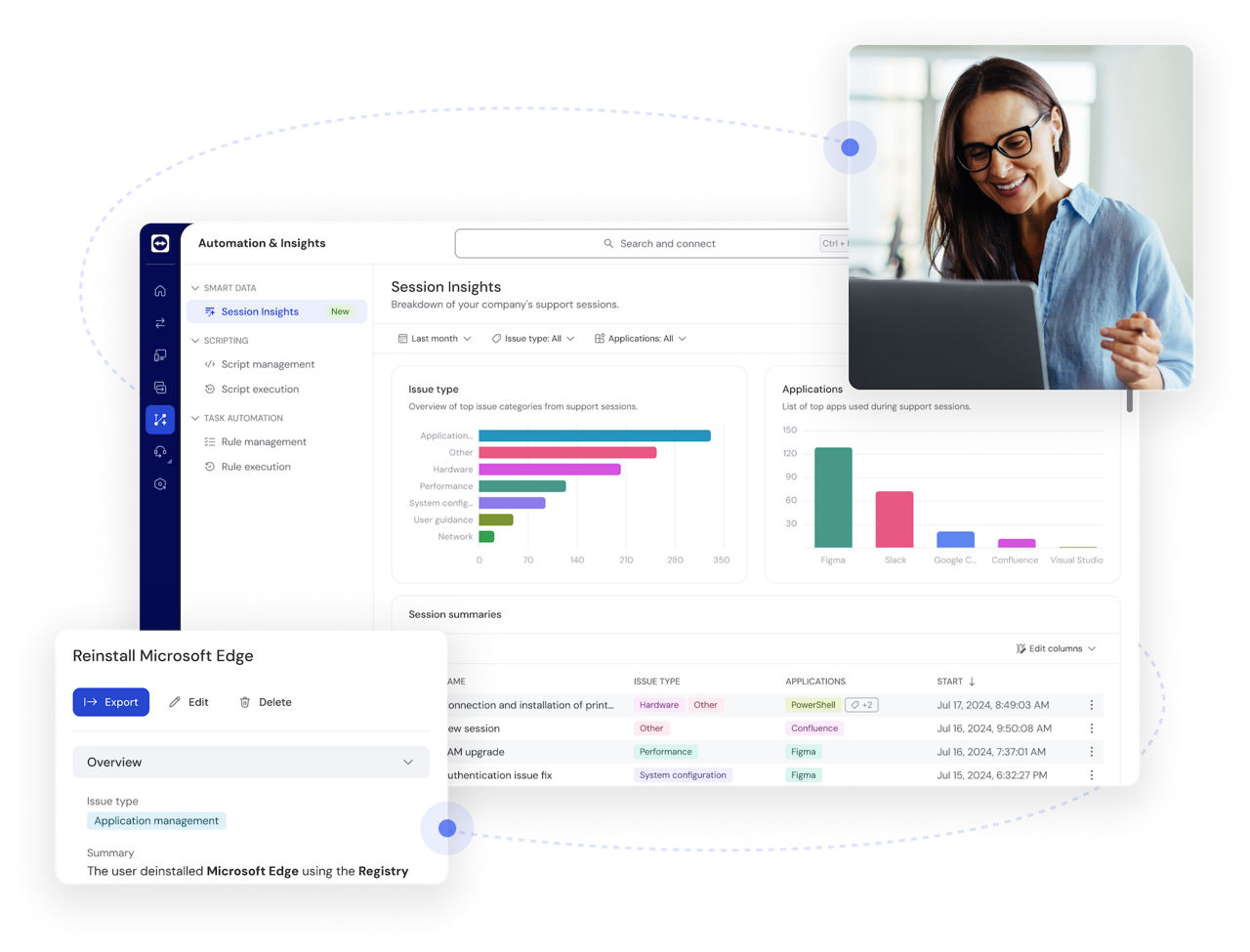
AI tools that automatically generate support session summaries can save teams five to ten minutes on every case. Instead of writing up notes by hand, agents finish a session with a ready-made, accurate record of what happened. This not only speeds up the support process but also makes compliance and reporting much easier.
DEX solutions also help bring down MTTR. Instead of waiting for a ticket and piecing together clues, support teams can see issues as they happen and act immediately. With early detection and the ability to automate fixes for repetitive issues, many problems are resolved before they ever reach the ticketing queue.
Metric 3: First contact resolution rate (FCR)

What is FCR?
First contact resolution rate (FCR) measures how often IT support solves an issue the first time a user reaches out, without the need for a follow-up or an escalation.
A high FCR means problems get fixed efficiently and first time around. A low FCR is a sign of delays, repeat tickets, and, more than likely, frustrated employees.
What causes low FCR?
Low FCR often occurs when agents don’t have access to the right information when a ticket first comes in. In this case, they may need to ask users to describe technical problems they can’t see for themselves or spend time searching through old notes to check how a similar issue was solved.
It can also happen when the tools they are using don’t talk to each other. Without a single view of the device, application, and network, agents are left piecing things together from different systems. This leads to unnecessary escalations and low FCR.
How can businesses improve FCR?
AI tools can also have a big impact on improving FCR. Instead of support agents relying on trial and error, intelligent AI assistants can now provide timely, in-session troubleshooting support.
They can answer natural-language questions with accurate fixes, surface relevant insights based on live device data, and guide agents through real-time diagnostics.
With this extra AI assistance, agents can resolve issues faster and with greater confidence, leading to significantly improved FCR.
Like MTTR, FCR can also be improved by giving support teams a unified environment where they can see and act on issues in real time. Instead of jumping between separate tools for monitoring, remote access, and reporting, everything is connected in one place.
That means agents can view device performance, check system logs, and assess application health the moment a request comes in.
Summary
Success in the digital workplace isn’t just about rolling out shiny new tools. It’s about how well those tools support the people using them and how reliably they stay online.
Metrics like DEX, MTTR, and FCR make this measurable. By tracking and improving these areas, businesses can create a workplace that runs smoothly, minimizes downtime, and helps employees do their best work.

Track and improve digital workplace success with TeamViewer ONE
Simplify IT with one platform for DEX, AI, and support automation. Reduce complexity, cut resolution times, and help your team deliver a better employee experience.
Explore more insights
-
Employee experience has evolved from physical workplaces to digital-first environments. Learn why digital employee experience (DEX) is now central to productivity, retention, and customer experience.
-
Learning how to manage remote workers is an important skill in today’s business landscape. Manage remote employees the right way and everybody wins.
-
It's time to let our new AI-powered features take care of your routine, time-consuming tasks.