Effortless control, anywhere: Your ultimate remote device management software
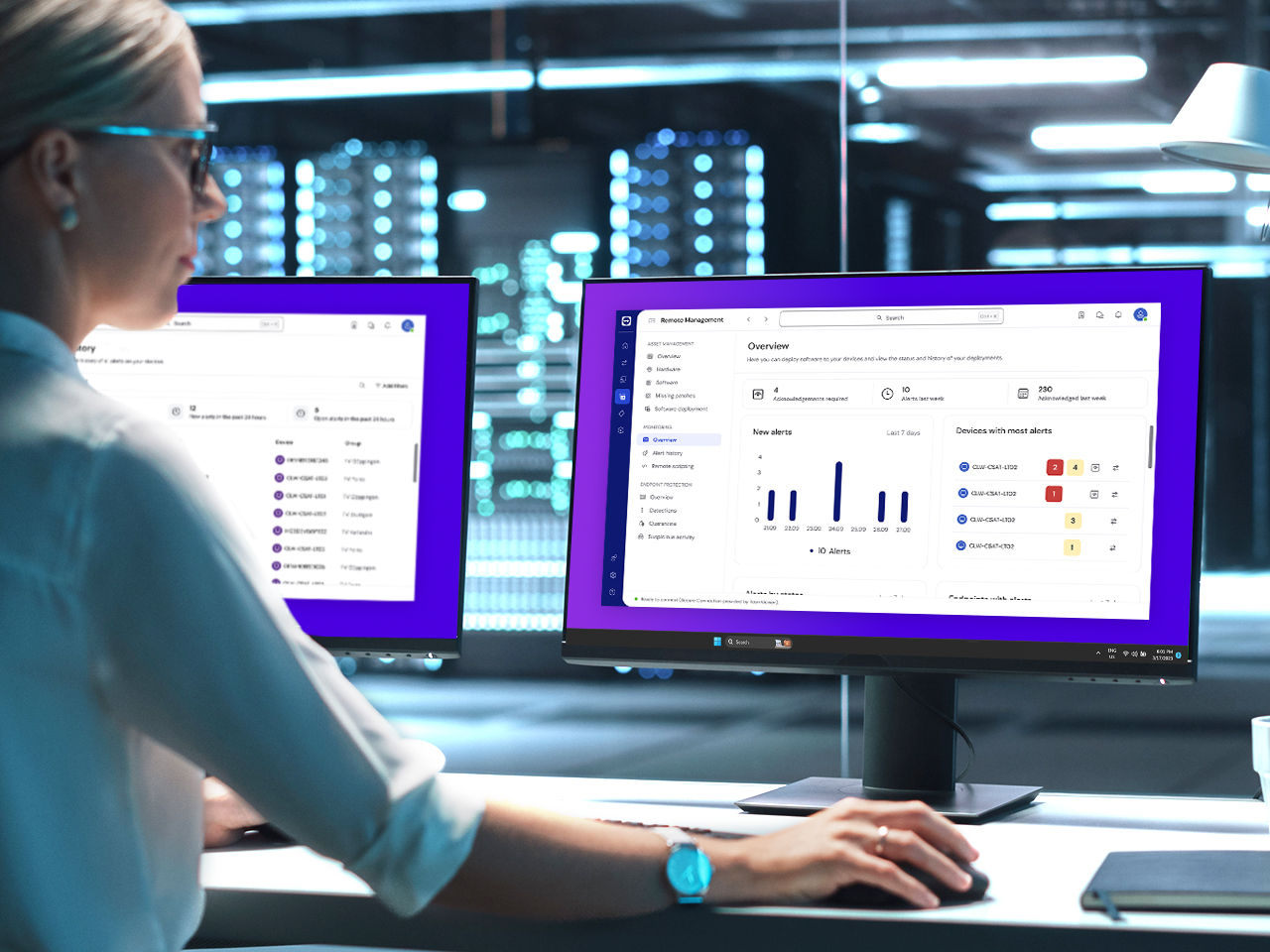
Empower your IT team with a secure, intuitive, and scalable solution to support your hybrid and distributed workforce.
Whether you manage 50 or 50,000 endpoints, TeamViewer adapts to your needs. Our remote device management platform is cloud-native, fast to deploy, and integrates seamlessly into your existing tech stack, including comprehensive endpoint management features like policy enforcement, patch automation, and role-based control.
Today’s IT teams face increasing pressure to do more with less. With growing device fleets, a lack of centralized visibility leads to:
Supercharge your IT with smart monitoring, patch automation, and built-in antivirus, all in one integrated platform.
Managing devices remotely is just the beginning. With TeamViewer’s remote device management software, you get advanced capabilities that keep your IT agile, secure, and scalable.
Monitor and manage every device, from desktops to mobile and IoT, in one unified interface.
Schedule and deploy updates across your entire device fleet, reducing manual workloads and closing security gaps.
Assign role-based permissions and enforce security policies to protect sensitive systems and data.
Get instant alerts on system status, usage spikes, and compliance deviations and act before users notice.
Push apps, scripts, or configurations without VPNs or local admin rights, anytime, anywhere.
Combine remote management with instant troubleshooting through secure, built-in remote access.
See how TeamViewer empowers IT teams to manage devices with clarity and confidence, from first login to full fleet visibility.
No matter the scale, TeamViewer delivers full coverage for:
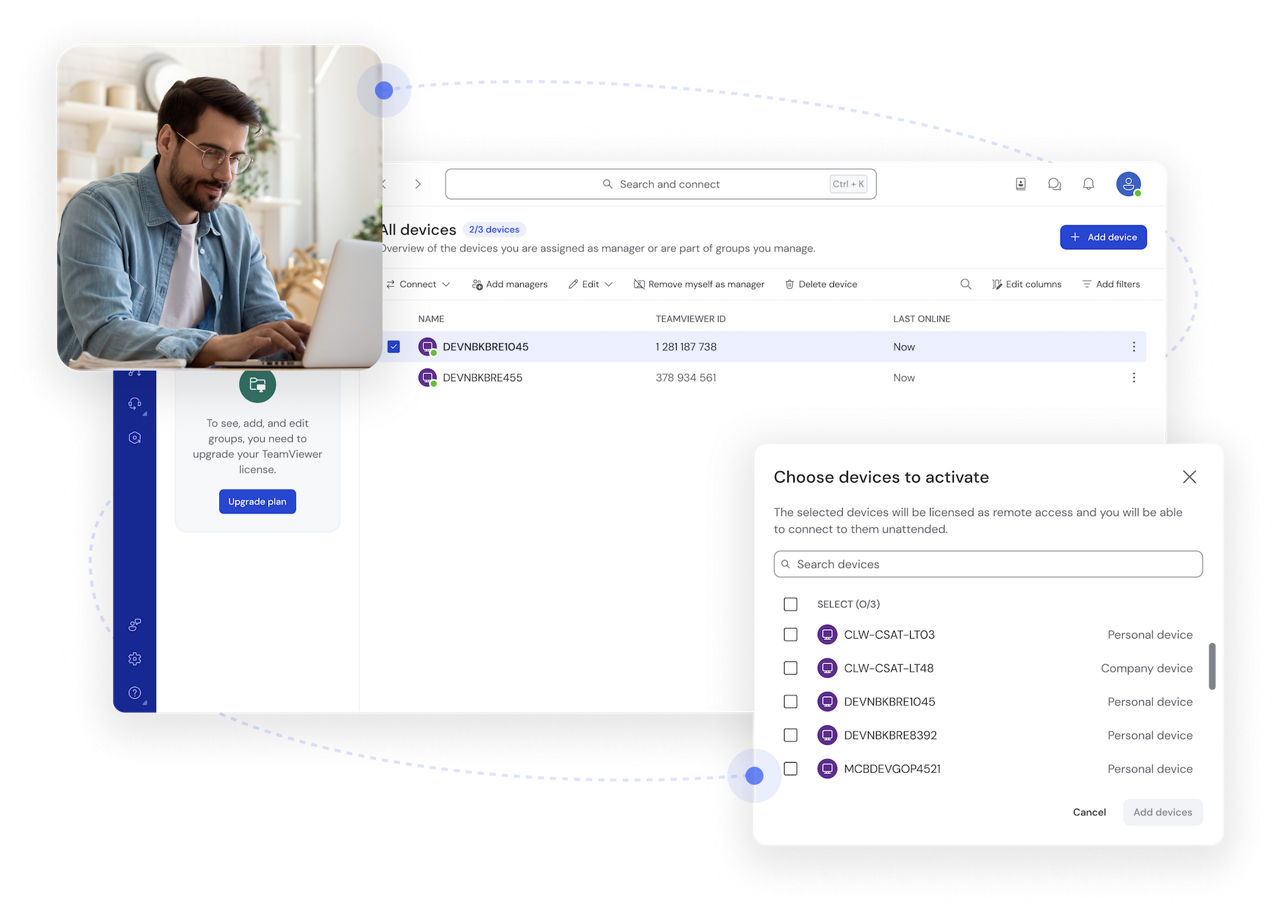
TeamViewer’s remote device management software gives you the power to manage, monitor, and secure your entire ecosystem from anywhere.
It's the process of monitoring, updating, and troubleshooting devices remotely without on-site access. Ideal for managing distributed teams and ensuring IT control from anywhere.
Mobile device management (MDM) software helps IT manage and secure mobile devices by enabling app control, policy enforcement, and location tracking. TeamViewer supports this through its integrated mobile device management functionality for Android and iOS.
Only if the device is yours and no longer used for work or school. Turning it off may block access to company apps or networks.
Yes, via Settings > General > VPN and Device management, if you have the required credentials. For company devices, check with IT first.