Insights

Essential computer maintenance tips for peak performance

In today's fast-paced digital workplace, the performance of your company's computers is directly tied to your operational efficiency. Computer maintenance is a core part of any proactive IT strategy, helping prevent crashes, data loss, and costly downtime.

Regular maintenance not only boosts performance but also strengthens security by closing vulnerabilities cybercriminals exploit. For IT professionals, combining routine checks with powerful remote support solutions ensures devices stay fast, secure, and reliable.

Whether you manage a small team or a global enterprise fleet of devices, these computer maintenance steps will help ensure every machine, from a standard PC to a high-performance laptop, operates at its best. Implementing them is simpler than you think and forms the foundation of a resilient and efficient IT infrastructure.

In this article

  • Proactive software maintenance for security and stability
  • System optimization and data management strategies
  • A physical computer maintenance checklist for hardware longevity
  • Empowering your IT strategy with consistent care

Proactive software maintenance for security and stability

The health of your computer's operating system and applications is the first line of defense against performance degradation and security breaches. Proactive software maintenance involves more than just reacting when something goes wrong. It is about creating a consistent schedule of updates and checks to keep systems running smoothly. This is one of the most critical types of computer maintenance for any modern business.

Keep operating systems and applications updated

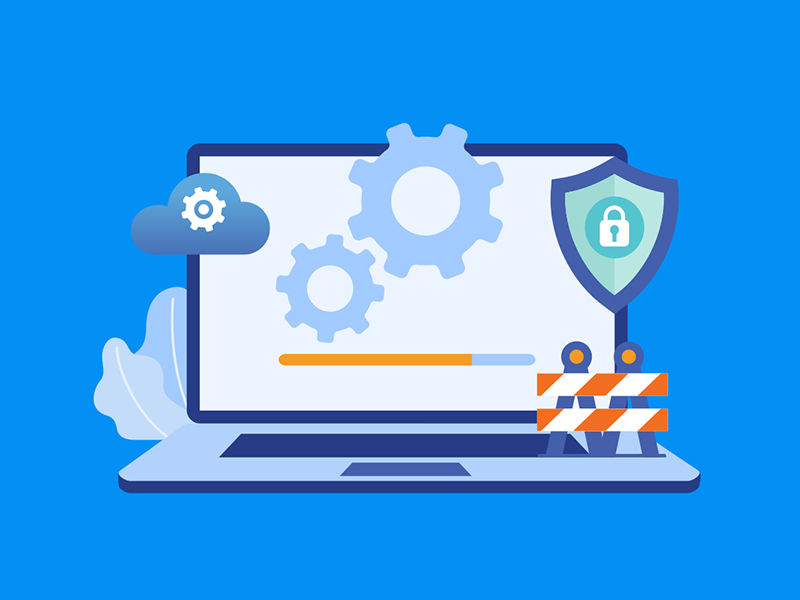
Your operating system and installed software receive regular updates for a reason. These patches often contain crucial security fixes for newly discovered vulnerabilities, as well as performance enhancements and bug fixes. Configure your systems to automatically install updates or establish a managed patching schedule to ensure no device is left behind. This simple step prevents many common issues and keeps your data secure.

Maintain antivirus and anti-malware protections

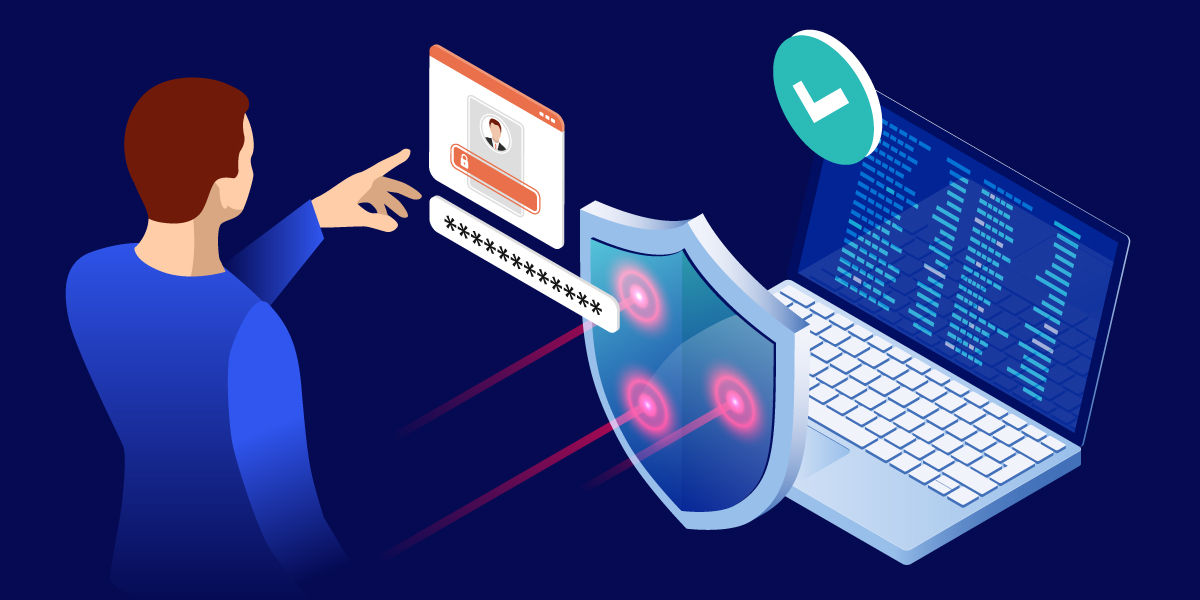
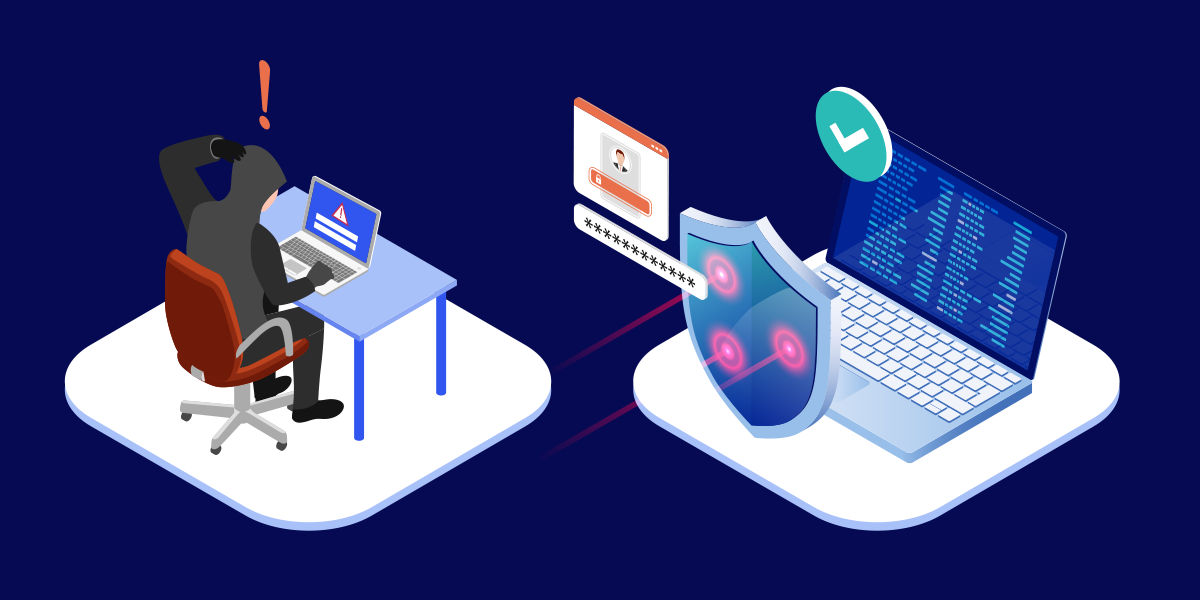
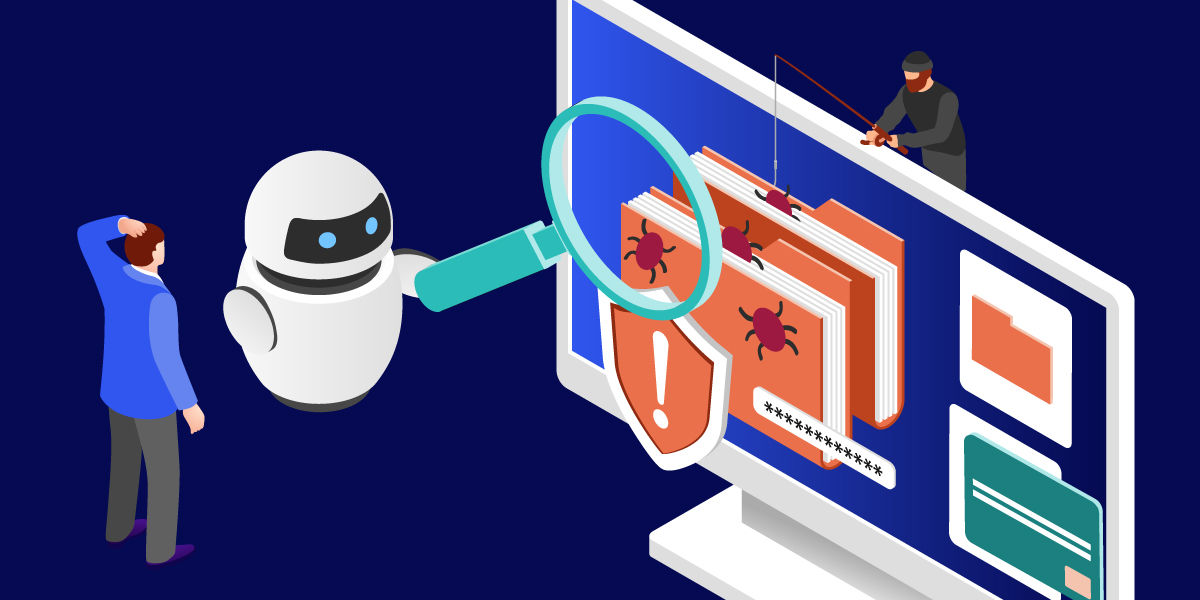
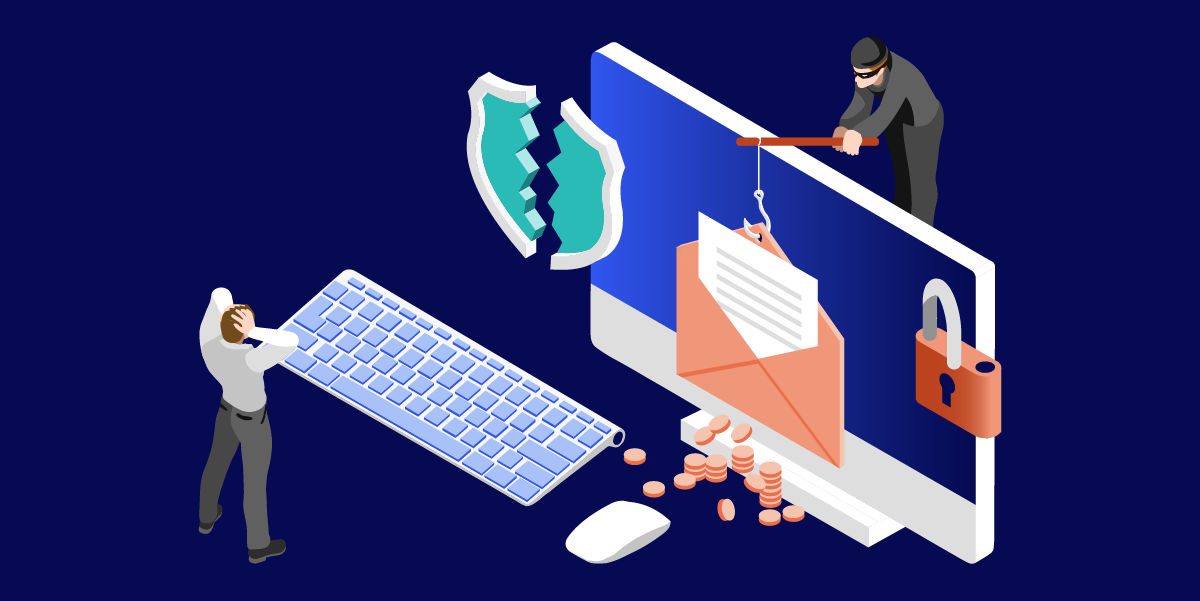
A robust antivirus and anti-malware program is non-negotiable, but its effectiveness depends on regular attention. Ensure that your security software's definition files are always up to date and schedule regular full-system scans to detect and remove any threats. For an enterprise environment, a centralized management console can help you monitor the security status of all computers on your network.

Manage startup programs for better performance

Over time, numerous applications configure themselves to launch when the computer starts, significantly increasing boot times and consuming valuable memory. Regularly review the list of startup programs on each PC and disable unnecessary applications. This small adjustment can make a noticeable difference in how quickly a computer becomes usable after a restart, improving the user experience.

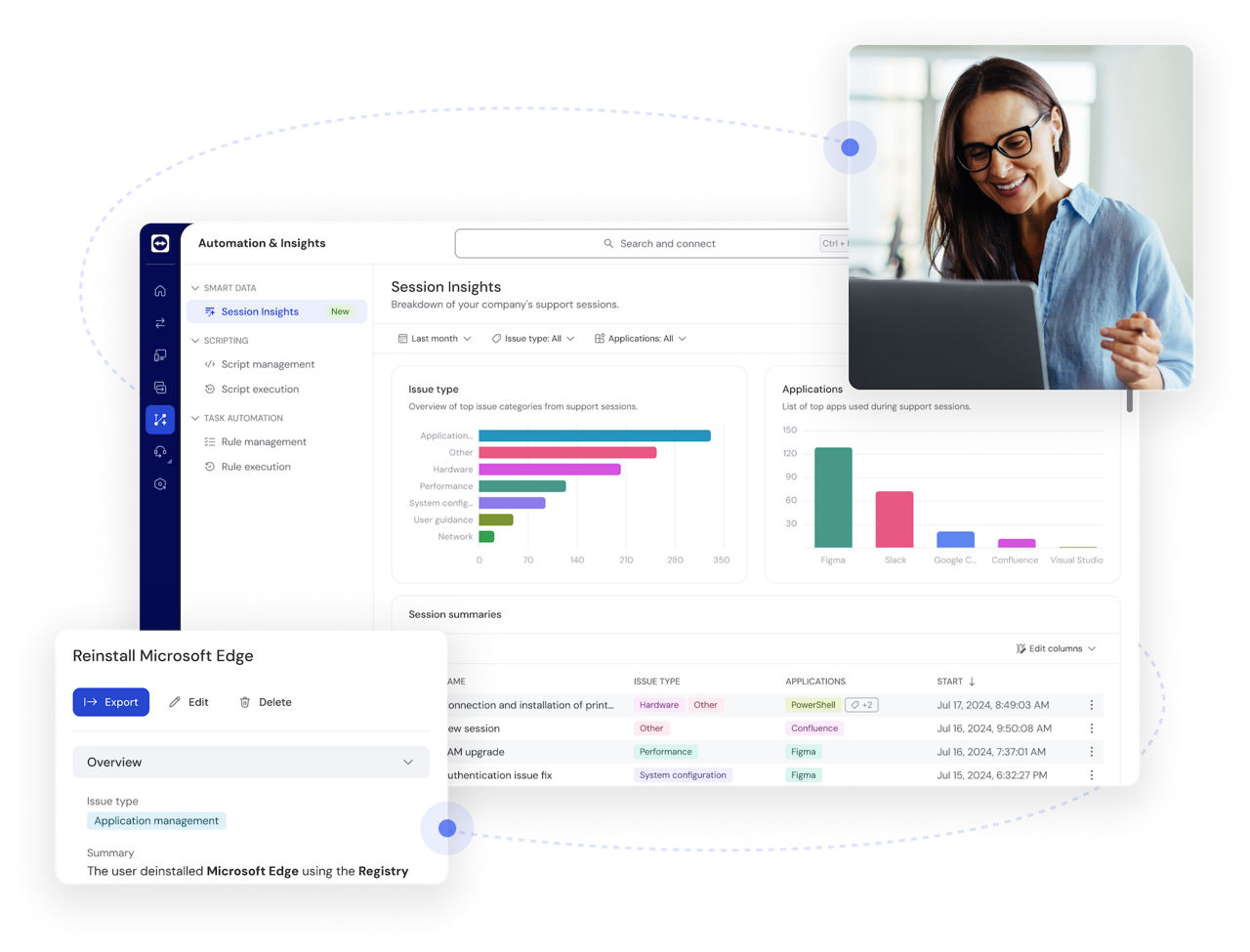
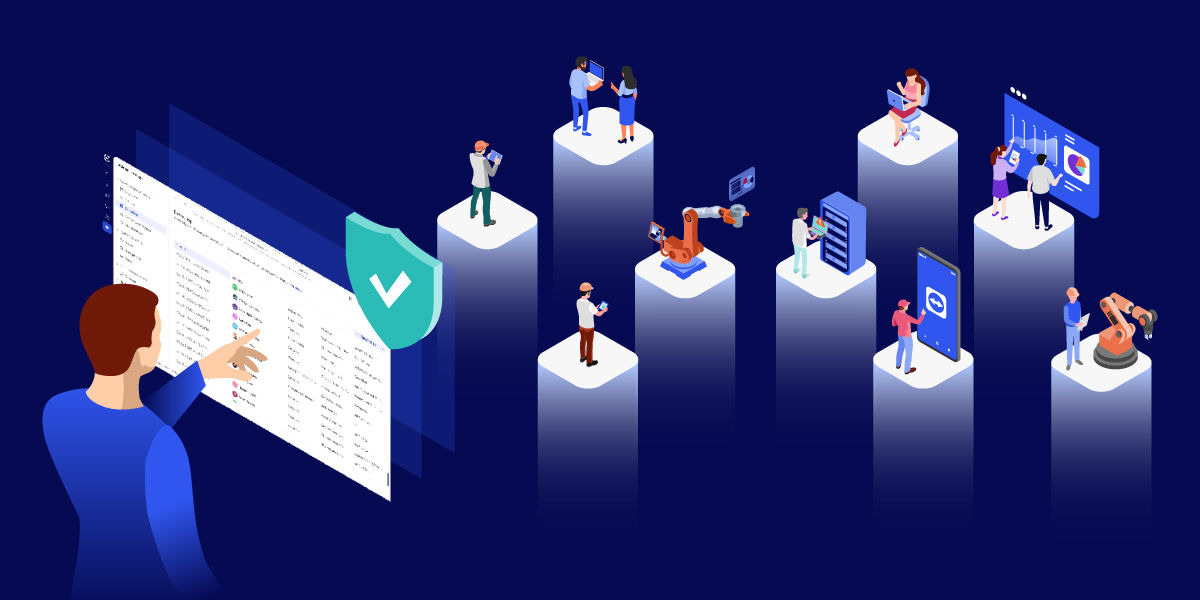
Pro Tip: Use TeamViewer Remote Management to automate patch management and monitor systems in real time. This ensures every endpoint is updated with the latest security fixes without manual intervention.

System optimization and data management strategies

Beyond software updates, optimizing how a computer stores and accesses data is key to maintaining peak performance. Disorganized files, bloated temporary folders, and a lack of a coherent backup strategy can slow even the most powerful hardware to a crawl. A disciplined approach to data management is essential.

Clear temporary files and digital clutter

Your operating system and applications create temporary files for routine operations, but they are not always deleted automatically. Over time, these files can consume gigabytes of valuable storage space. Use built-in tools like Windows Disk Cleanup or Storage Sense to regularly clear out temporary files, system logs, and other digital clutter to free up space and improve system responsiveness.
Defragment hard drives (but not SSDs)

For computers still using traditional hard disk drives (HDDs), data can become fragmented, slowing down file access times. Running a disk defragmenter utility reorganizes this data for more efficient retrieval. Modern solid-state drives (SSDs) do not require defragmentation and use a different process called TRIM to manage data, which is typically handled automatically by the operating system.

Implement a reliable data backup strategy

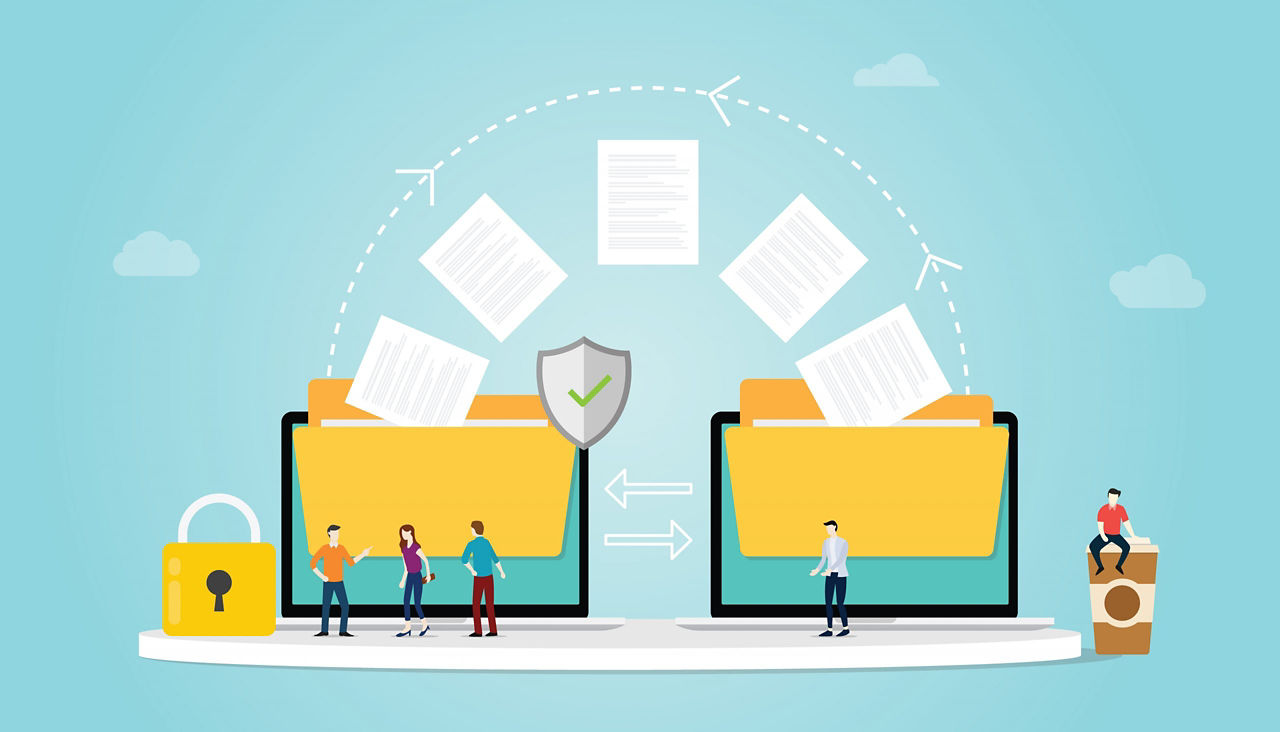
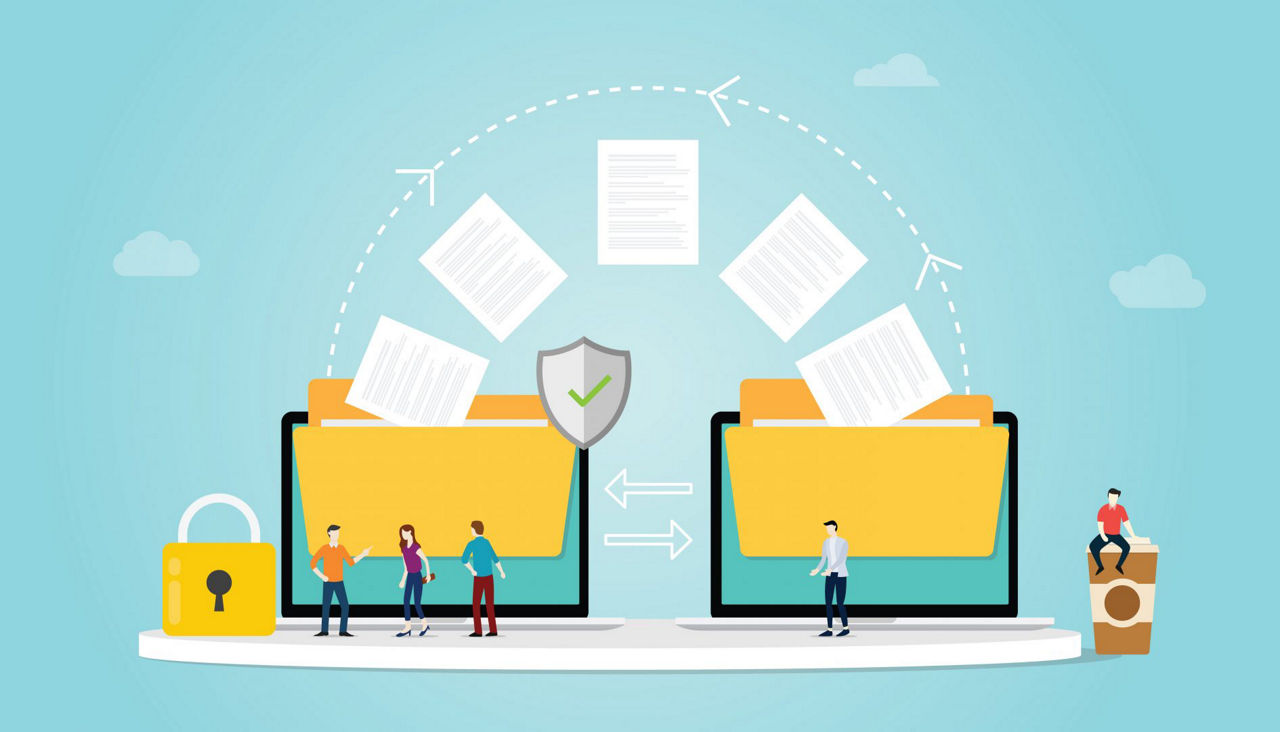
A comprehensive data backup strategy is arguably the most critical component of any computer maintenance plan. Data loss can be catastrophic, so regular backups are essential for business continuity. Implement the 3-2-1 rule: keep at least three copies of your data, on two different storage types, with at least one copy located off-site. Test your backups periodically to ensure they can be restored successfully.

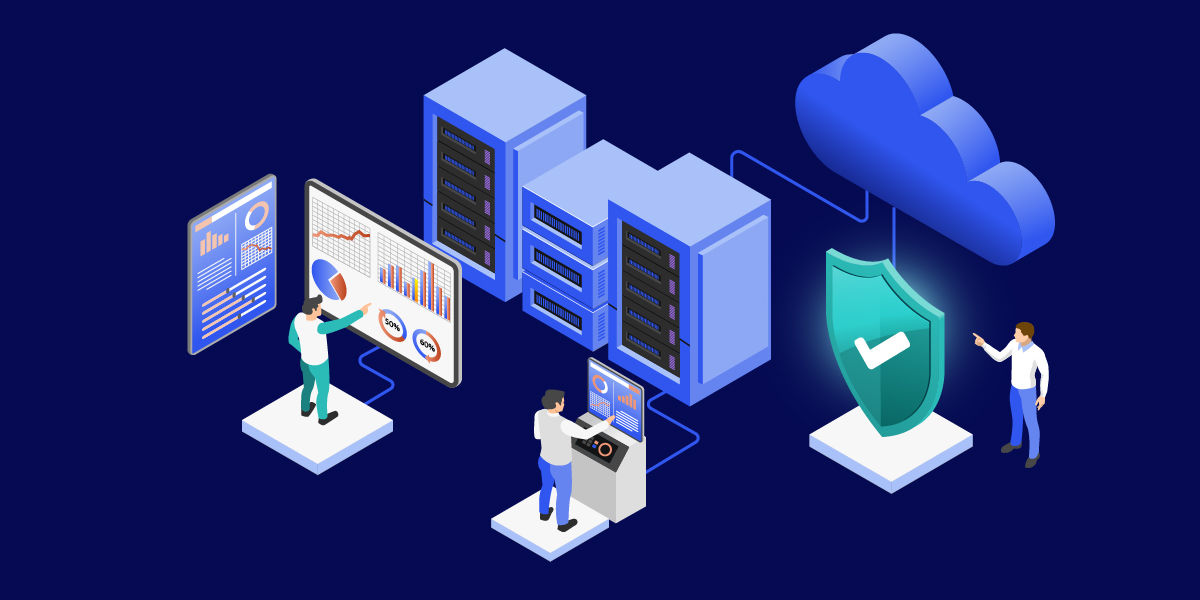
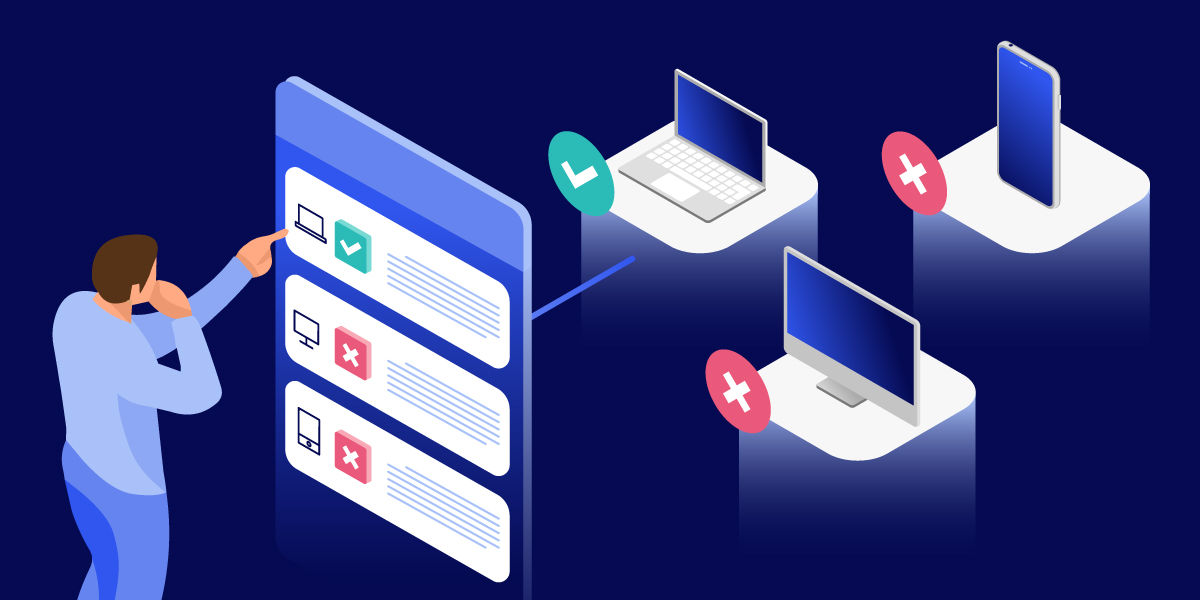
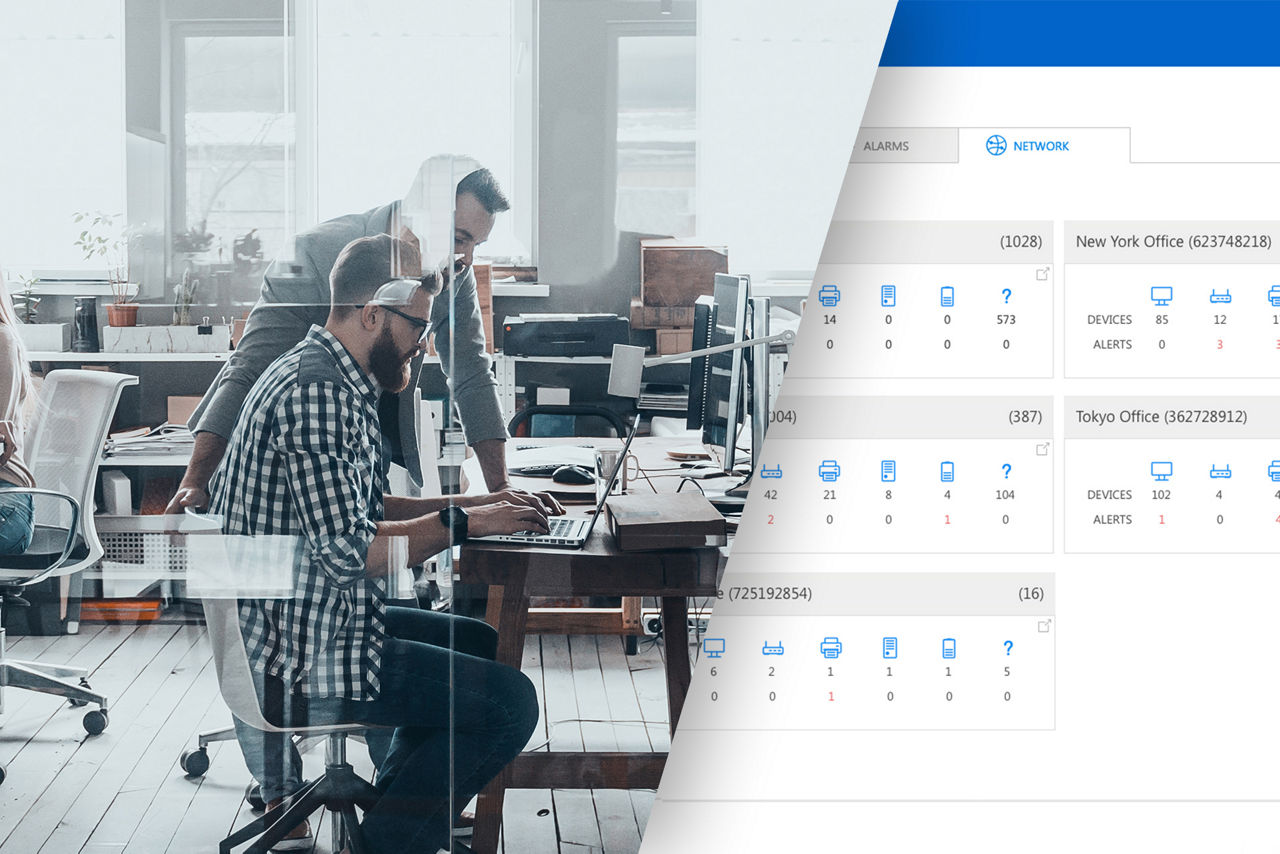
Pro Tip: Leverage asset tracking in TeamViewer Remote Management to maintain a clear overview of all hardware and software across your organization. This visibility helps you spot outdated devices, streamline resources, and stay compliant.

A physical computer maintenance checklist for hardware longevity

Software is only half of the equation; the physical condition of your hardware directly impacts its performance and lifespan. Dust, heat, and loose connections are common culprits behind unexpected shutdowns and component failure. A physical computer maintenance checklist helps ensure that your investment in hardware is protected.

Clean dust from components regularly

Dust is the enemy of electronics. It insulates components, trapping heat and forcing cooling fans to work harder, which can lead to overheating and premature failure. Regularly clean computer cases, keyboards, and mice. Use compressed air to carefully clear dust from internal components like fans, heat sinks, and power supplies, especially for any desktop PC in your office.

Inspect and secure all cables

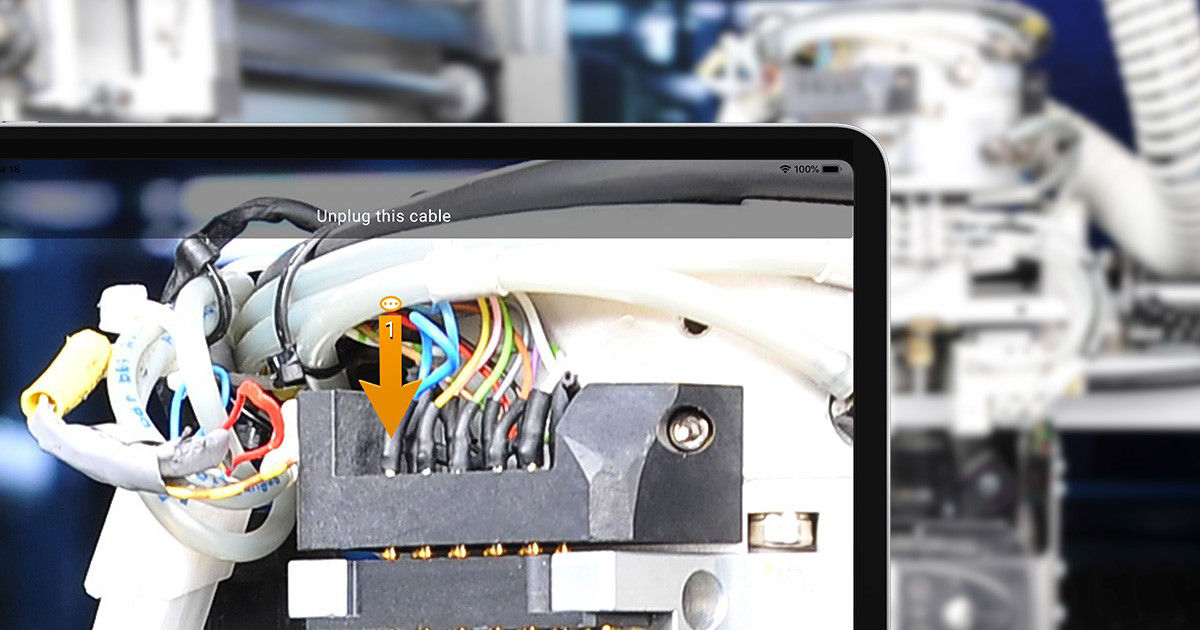
A stable connection is vital for all peripherals and network access. Periodically inspect all cables for signs of wear or damage and ensure they are securely plugged into their respective ports. Tidy cable management not only looks professional but also improves airflow around the computer and makes troubleshooting easier when a connection issue arises.

Check and replace peripherals when needed

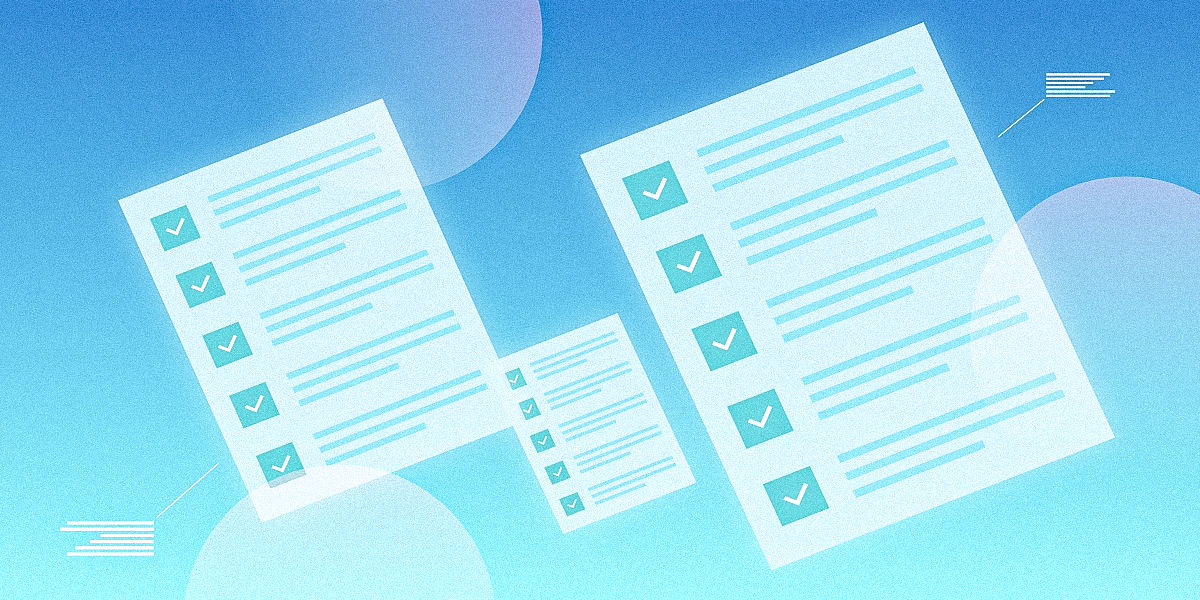
Do not forget the peripherals that your employees interact with every day. A malfunctioning mouse, a sticky keyboard, or a flickering monitor can be a major source of frustration and lost productivity. Include checks for all connected devices in your maintenance routine and have replacements ready for faulty equipment. We recommend compiling these points into a simple computer maintenance checklist pdf for easy distribution to your IT staff.

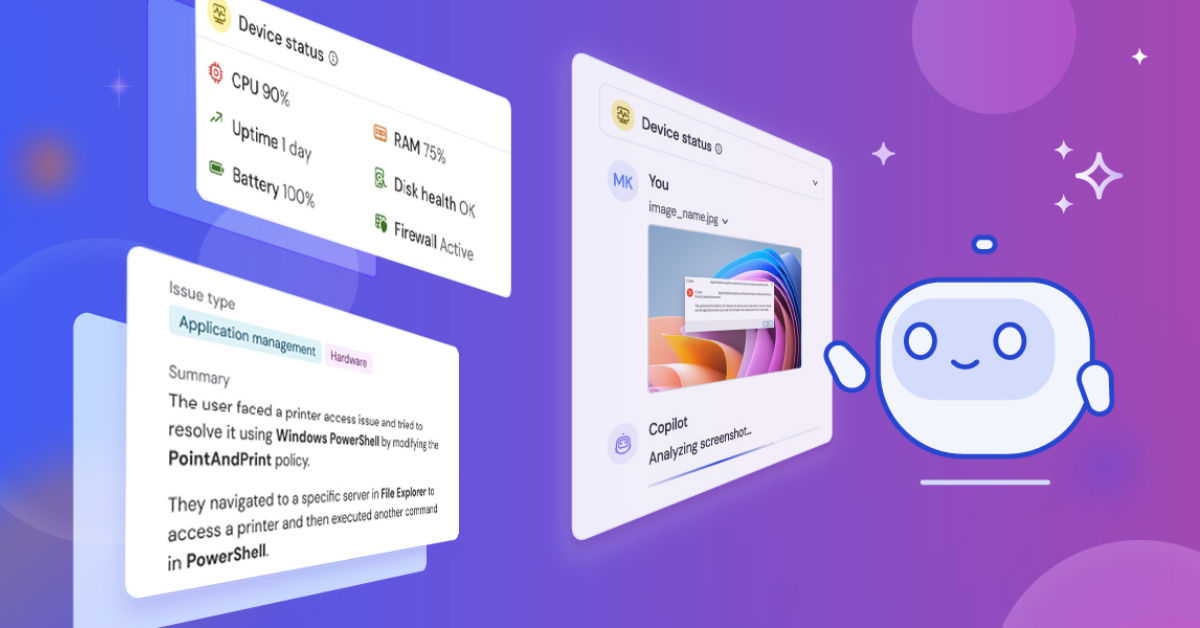
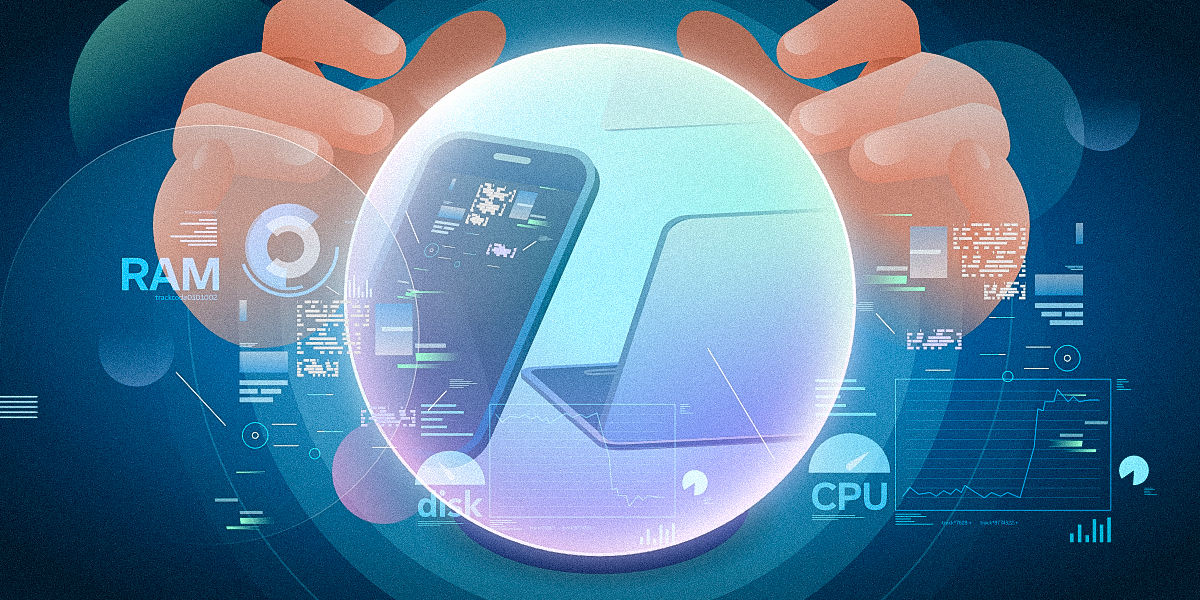
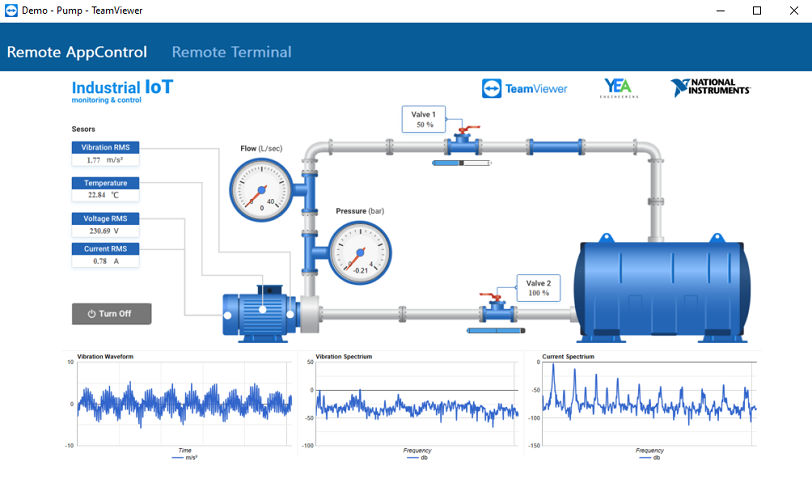
Pro Tip: Pair physical cleaning with proactive monitoring through TeamViewer Remote Management. Tracking key metrics like CPU temperature, fan performance, and disk health remotely allows IT to address risks before they lead to failures.

Summary: Empowering your IT strategy with consistent care

Implementing a structured approach to computer care is fundamental to a modern IT strategy. By focusing on the three core pillars—proactive software maintenance, system and data optimization, and physical hardware care—you create a resilient and high-performing technology environment. These computer maintenance tips serve as a blueprint for reducing costly downtime and empowering your team.

The benefits extend far beyond faster boot times. A well-maintained fleet of computers strengthens your organization's security posture, protects invaluable company data, and reduces the total cost of ownership by extending hardware lifespan. This proactive stance transforms IT from a reactive support function into a strategic business enabler that drives productivity.

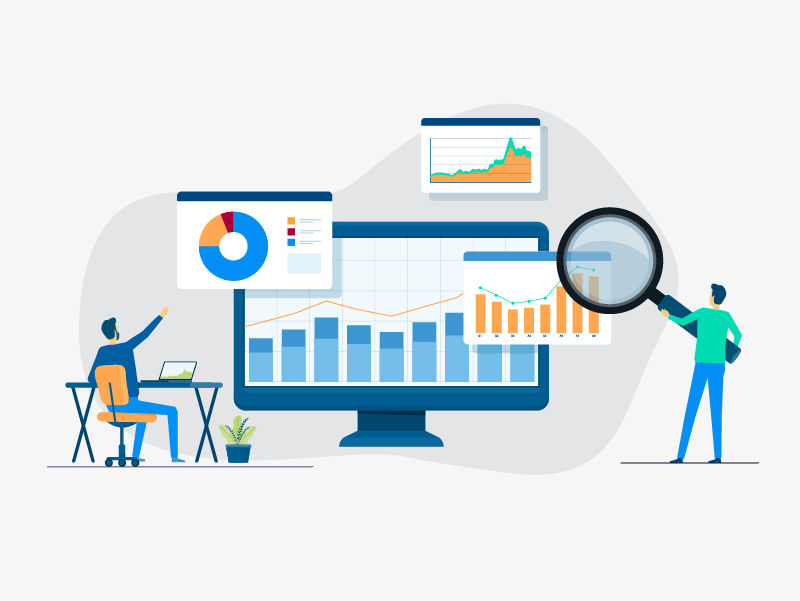
Combine these maintenance practices with TeamViewer Remote Management to move from reactive IT support to a proactive strategy. Automated updates, monitoring, and asset tracking keep your fleet secure, optimized, and resilient.