Summary

Purpose
Action Rules allow you to manage the visibility of your WebChat and allow you to initiate a conversation with a visitor at the right time.
Functionalities / need to know
An Action Rule consists of one or more rules. There are two types of Action Rules: WebChat and Analytics. Each rule is described by a ConditionType. The Action Rule triggers an action. Comprehensively, here is the structure of Action Rules:
- Action Rule
- Rule 1 (RuleType)
- Condition (ConditionType)
- Rule 2
- ...
- Action (ActionType)
- Rule 1 (RuleType)
📌Note: Action Rules can be exported and imported via the orange buttons in the top row
Feature descriptions
Your first Action Rule
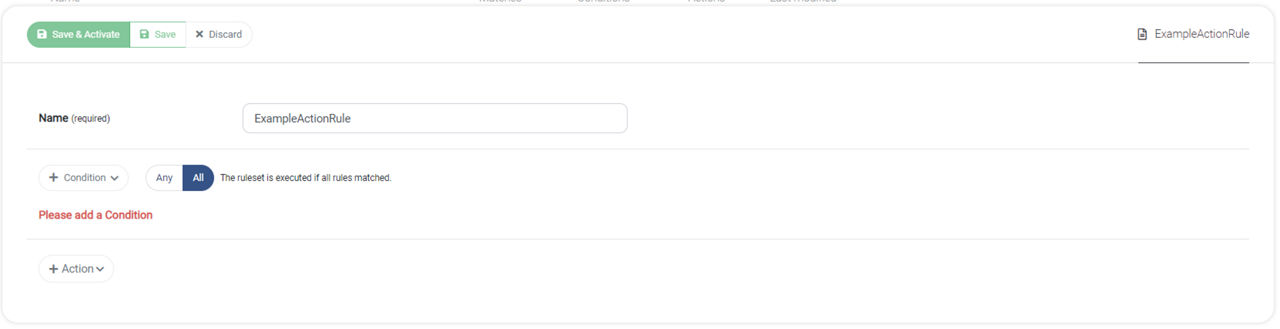
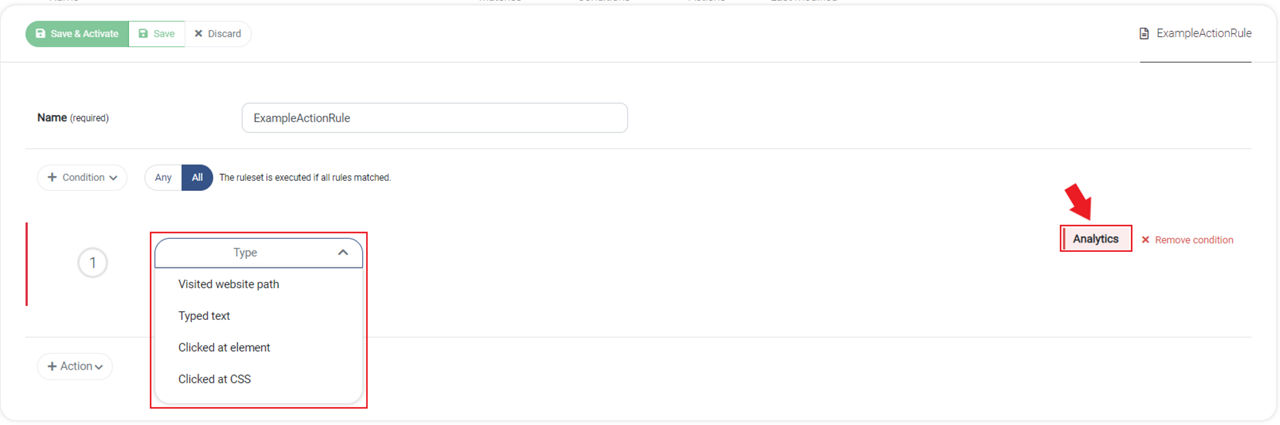
To create your first Action Rule click + New Action Rules. As a first step, make sure you give your rule a descriptive name. There are two main types of Action Rules: WebChat and Analytics.
WebChat
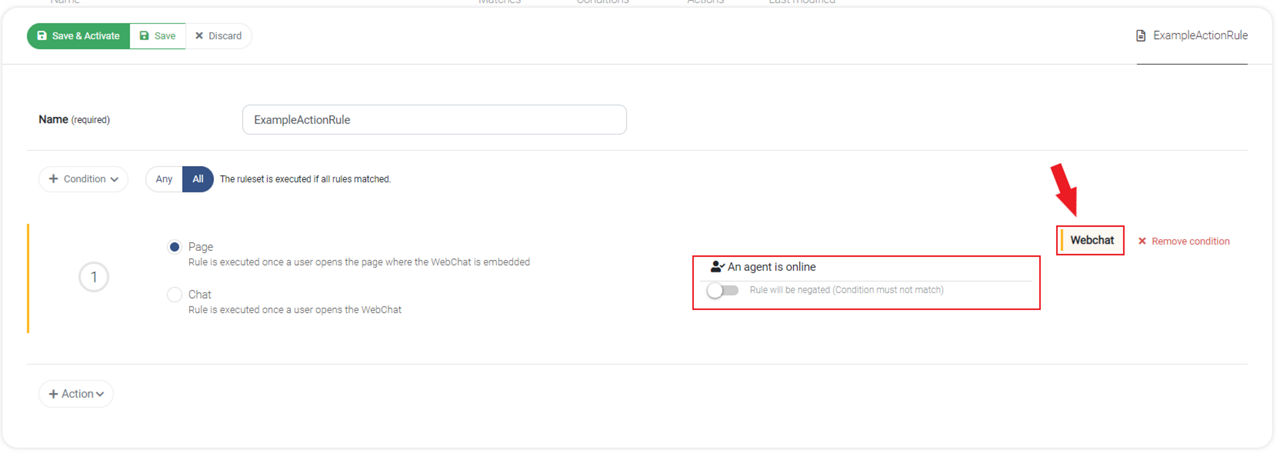
Page or chat
WebChat Action Rules can be executed on the Page or Chat level:
ConditionTypes
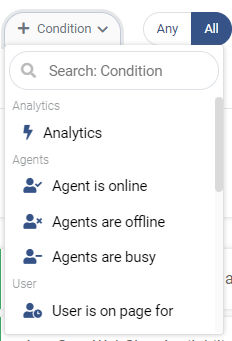
You can select the specific condition by clicking + Condition.
📌Note: A condition can be negated by clicking on the toggle switch after selecting the condition type.
Analytics
📌Note: To enable Analytics Action Rules, you need the CX Analytics suite.
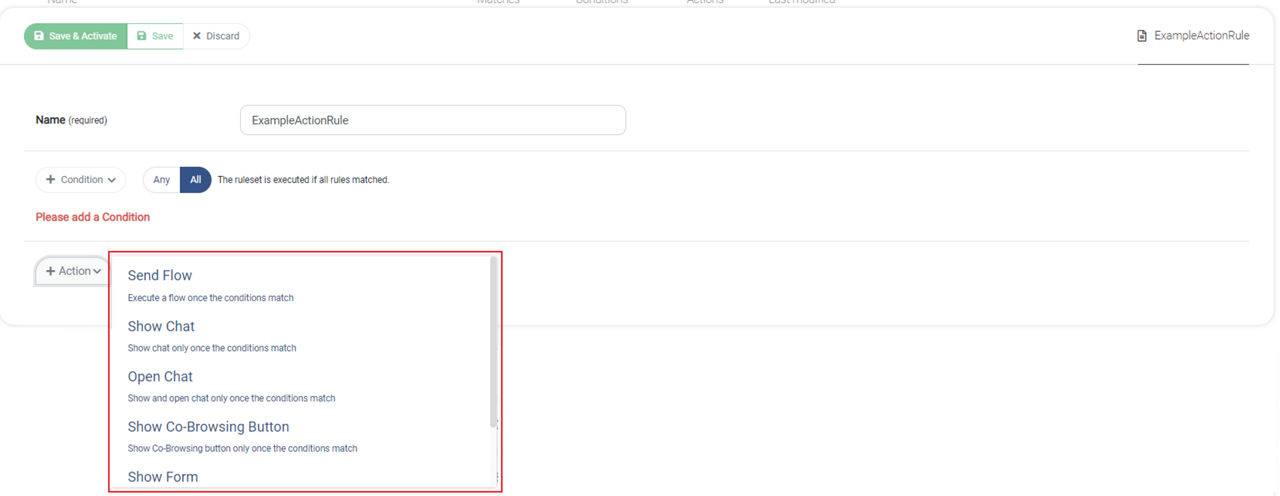
Action