
Knowledge Base
Not ready. Please check your connection
Last Modified 9. 2. 2026
For the most part, TeamViewer is able to make connections without any special configuration of a device. However, it is possible that your TeamViewer (Classic) may indicate a red light and the message Not ready. Please check your connection.
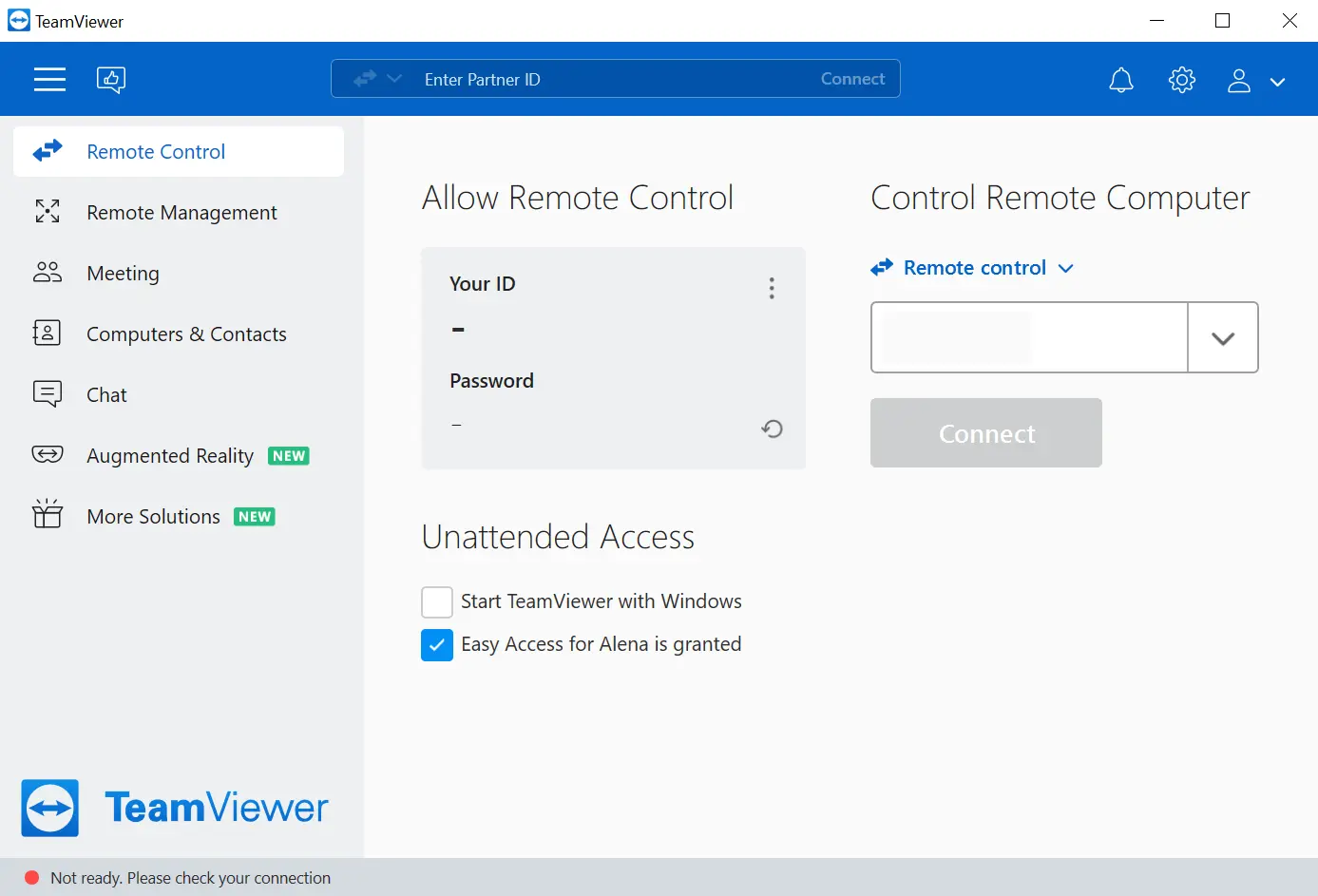
This article applies to all TeamViewer (Classic) users.
Here are a few things you can check if you experience this alert:
Did your general setup change?
- Is your internet connection working? Try to load a webpage or other web-based application.
Did anything change on your IT setup?
- Can TeamViewer (Classic) reach the internet?
- If not, please open Port 5938 for outgoing connections
Did TeamViewer (Classic) work just a few minutes ago?
- Exit TeamViewer (Classic) or reboot the device
- On Windows: Go to the hamburger menu ➜ Exit TeamViewer
- On Mac: Go to TeamViewer ➜ Quit TeamViewer
- Did you check our Status page?
- All updates about the current status of all TeamViewer Services can be found here