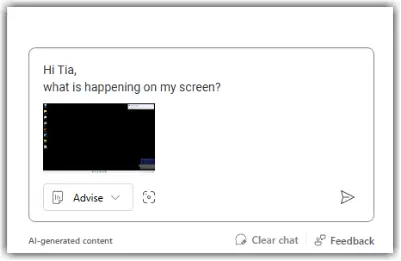
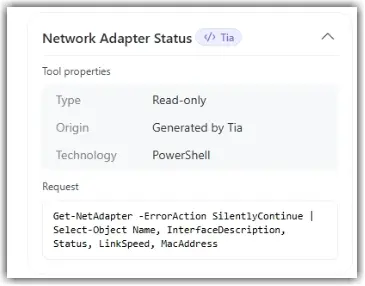
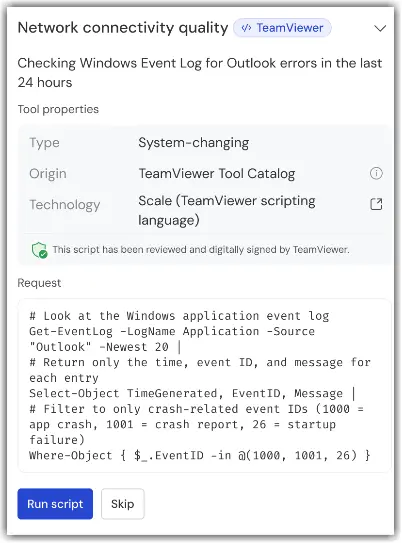
Advise is the default Tia mode. In this mode, Tia works only with information already available in the session. It can analyze context, provide recommendations, and answer troubleshooting questions, but it cannot run tools on the device or make any changes.
Available tools in Advise mode
Past Session Insights
Tia can reference validated problem-and-solution records from previous support sessions to suggest relevant fixes.
Tia only accesses Session Insights that the authenticated user is permitted to view according to existing permissions.
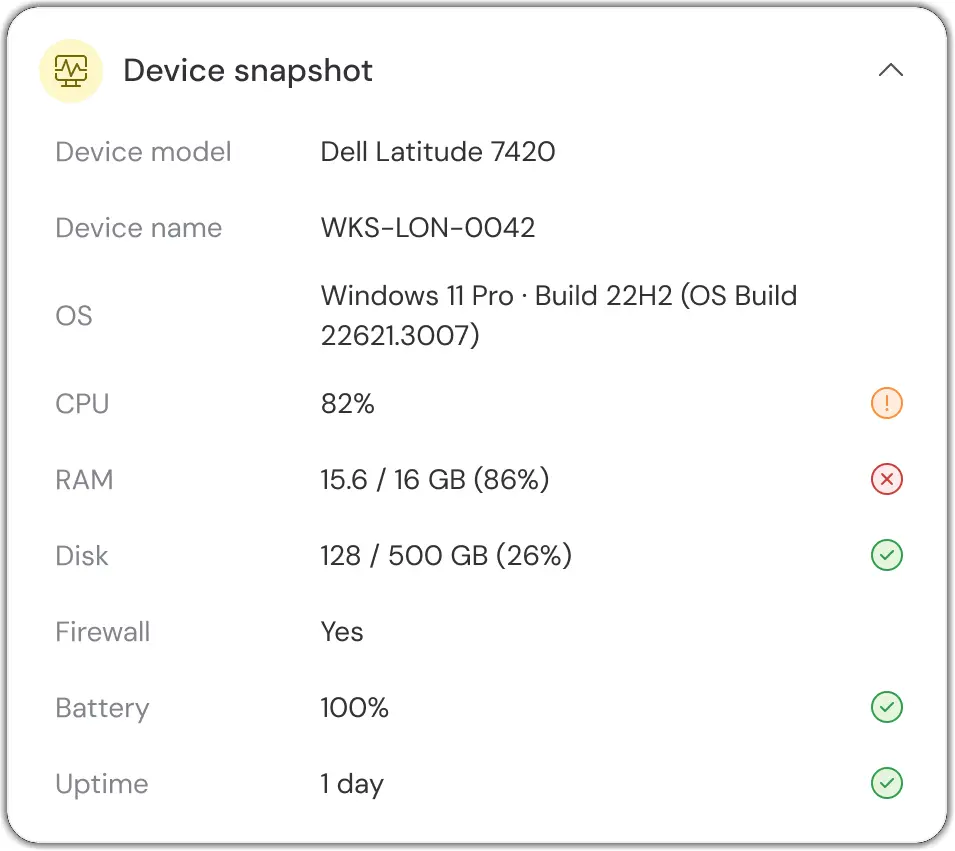
Static device data snapshot
Tia can review available device and system information to provide recommendations based on the device's current state.
Examples include:
Operating system details
Hardware information
Device configuration data
System status information
Analyze Screen (screenshots)
Tia can analyze the currently visible screen to better understand what the supporter is seeing and provide more accurate guidance.