Knowledge Base

Find your log files

Ultima modifica: 22 lug 2026

How to find log files on mobile devices

How to find log files manually

By default, the TeamViewer log files can be found in these locations:

Windows

TeamViewer Full Version and Host

C:\Program Files (x86)\TeamViewer

TeamViewer QuickSupport

C:\Users\[username]\AppData\Roaming\TeamViewer


macOS

TeamViewer Full Version, Host, and QuickSupport

Macintosh HD ➜ [User] ➜ Library ➜ Logs ➜ TeamViewer

Note: To access TeamViewer logs on macOS, you must be signed in to an administrator account.

Android

TeamViewer Remote Control, Host, and QuickSupport

<external storage>/Android/data/<packagename>/files

Examples

  • QuickSupport: /Android/data/com.teamviewer.quicksupport.market/files/
  • Host: /Android/data/com.teamviewer.host.market/files/

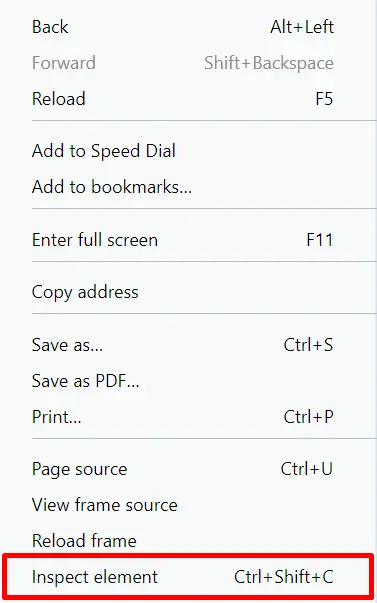
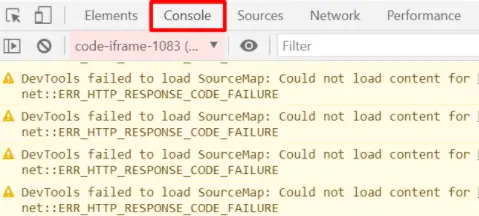
How to find log files for the web app

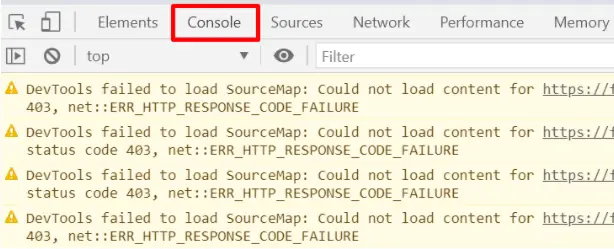
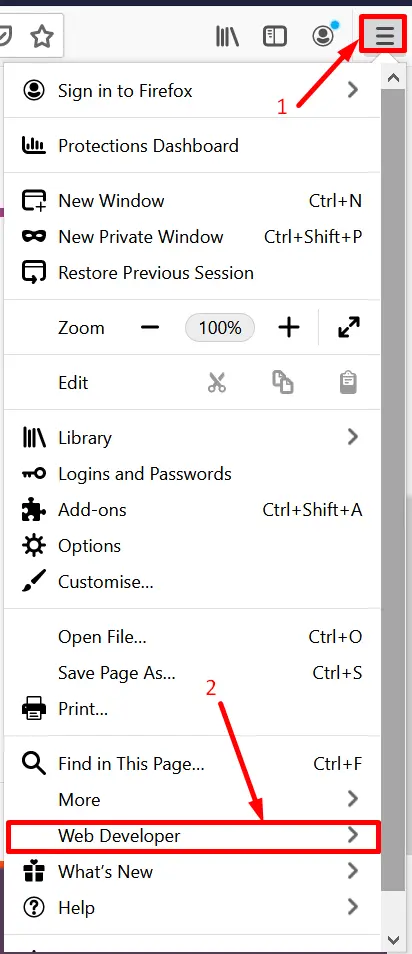
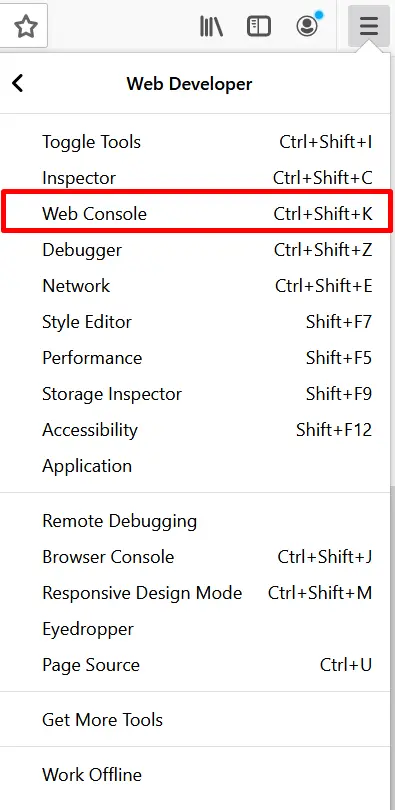
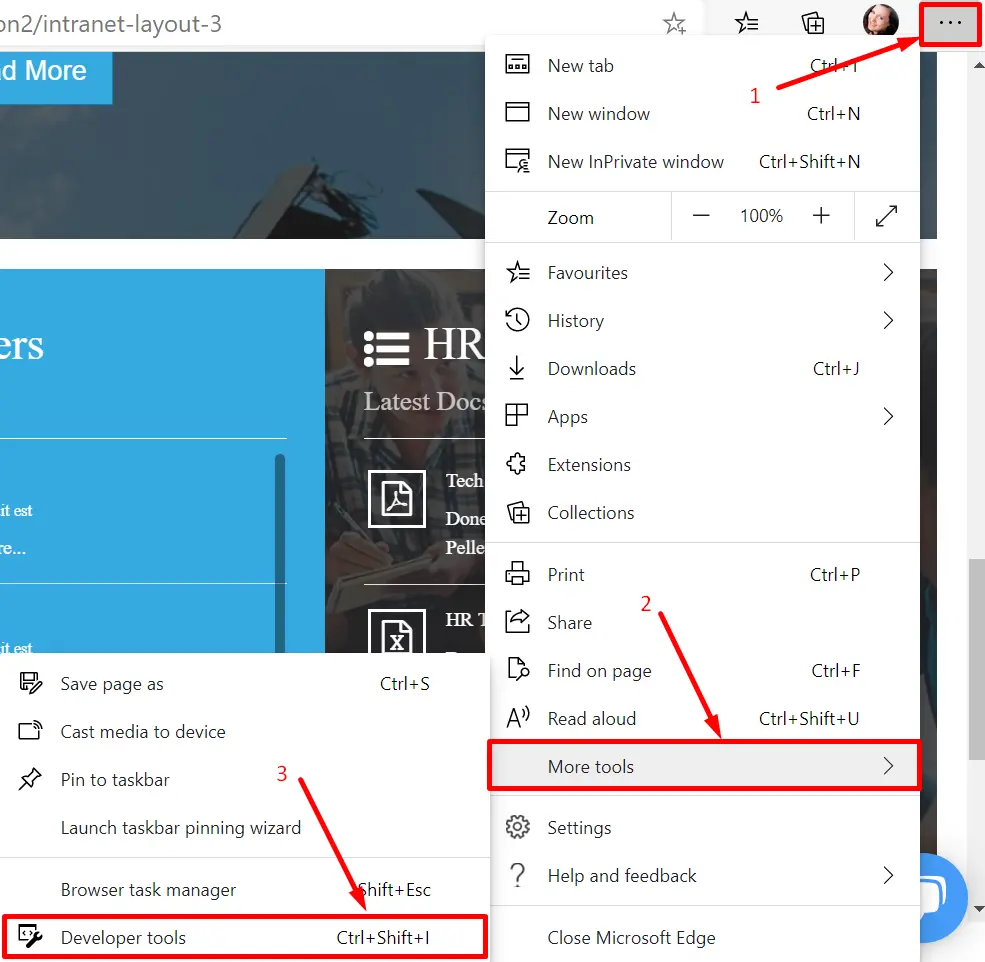
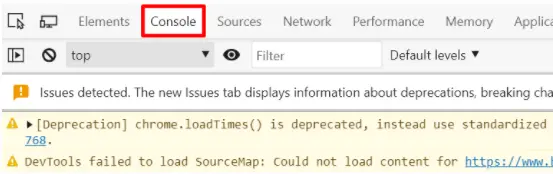
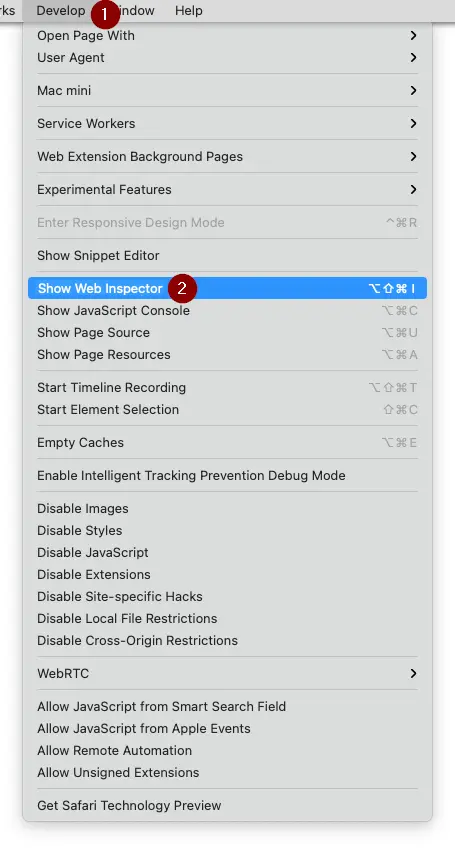
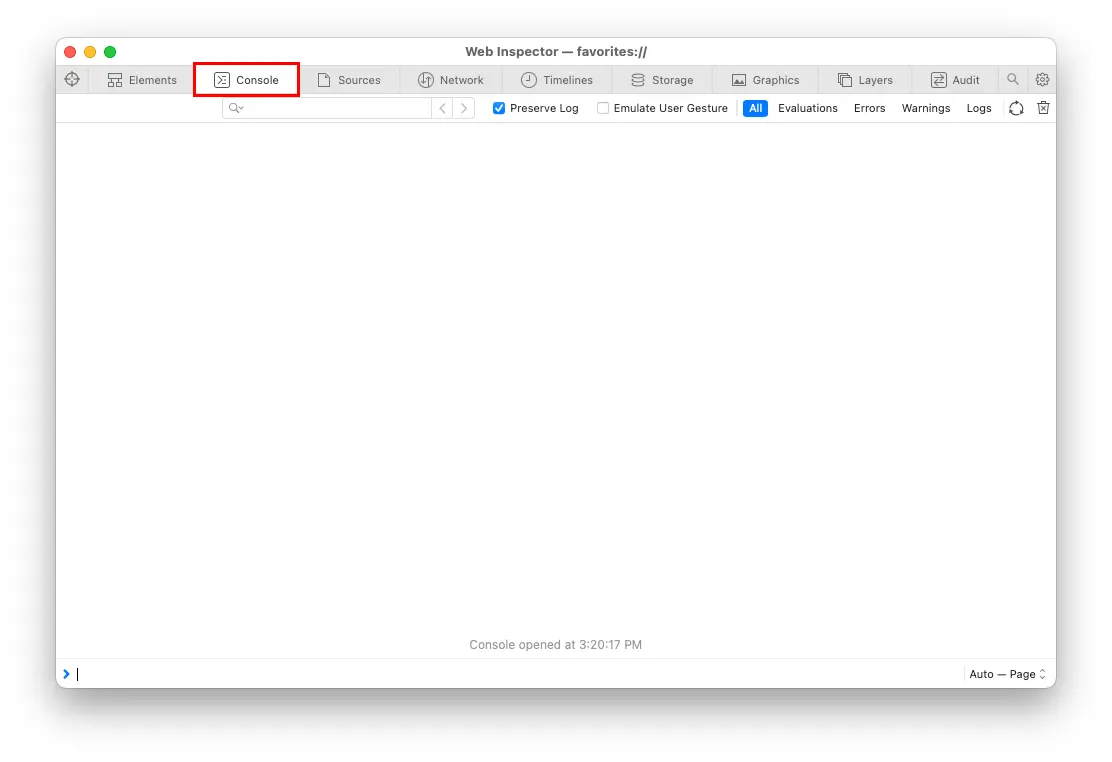
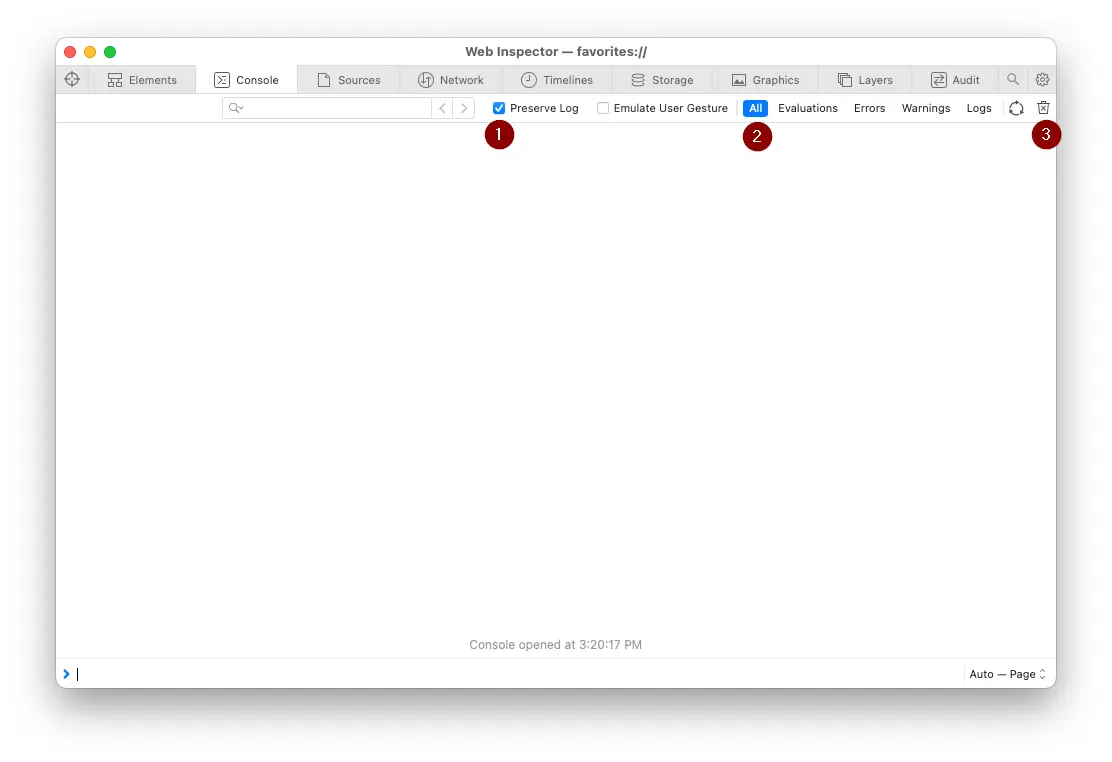
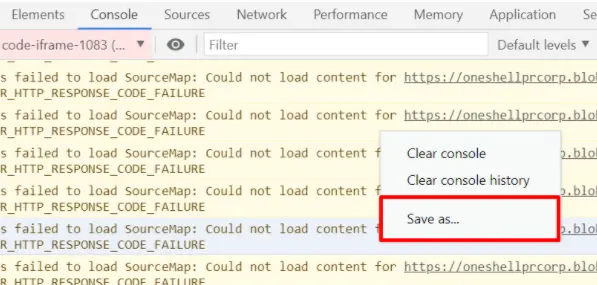
To find the Log files (Console logs) for the web app, please follow the steps for your browser: