Introducing Diagnostics in the TeamViewer DEX Platform
From firefighting to evidence-driven IT: Introducing Diagnostics in the TeamViewer DEX Platform.
Hybrid and remote work environments create new challenges and often increase complexity for IT teams. Traditional monitoring tools only provide real-time visibility. Once an issue has passed, the evidence is gone. That means IT relies on incomplete symptom reports from employees, which slows down resolution and frustrates the workforce.
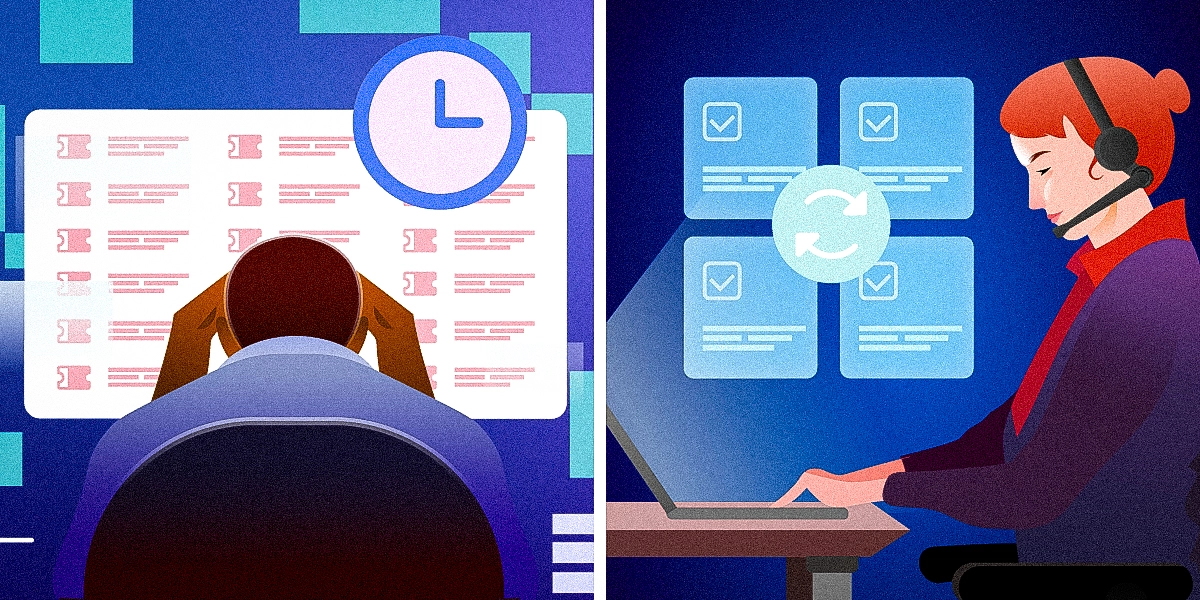
Modern problems require modern solutions and that’s where our new capability, Diagnostics, comes in. With Diagnostics in the TeamViewer DEX Platform, IT teams can shift from reactive firefighting to proactive, evidence-driven support.
In this blog, we cover:
- What is Diagnostics?
- Why we build Diagnostics?
- Diagnostics in action
- Benefits and outcomes of this new capability
- How Diagnostics fits into the TeamViewer DEX Platform
What is Diagnostics?
So, what is Diagnostics? Put simply, it’s a new capability in the TeamViewer DEX Platform that helps IT teams detect, investigate, and resolve device performance issues before they impact users.
By combining live metrics with up to two weeks of historical data, Diagnostics allows teams to pinpoint when and why problems occurred, identify recurring patterns, and address root causes. The result? Improved reliability, faster resolution times, and higher user productivity.

Why we built DiagnosticsWith the rise of hybrid and remote work, IT teams now manage a wide variety of devices, operating systems, and configurations. This often across globally distributed workforces. A single user’s performance issue could stem from differences in device builds, patch levels, or local settings. Without historical data, validating and troubleshooting becomes nearly impossible.
Challenges arise when IT lacks historical context. Without this information, it’s difficult for IT teams to validate user complaints like “my system froze yesterday” or “my Teams calls kept dropping.”
When IT lacks deeper visibility into endpoints, organizations face several challenges:
- Delayed resolution, with prolonged investigation cycles.
- Lack of evidence, with no way to see what was happening on the device when the issue occurred, IT is left in the dark and unable to validate what happened.
- High escalation rates, which add delays, costs, and reduce IT credibility.
- Poor user experience, as unresolved problems erode employee trust in IT.
- Lost productivity as recurring issues drag down performance.
We built Diagnostics to address the insights gap and improve the information available to IT teams. Diagnostics does this by delivering:
- 14 days of device details: Real-time and historical visibility to validate past incidents and uncover recurring problems.
- Evidence-based troubleshooting: Eliminating reliance on vague symptom reports.
- Accelerated root cause analysis: Resolving issues faster, reducing escalations, and restoring user trust.
Diagnostics in action
Diagnostics helps to bridge the gap between incident and insight. Here’s how IT teams can use it in everyday scenarios.
Post-incident troubleshooting
When a user reports that their laptop was slow yesterday, traditional tools come up short and there’s no data to back it up. Diagnostics surfaces historical device data so IT can see exactly what happened, validate the issue, and respond with confidence.
Reliability and stability tracking
Following a system update or new software rollout, IT needs to know if something’s gone wrong before the support tickets roll in. Diagnostics helps teams connect crashes or performance issues with specific system events across different devices. This means problems can be seen and solved early.
User experience context
Calls dropping? Lag during meetings? With Diagnostics, these issues are no longer invisible. IT can use system and user context to validate issues and resolve them quickly. That means faster fixes and fewer repeat complaints.
Benefits and outcomes
Now you have an idea of what Diagnostics is and how it works, let’s look at what this means for your organization. With Diagnostics, IT teams can resolve faster, smarter, and with more confidence.

Key benefits include:
- Accelerated root cause analysis and reduced mean-time-to-resolution.
- Improved end-user trust by providing clear, evidence-based responses.
- Reduced escalations by minimizing reliance on external vendors.
- Proactive IT operations by identifying trends before they spread.
- Higher workforce productivity by reducing downtime from disruptions.
How Diagnostics fits into the TeamViewer DEX Platform
The TeamViewer DEX Platform helps organizations deliver frictionless IT and seamless operations. Experience Analytics already provides real-time visibility into user interactions and system performance; Diagnostics takes this further with deep endpoint insights and historical context.
Together, these capabilities mean IT teams can monitor, diagnose, and resolve issues quickly and effectively, delivering better outcomes for both IT teams and employees.
Ready to stop logging into devices for routine fixes?
Get a free product tour to see how you can move from reactive support to proactive operations
Explore more insights