

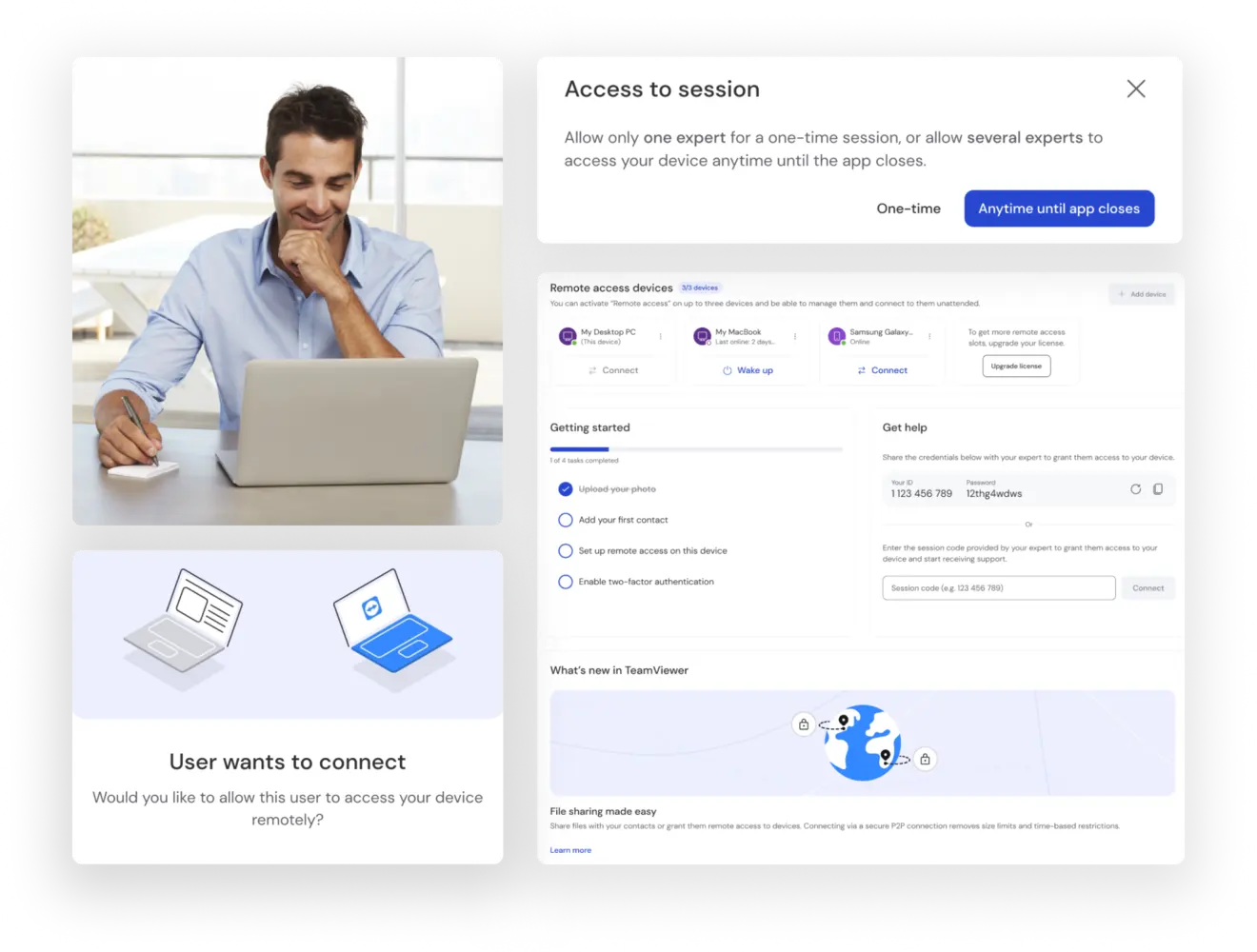
Screen sharing on Windows
- To share your Windows PC screen, open the TeamViewer web client on your browser or download the latest version of TeamViewer for Windows.
- Provide the person you want to share your screen with with a session link.
- Once connected, click the Share Screen button on the remote control window.
- A box will appear, asking you to select which screen or window you want to share. Select your chosen option and click Share.


