
Apr 2, 2026

Up to Speed with TeamViewer: April 2026

Our latest product updates improve visibility, integration, and control.

Connect and support people

It’s been a busy few months here at TeamViewer. Across our products, we’ve been adding new features, and enhancing pre-existing ones—all to help you deliver smarter, more integrated, and more secure remote support. 

You’ll find video introductions to the features across the three tabs below.

Ask the question, get the insight

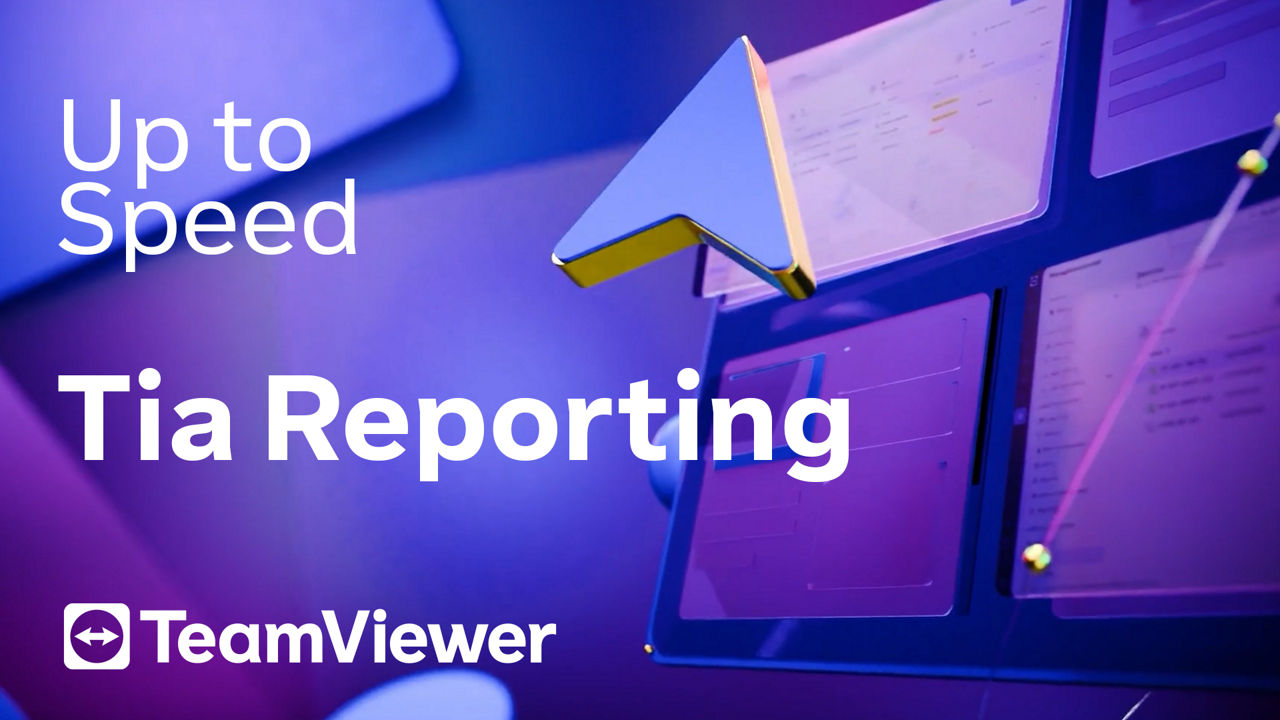
Bring data to life easier than ever with Tia Reporting, now available in TeamViewer DEX.  Simply tell our AI assistant Tia what you need in natural language and get custom reports and dashboards in a flash.

You get better visibility, faster, so you can make confident decisions without the guesswork

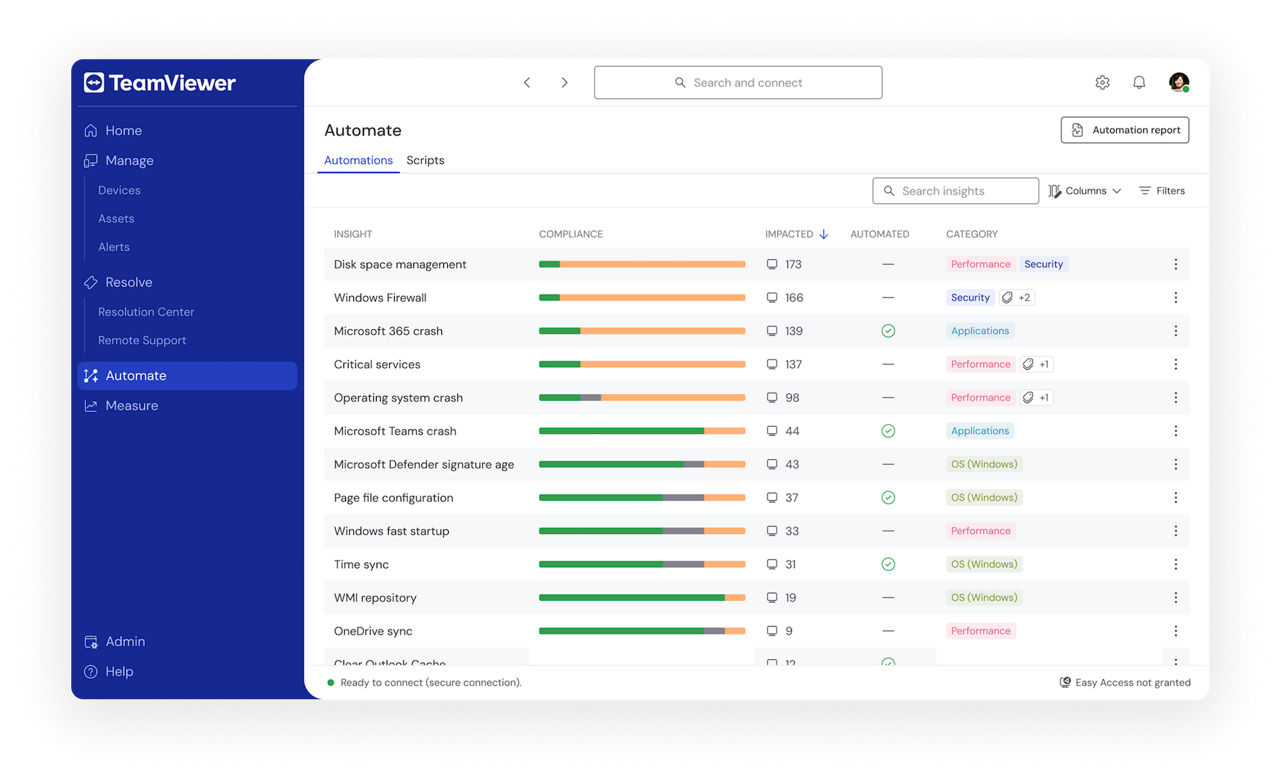
Cut repeat work with easy automation

Now available within TeamViewer DEX, TeamViewer DEX Hub is your centralized in-product interface for browsing, filtering, and deploying DEX packs.

DEX Packs provide objects and automation rules for specific use cases, enabling you to instantly monitor, diagnose, and remediate DEX issues.

Real-time help for faster fixes

Now in Beta, Assist AR users can now get suggestions based on previous session insights from Tia during remote assistance sessions.

With Tia in your corner, your team can resolve issues faster, spend less time searching for answers, and deliver more consistent support.

A new UI for faster IT workflows

If you manage devices at scale, you’ll know that simple tasks can quickly turn into a lot of extra work.

That’s why TeamViewer ONE now has a new UI built around real workflows, with clearer navigation, a unified device view, and simpler admin settings. You can move between managing devices, resolving issues, automating tasks, and measuring performance with less context switching.

Secure remote support, directly from Intune

You asked, and we delivered. TeamViewer’s latest Intune integration brings you secure unattended access, a better UX, and even deeper integration.

The result is seamless, secure remote support from within Intune.

From static manuals to guided workflows

Frontline Upskill’s new Rapid Manual integration transforms existing manuals into immersive 3D workflows.

Your training and onboarding just got faster and more effective, and everything stays compliant and up-to-date. All within the Siemens Teamcenter environment.

Manage complexity without losing control

Made for complex environments, TeamViewer’s new Multitenancy feature available in Tensor and TeamViewer ONE means you can easily switch between multiple environments from a central instance.

By combining tenant-level control with centralized oversight, you can manage complexity as well as different security and compliance needs. It’s a must for IT teams working in regulated environments.

Keep your data closer to home

With Tensor’s U.S. Regional Restricted Access, all data and connections stay within our U.S. infrastructure.

You get more control over where data is handled, helping support compliance requirements, improve security, and reduce risk.

Direct endpoint access, minus the friction

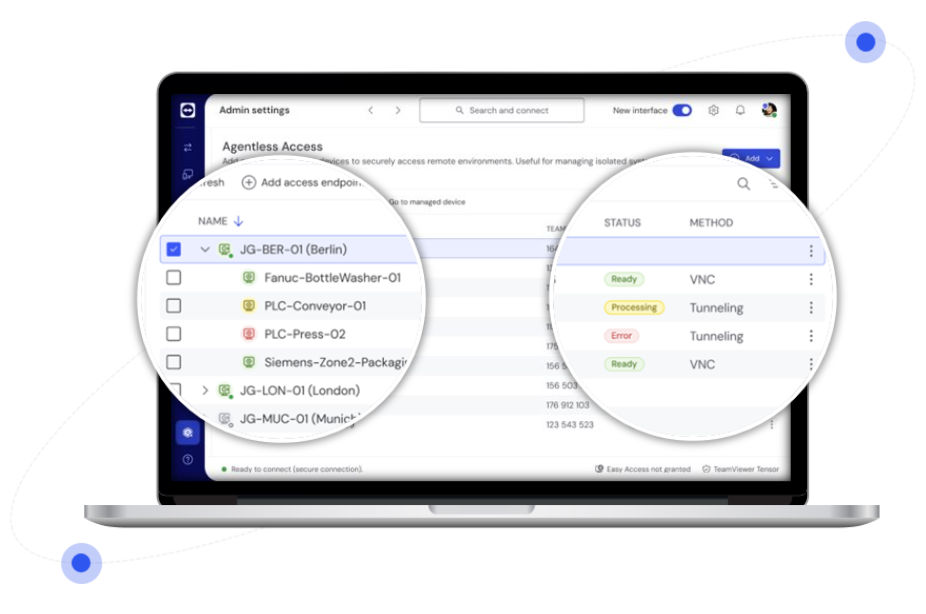
Need direct access to endpoints without installing software on them? In dispersed shop floor and manufacturing environments, this can be mission critical.

With Agentless Access, you can make remote endpoint connections without installing software on the machinery. This enables remote access while ensuring best-in-class security and compliance.

…and that’s a wrap for this edition of Up to Speed

We’ll keep sharing the latest TeamViewer product updates here on the blog and on social, so you can stay current on what’s new and what it means for your team.

Andy Philp

Director, Product Marketing at TeamViewer


Andy Philp is Director of Product Marketing at TeamViewer. For over 20 years, Andy has worked at leading EUC and DEX vendors in roles ranging from consulting, pre-sales, product management and marketing.