
Knowledge Base
Add a new device to your account and your company
Last Modified 21 мая 2026 г.
You can quickly and easily connect and access information about your devices by adding them to your account or company's device list. There are three ways of adding a device to your device list:
- Add the device as a managed device
- Add the device as a bookmarked device
- Deploy TeamViewer via .msi package through IT infrastructure
This article applies to all TeamViewer Remote users.
How to set up remote access and manage a remote device
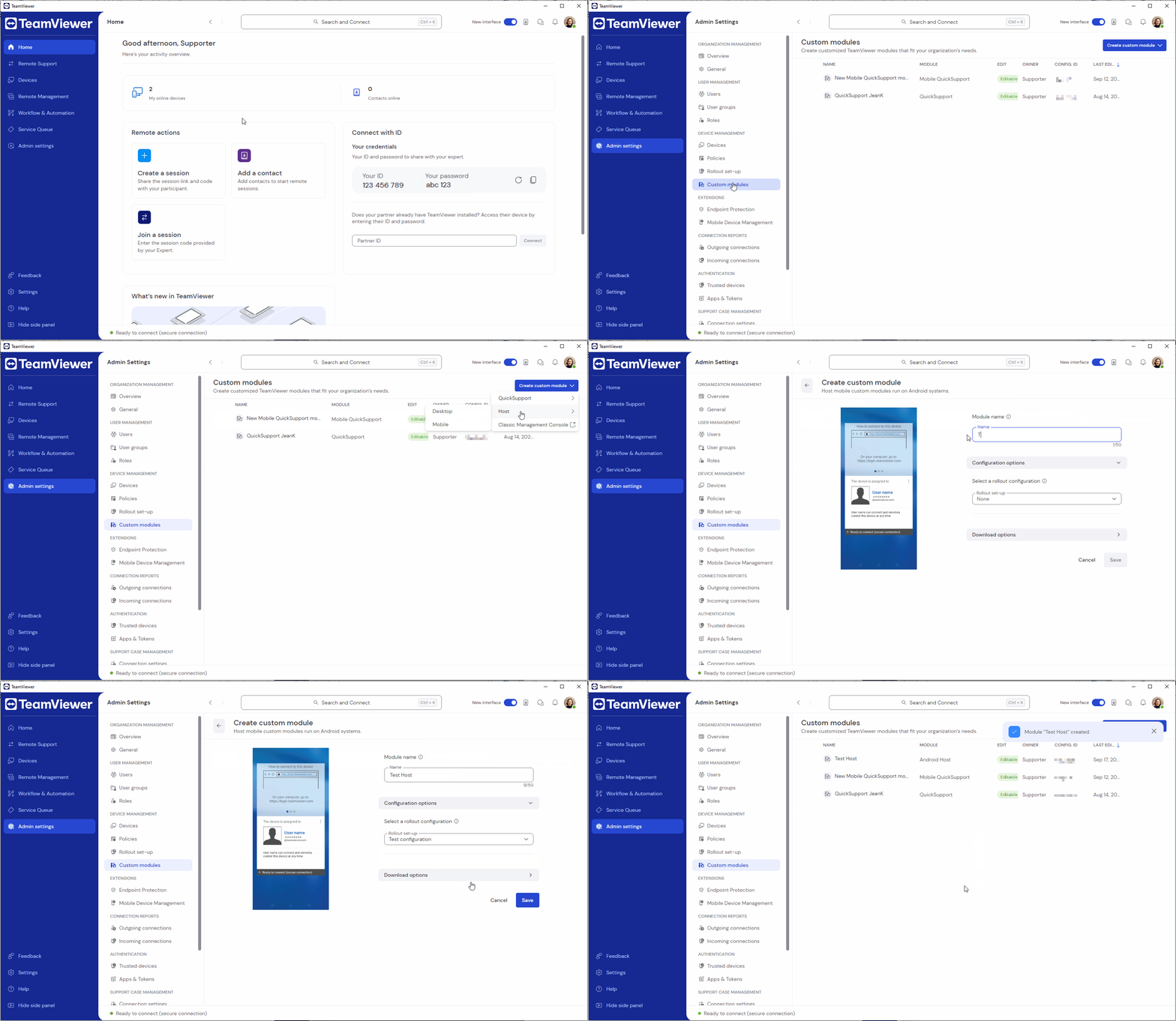
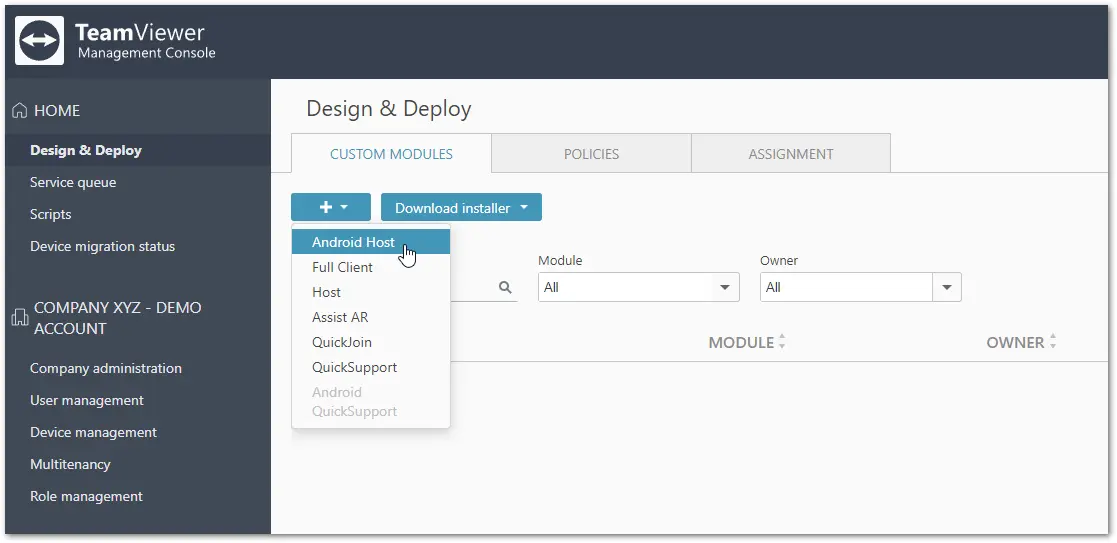
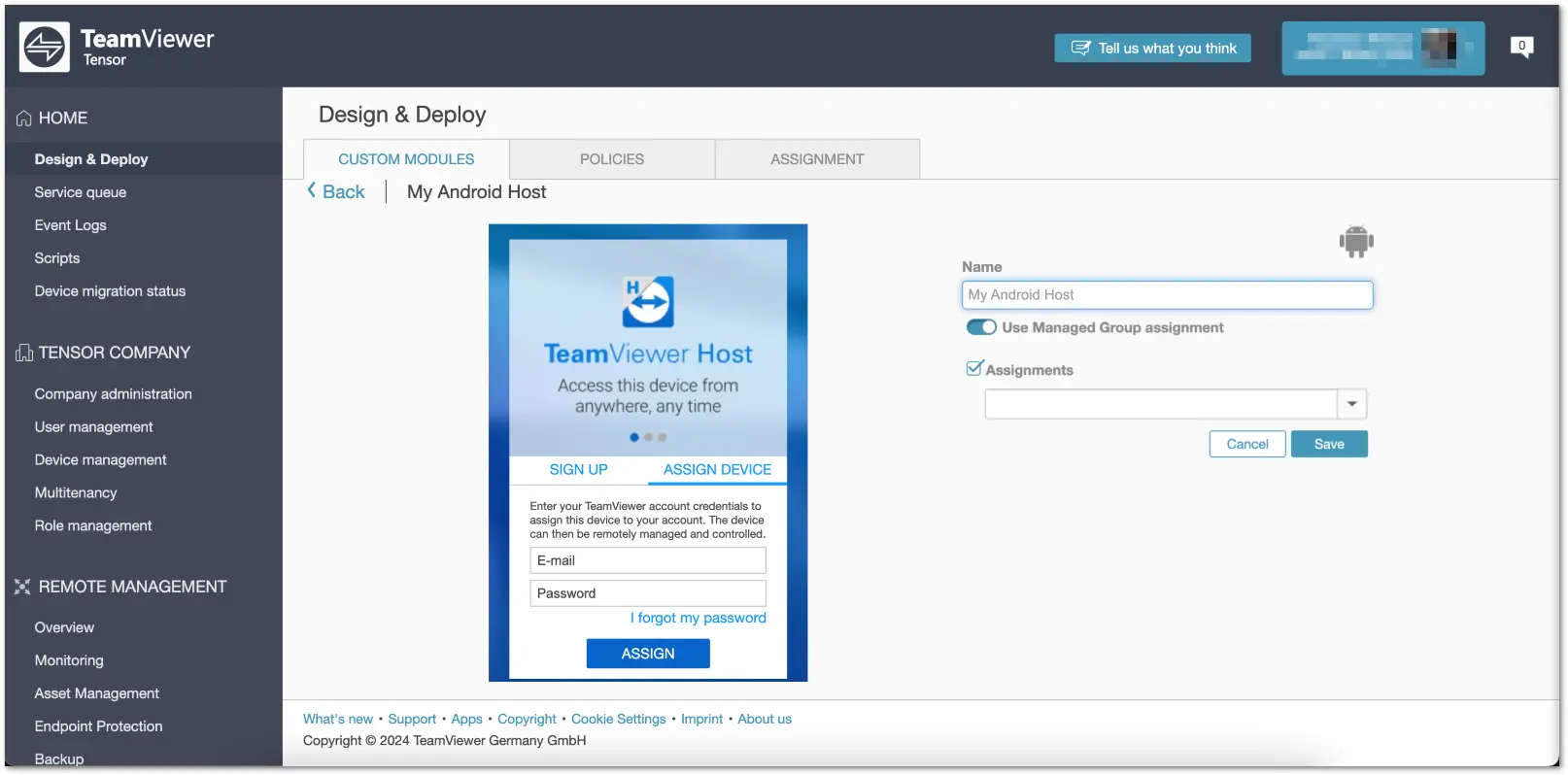
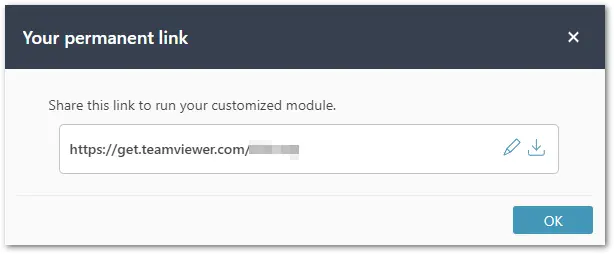
How to bookmark a device
To bookmark a device, please follow the instructions below:
- Sign in to the TeamViewer Remote full client or to https://web.teamviewer.com/.
- Go to Devices.
- Click the + Add button and select Remote device.
- Select the tab Via TeamViewer ID.
- Enter a device name, the TeamViewer ID of the remote device, and select a group.
- Click Add.
Your device has been successfully added to your device list.
How to bookmark a device via recent connections
To bookmark a device from your recent connections, please follow the instructions below:
- Go to Remote Support.
- In the input field where you enter the remote device’s ID, click the star icon.
- Enter a device name.
- Select the group where the device should be saved (only legacy device groups are supported).
- (Optional) Enter the remote device’s personal password and a description.
- Click Add.
The device has been successfully added as a bookmarked device.
How to add devices by deploying TeamViewer
As an admin, you can deploy TeamViewer through your IT infrastructure and automatically assign all your devices to your TeamViewer master account.
Admin can then share the devices with the respective users and grant them the respective permissions to the devices.
To mass deploy TeamViewer, please follow the instructions below:
What is a restricted device, and how to migrate it?
Devices flagged with the restricted tag are devices that have not yet been migrated into TeamViewer Remote's new Device management system.
To migrate restricted devices, please follow the instructions here: