Knowledge Base

Find your log files

Last Modified 22 июл. 2026 г.

How to find log files on mobile devices

How to find log files manually

By default, the TeamViewer log files can be found in these locations:

Windows

TeamViewer Full Version and Host

C:\Program Files (x86)\TeamViewer

TeamViewer QuickSupport

C:\Users\[username]\AppData\Roaming\TeamViewer


macOS

TeamViewer Full Version, Host, and QuickSupport

Macintosh HD ➜ [User] ➜ Library ➜ Logs ➜ TeamViewer

Note: To access TeamViewer logs on macOS, you must be signed in to an administrator account.

Android

TeamViewer Remote Control, Host, and QuickSupport

<external storage>/Android/data/<packagename>/files

Examples

  • QuickSupport: /Android/data/com.teamviewer.quicksupport.market/files/
  • Host: /Android/data/com.teamviewer.host.market/files/

How to find log files for the web app

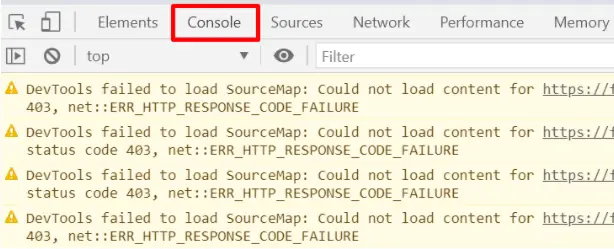
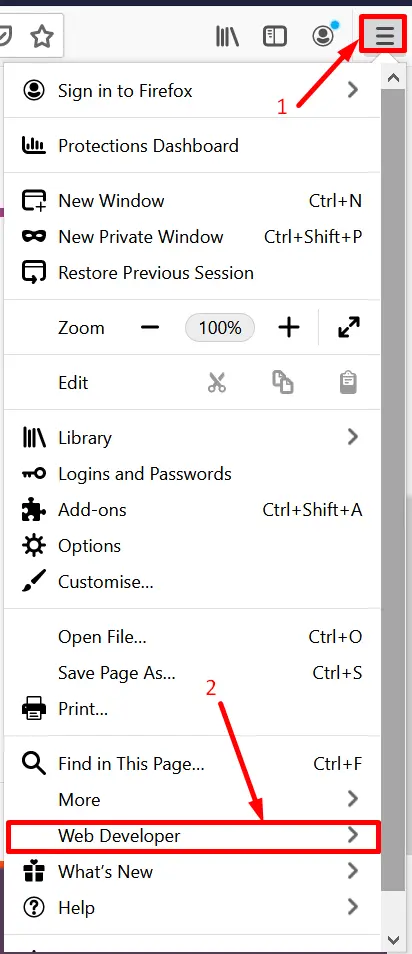
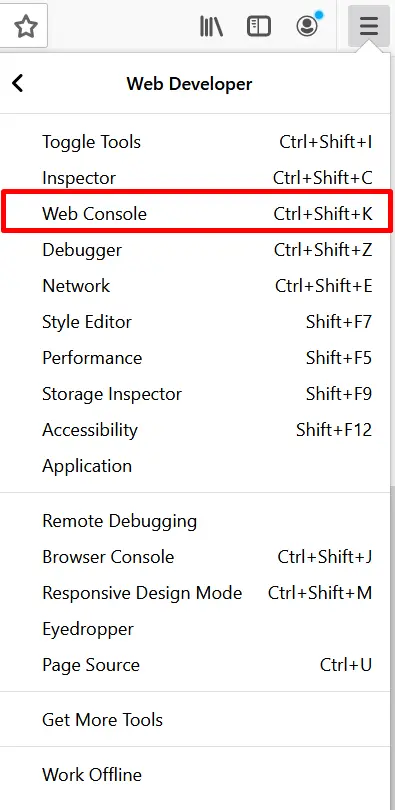
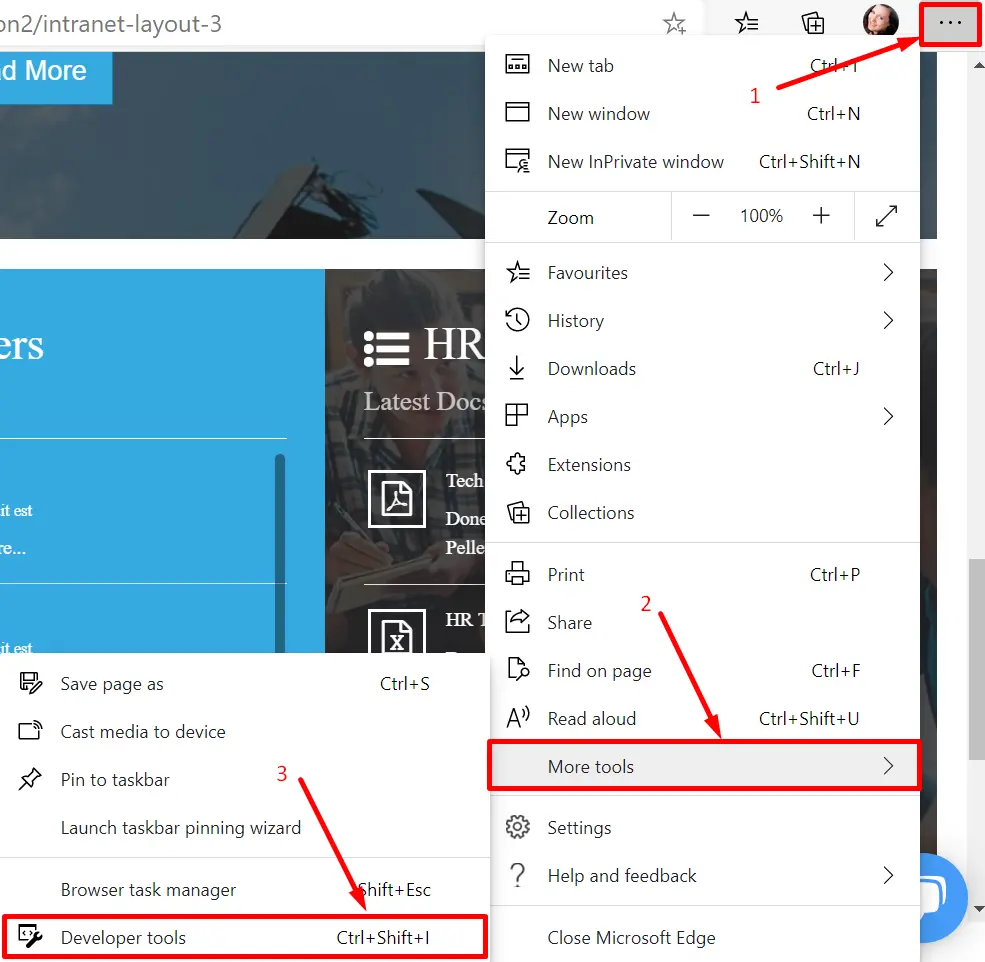
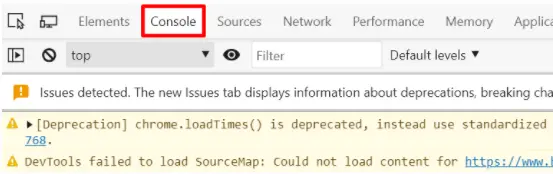
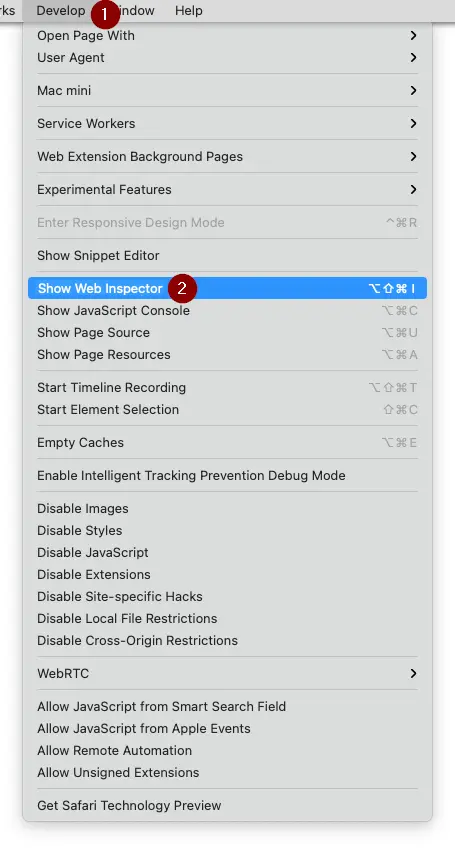
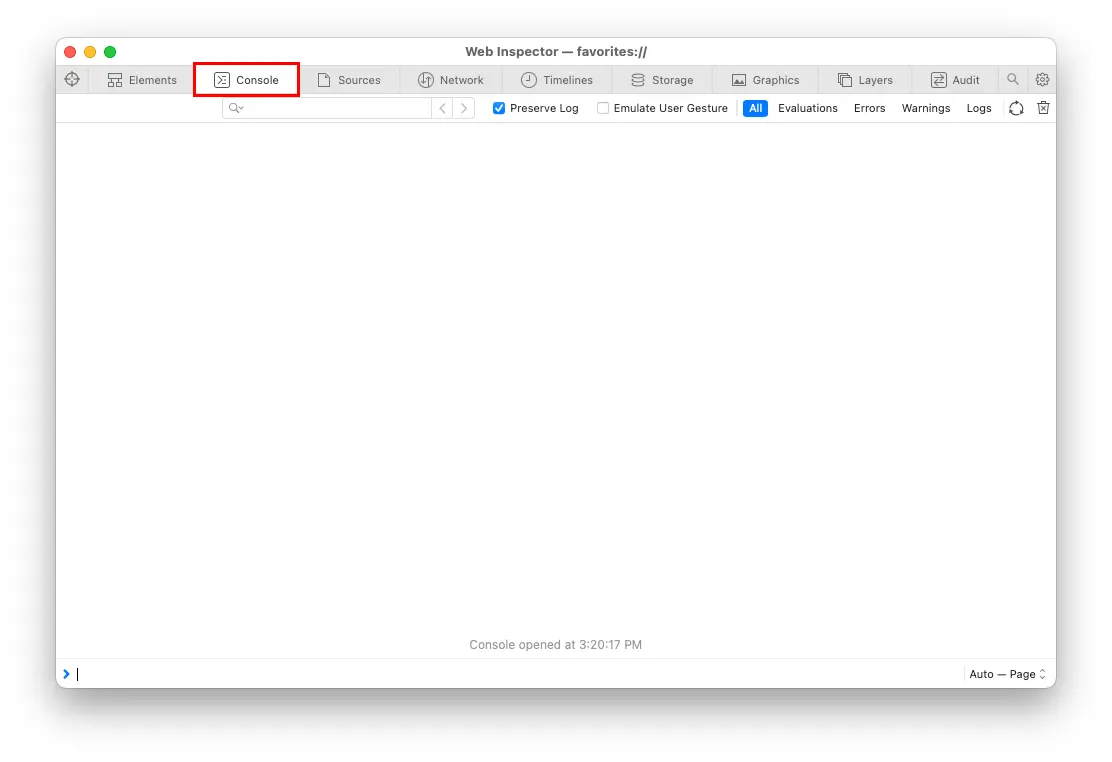
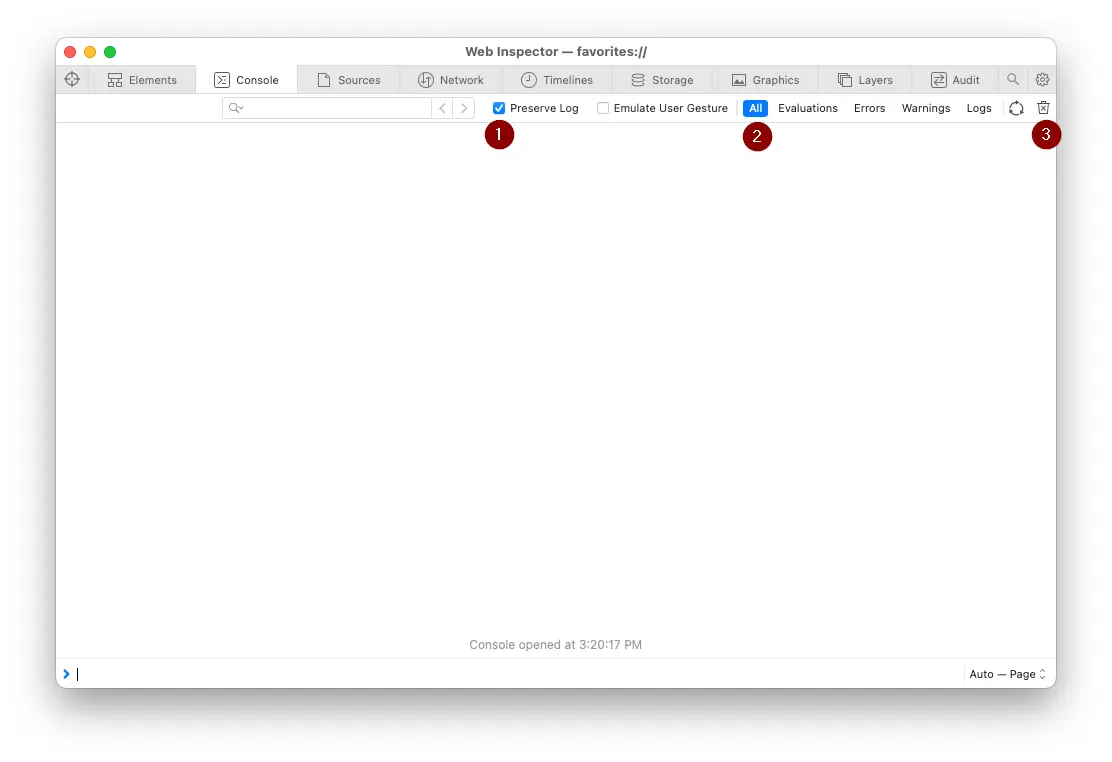
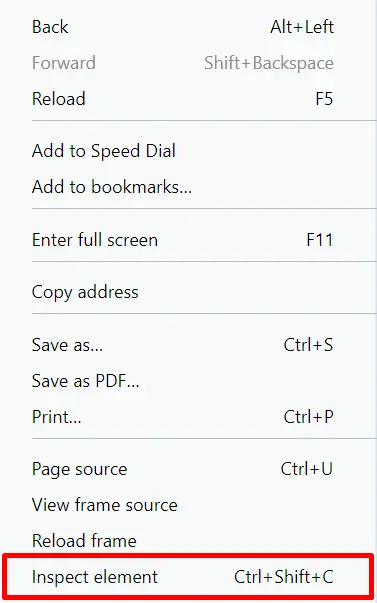
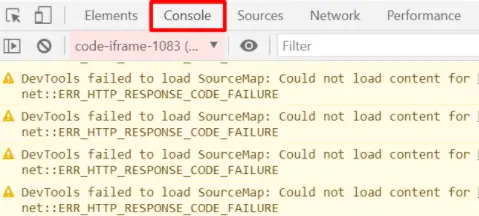
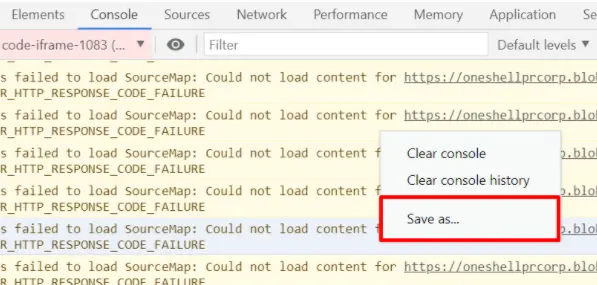
To find the Log files (Console logs) for the web app, please follow the steps for your browser: