Knowledge Base
Connect via Windows Authentication to control UAC during a TeamViewer session
Last Modified 7 авг. 2026 г.
When connecting to a Windows device with TeamViewer, the remote session does not start with administrative rights by default when using the QuickSupport module. Because of this, Windows User Account Control (UAC) prompts cannot be controlled during the session.
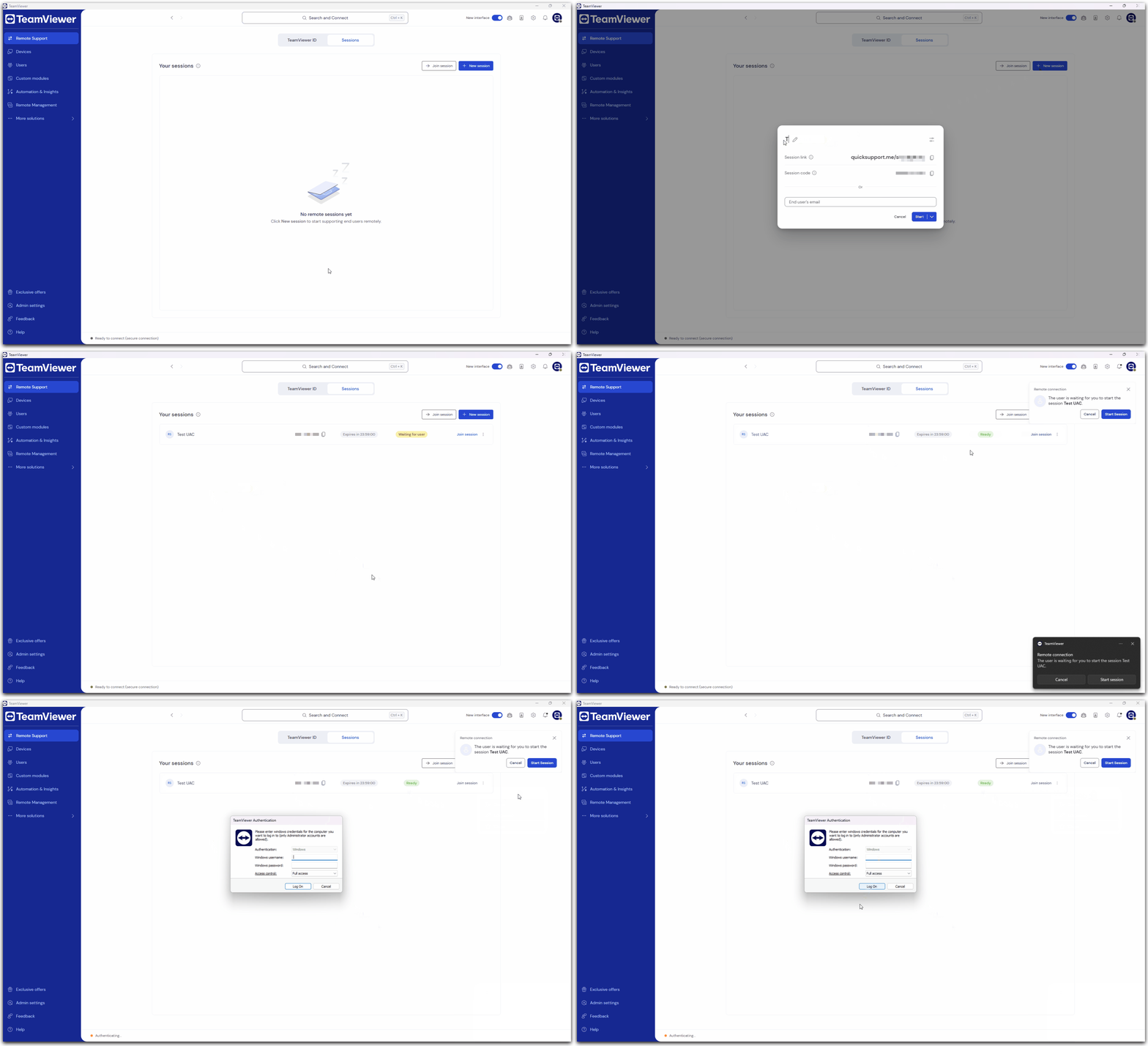
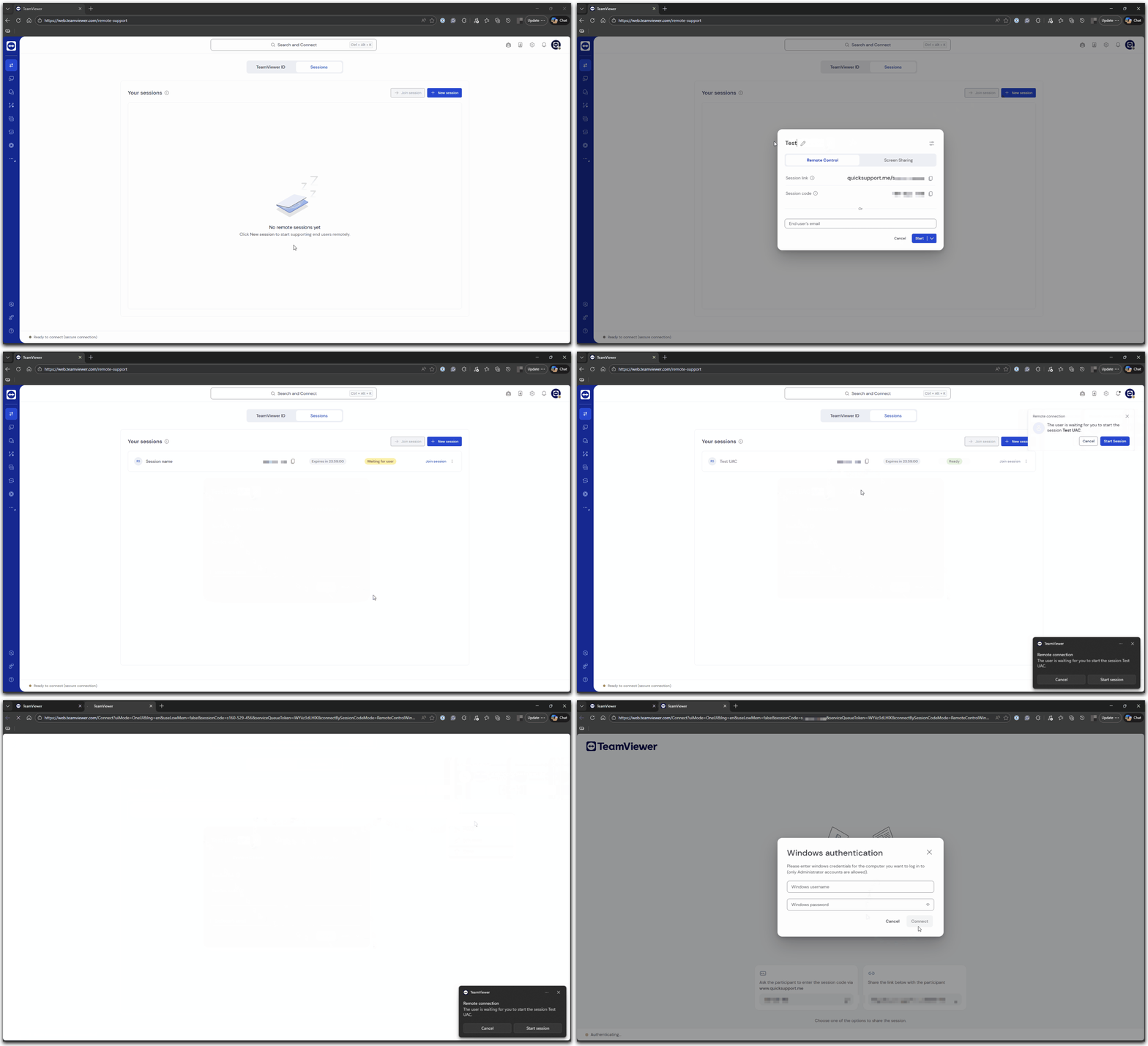
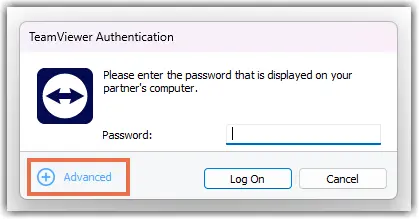
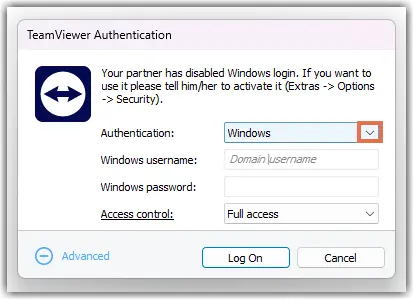
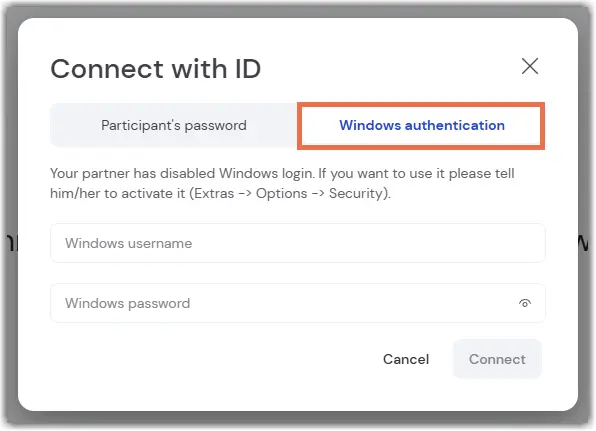
Windows Authentication lets you sign in with a Windows administrator account to obtain the required permissions. This article explains how to control UAC using Windows Authentication for session-based connections as well as for connections using TeamViewer ID and password.
This article applies to all TeamViewer Remote users.
Prerequisites
Before you start, make sure that:
- The remote device runs either TeamViewer QuickSupport
or
- The remote device runs TeamViewer Host or the TeamViewer full client.
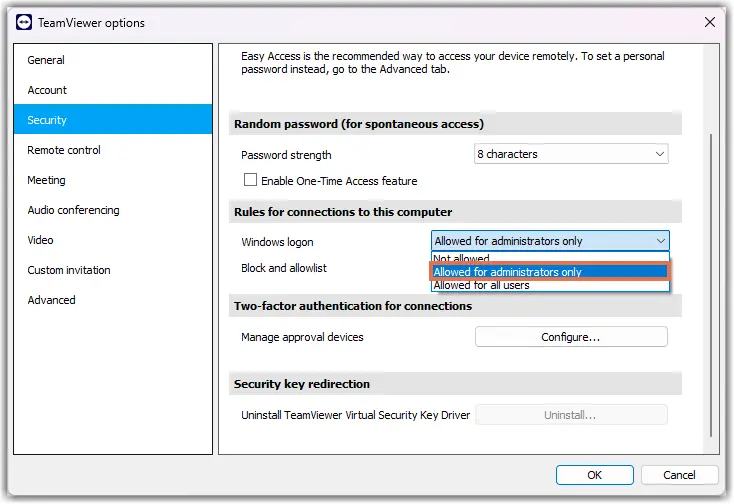
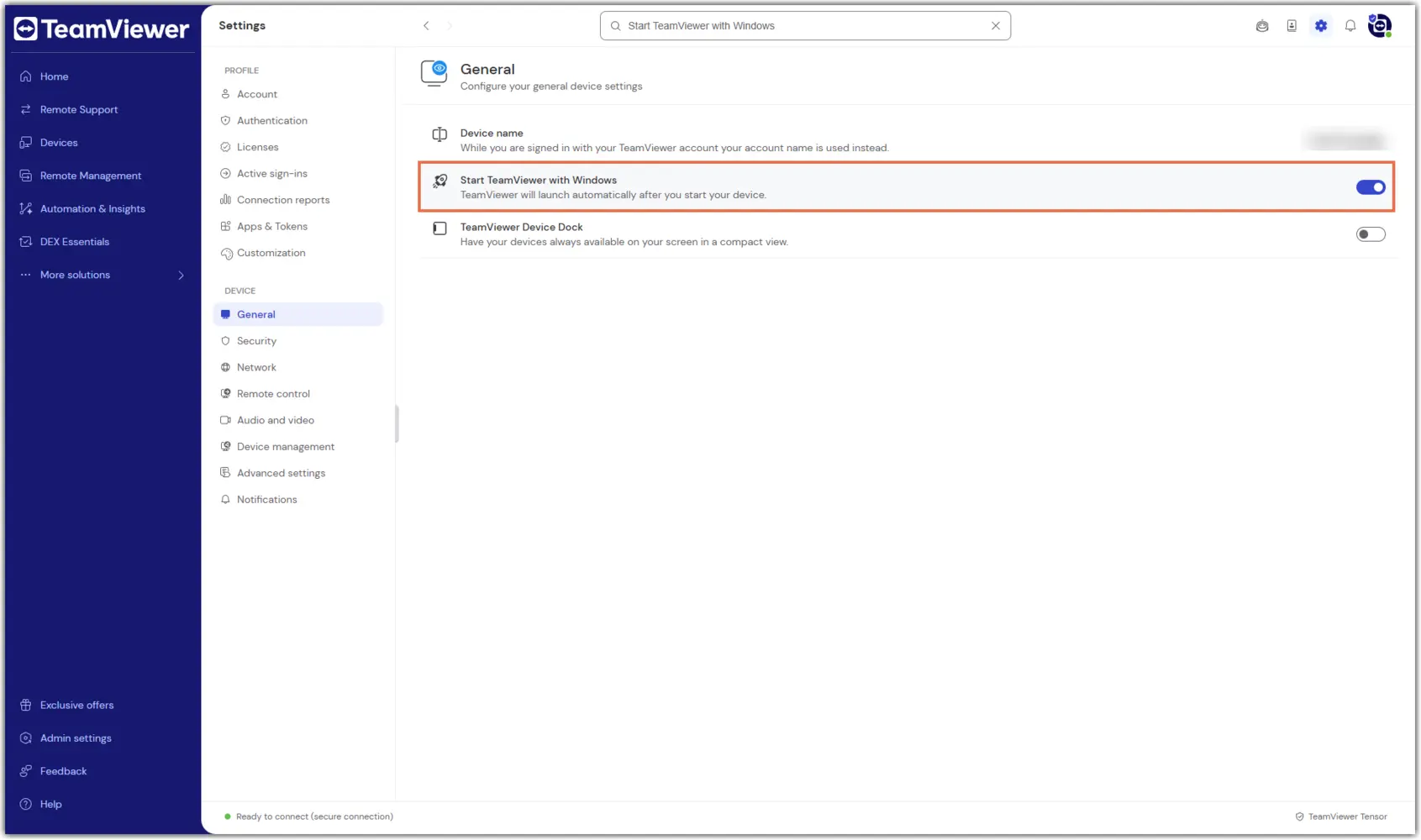
- Note: TeamViewer service must be running, and Windows Authentication must be enabled in the settings (more on this later in the article).
- You have the Windows username and password of an administrator account on the remote device.
Requirements
To connect using Windows Authentication:
- A local Windows account exists on the remote device.
- The Windows account must have administrator rights.
- If the device uses Microsoft Entra ID, the username format needs to be: azuread\username@domain.