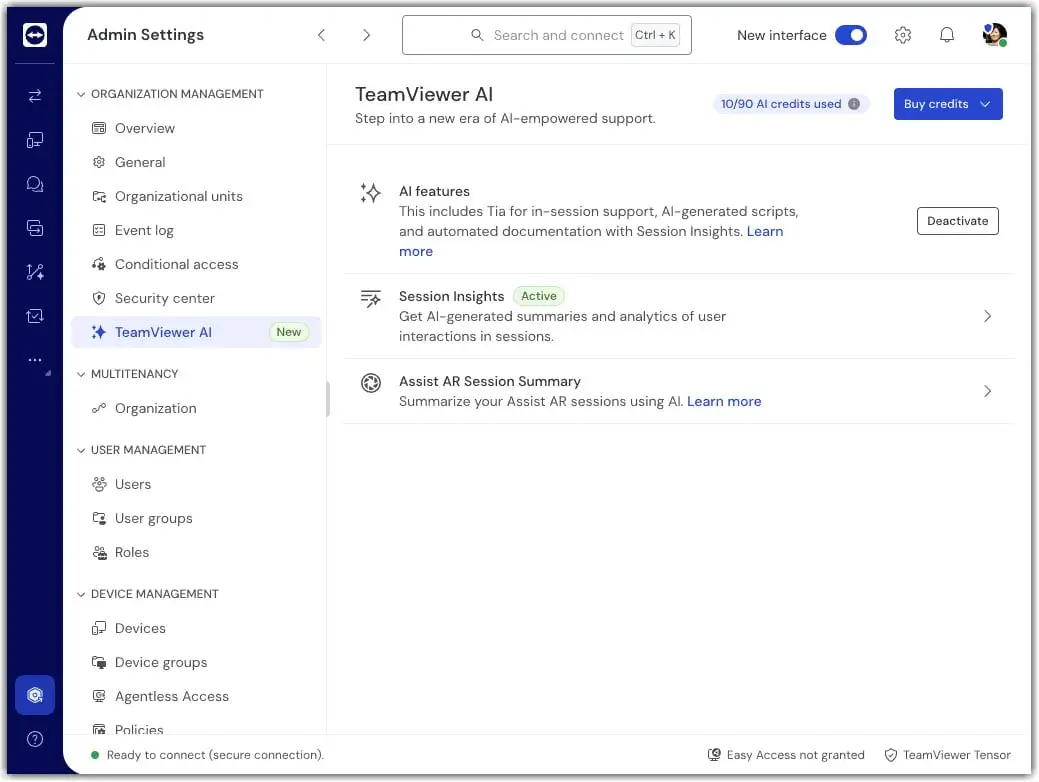
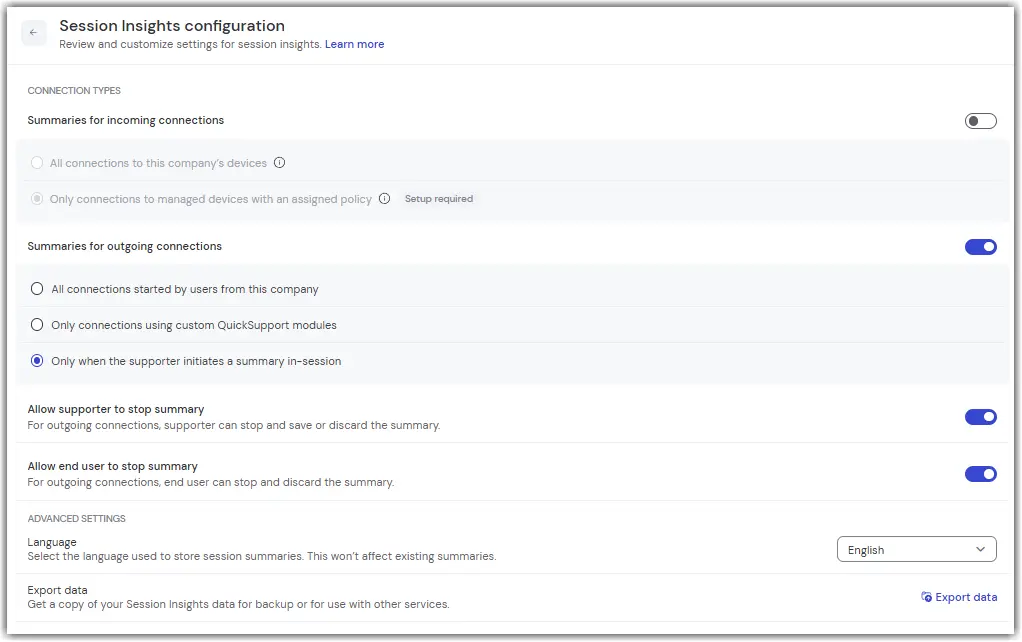
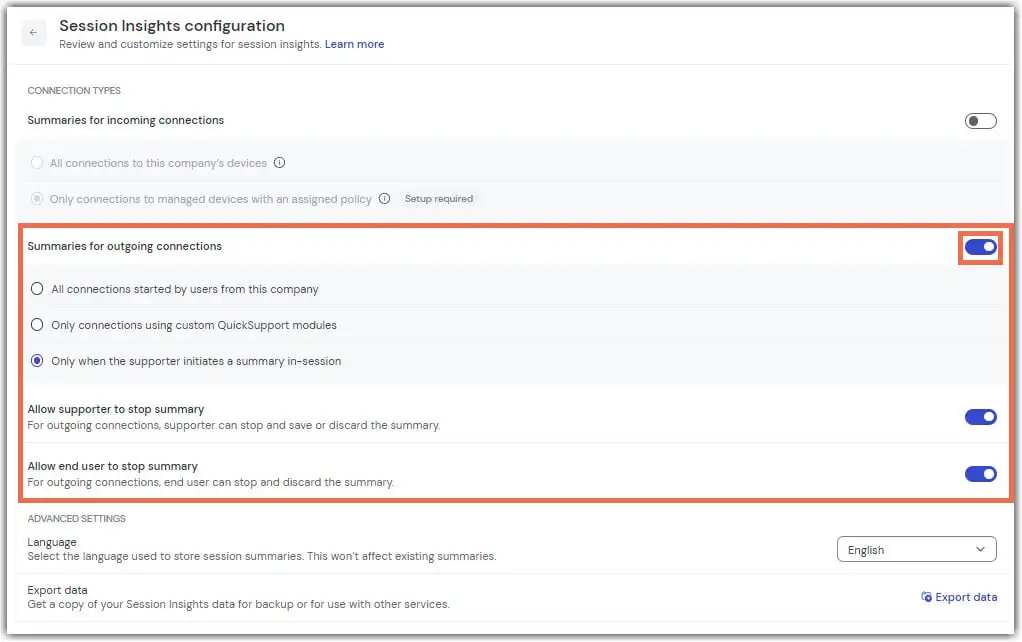
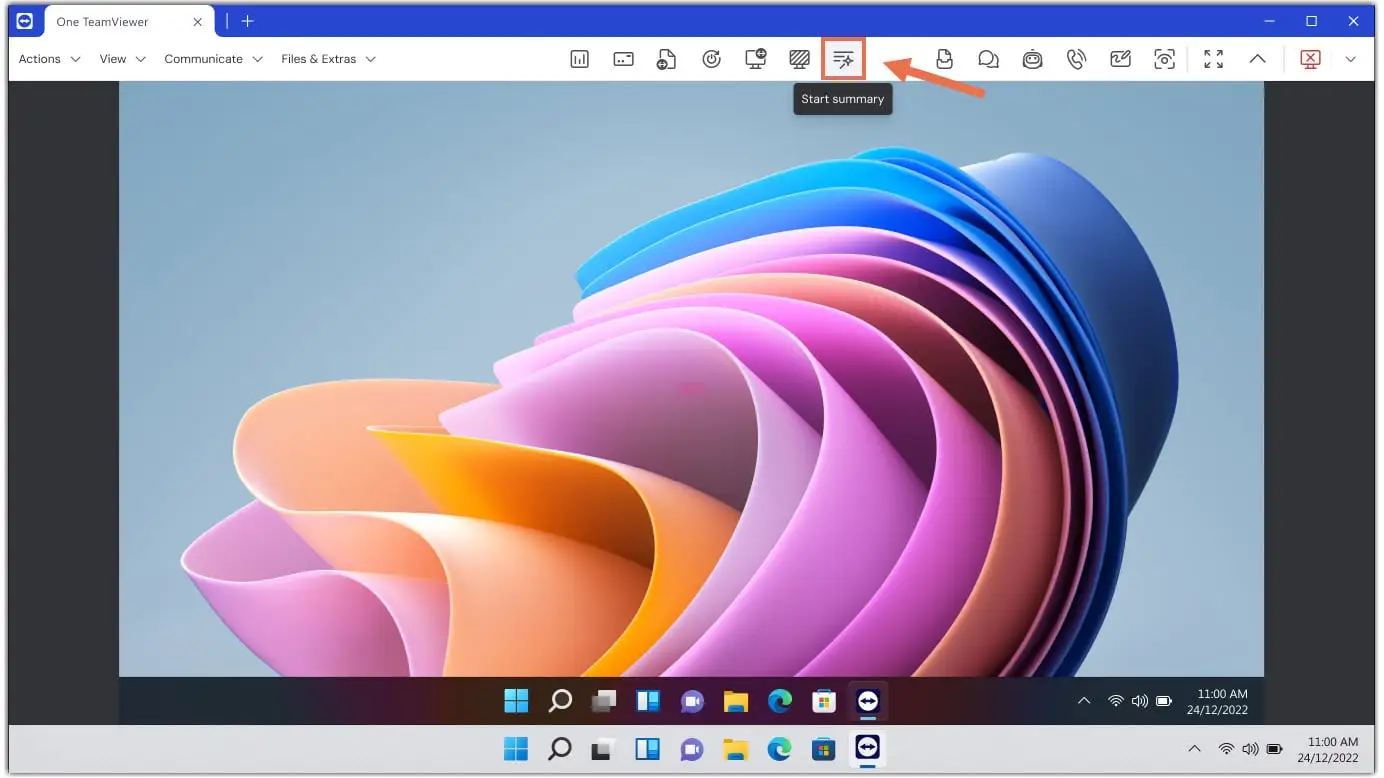
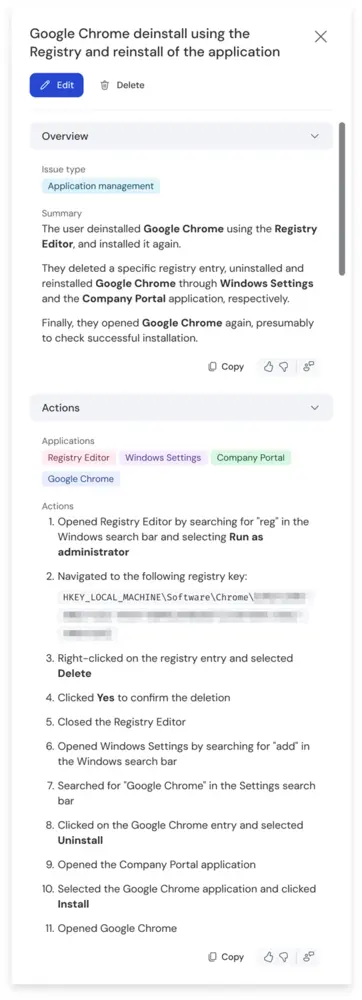
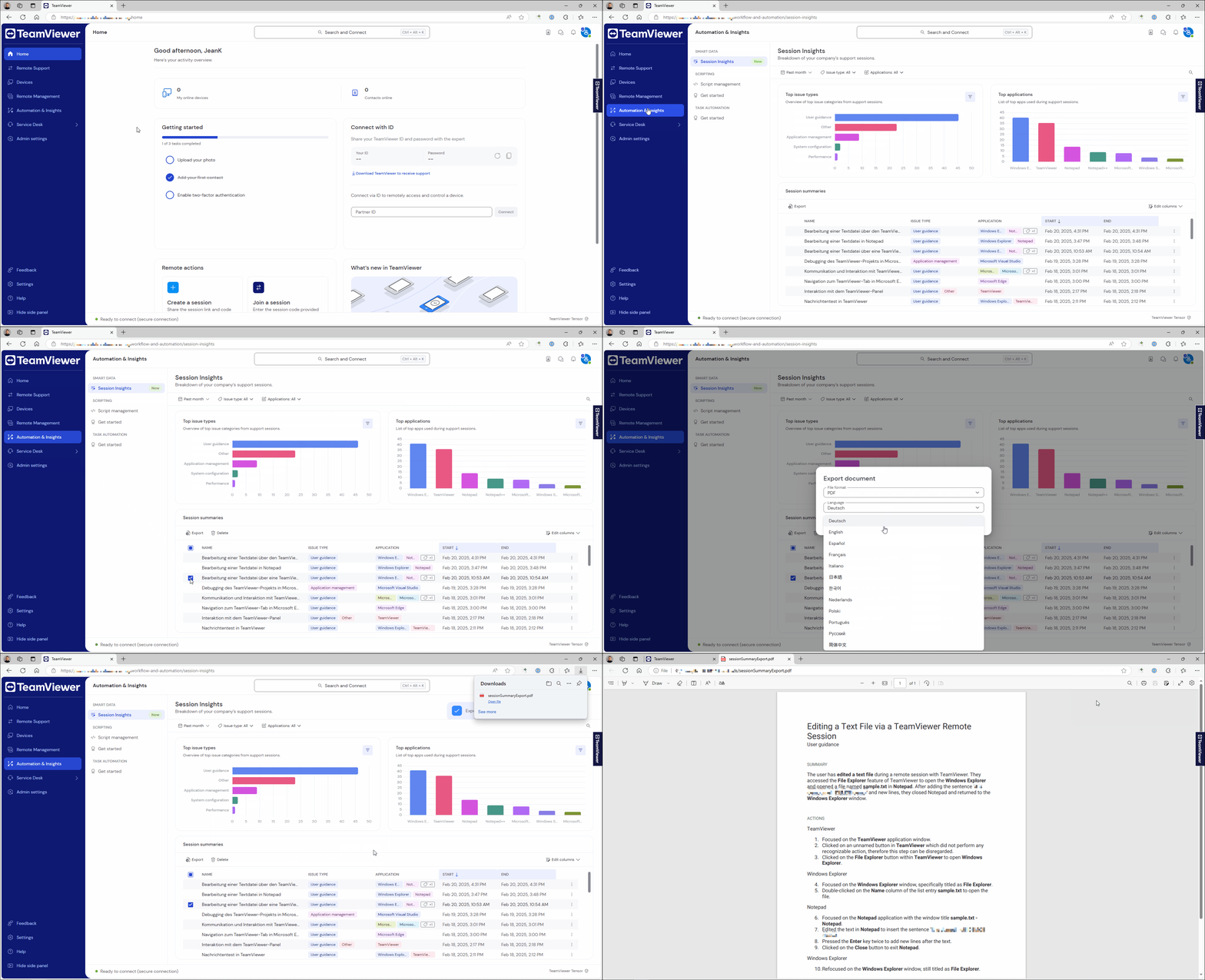
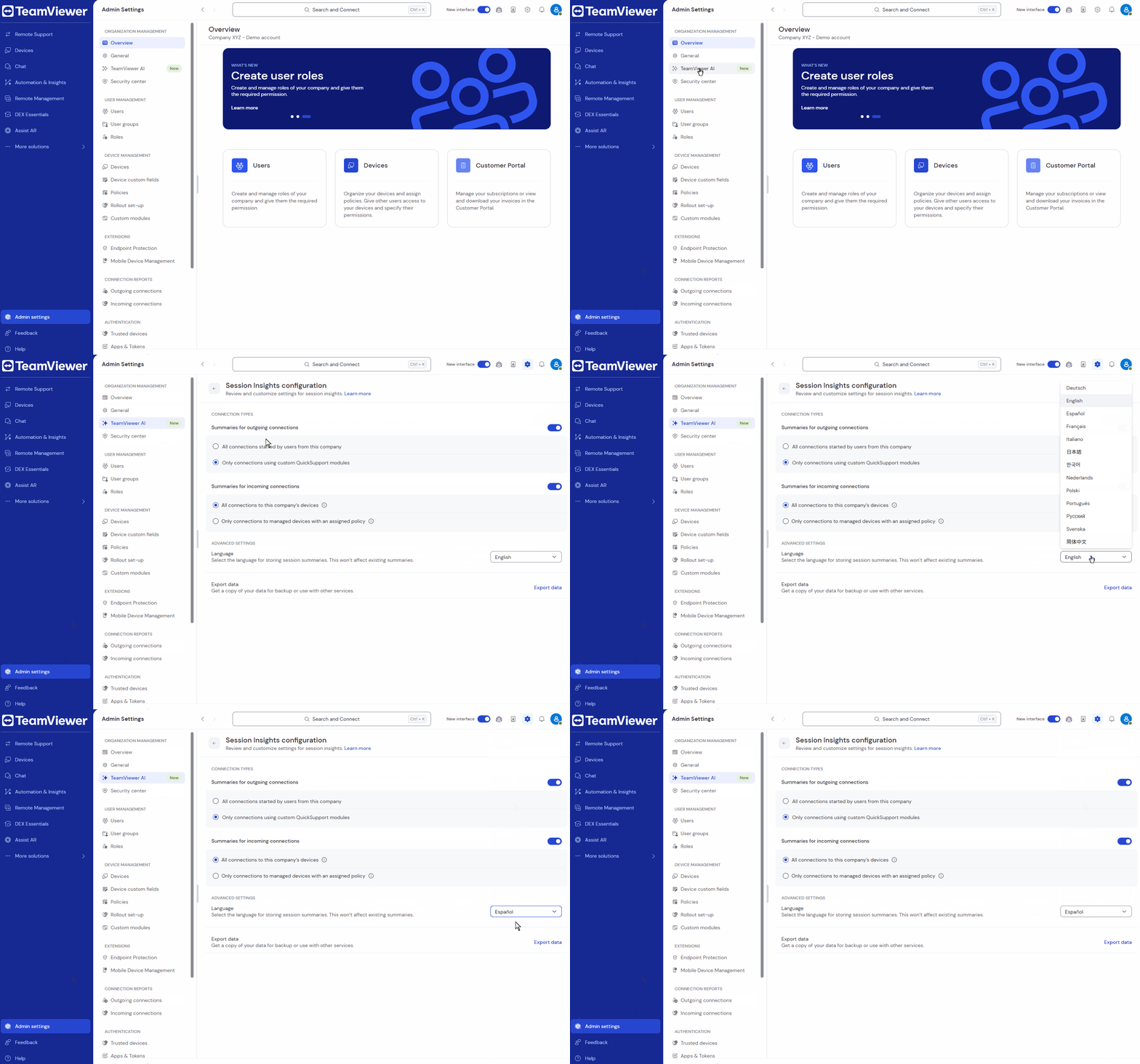
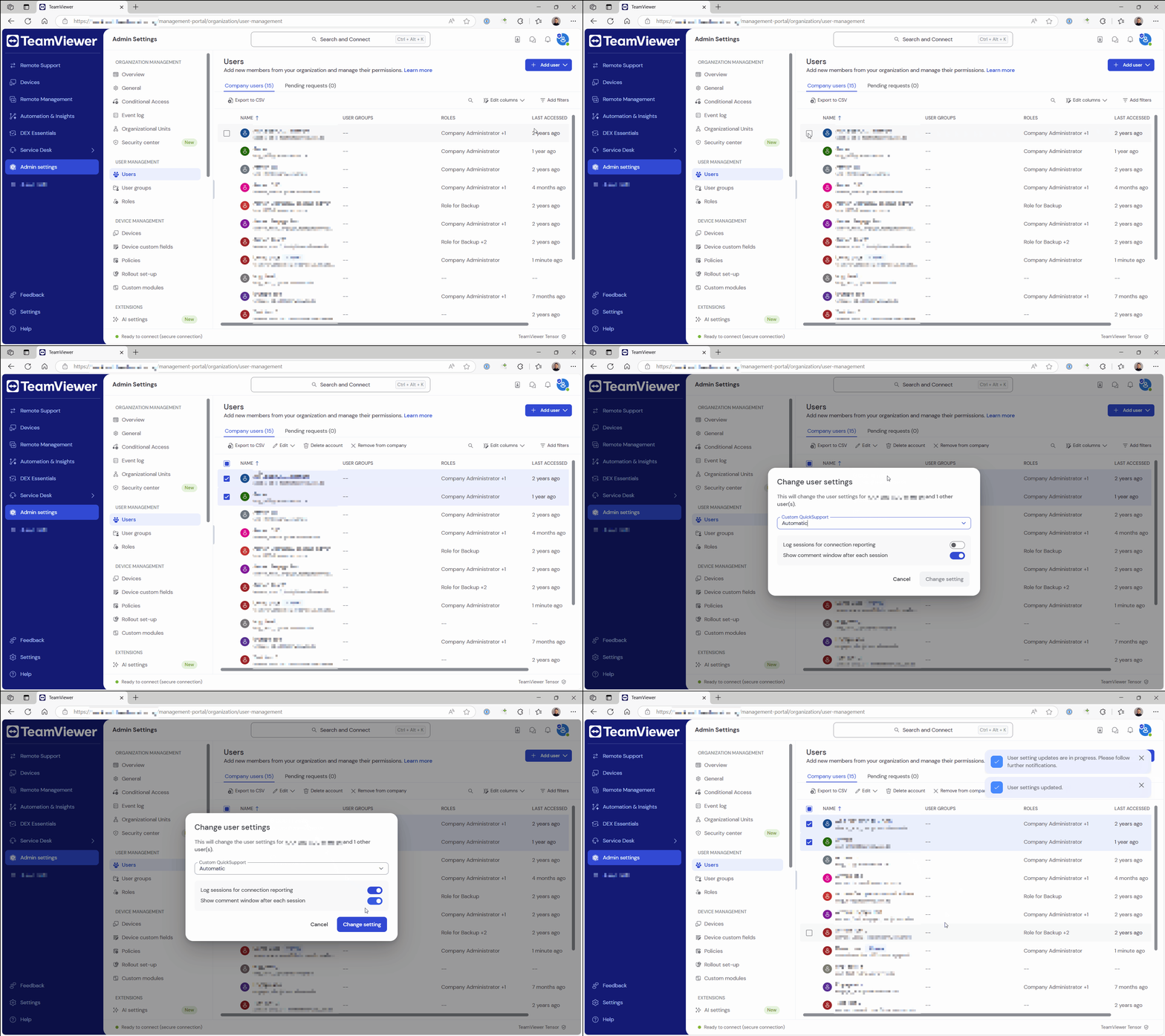
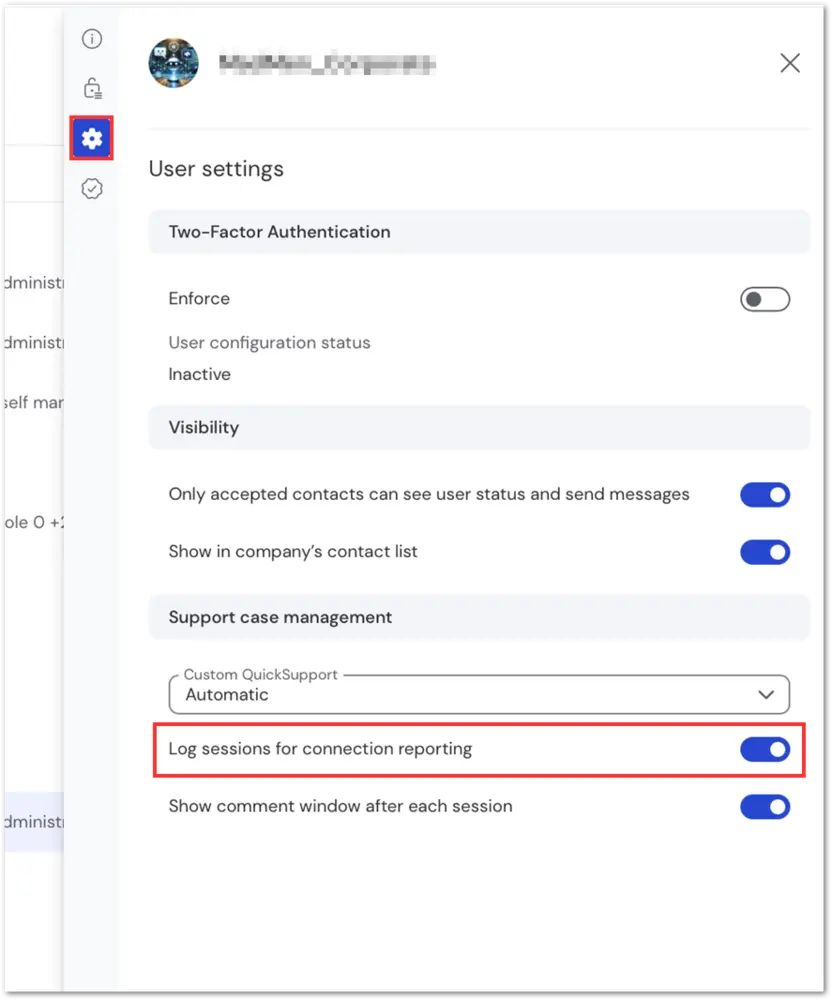
Session Insights is an AI-powered feature that generates concise summaries of TeamViewer sessions.
This article applies to Business, Premium, Corporate, Tensor, and TeamViewer ONE customers running Windows and macOS on their devices.
Benefits of Session Insights
- Facilitates learning and continuous improvement from recent support cases, increasing productivity and efficiency in technical issue resolution.
- Provides efficient documentation for faster support case reviews and handover, enhancing collaboration and saving time for support teams.
- Offers a clear overview of services provided, ensuring compliance with requirements, proof of service, and increased customer satisfaction.
- Enables Tia (TeamViewer Intelligent Agent) to access session summaries during remote support sessions and suggest verified solutions, based on user permissions.