Deploying and configuring devices one at a time can be time-consuming, especially in organizations managing dozens, hundreds, or even thousands of endpoints. To simplify the process, many IT teams use a golden image - a preconfigured system image that can be deployed to multiple devices, ensuring consistency across the environment. A golden image typically includes an operating system, essential software, security settings, and standardized configurations that serve as the foundation for new devices. By deploying a single, validated image across multiple endpoints, organizations can reduce setup time, improve standardization, and streamline ongoing device management.
What is a golden image?
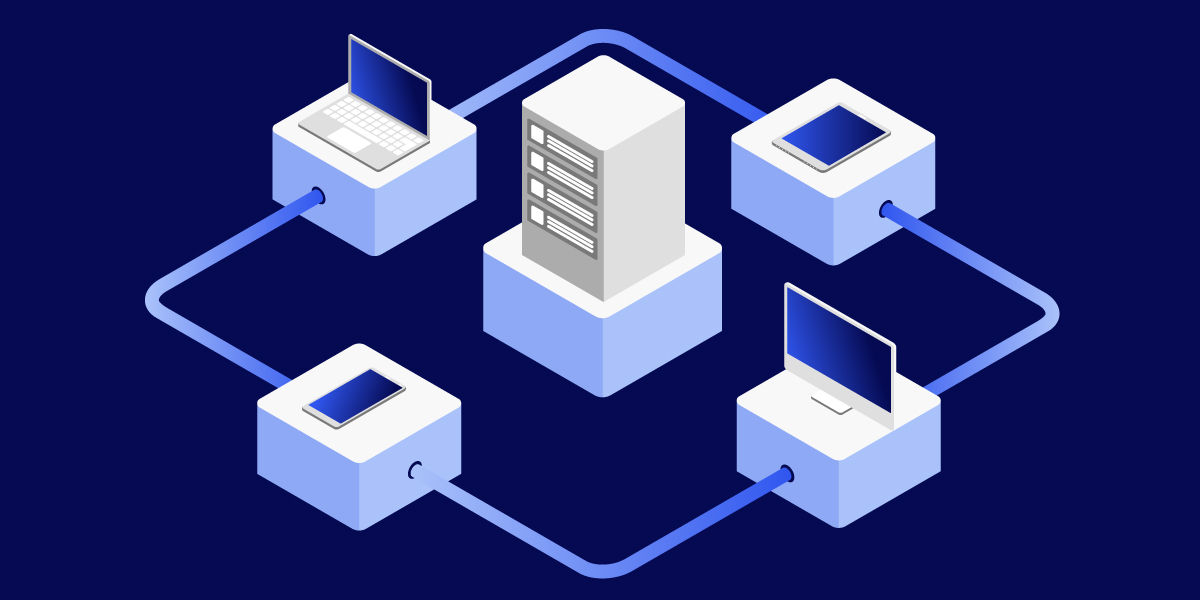
A golden image, sometimes called a master image or base image, is a preconfigured copy of a system used to deploy identical configurations to multiple devices.
The image typically contains:
- The operating system
- Security configurations
- Standard applications
- Organizational settings
- Required updates and patches
Instead of configuring every device manually, IT teams deploy the golden image and begin with a known, standardized environment.
Why organizations use golden images
Consistency is one of the biggest challenges in endpoint deployment. Without standardized deployment processes, devices can end up with different configurations, missing software, or inconsistent security settings.
Golden images help organizations:
- Standardize deployments
- Reduce setup time
- Improve security
- Minimize configuration errors
- Simplify onboarding
- Support large-scale rollouts
For many IT teams, imaging remains one of the most efficient ways to provision large numbers of devices.
What typically goes into a golden image?
The contents depend on organizational requirements, but most golden images include several core components.
Operating system
The operating system is the foundation of the image and is typically fully patched and updated before deployment.
Business applications
Organizations often include commonly used software such as:
- Productivity tools
- Collaboration applications
- Browsers
- Business-critical applications
- Management utilities
Security settings
Many organizations incorporate approved security baselines and configuration settings before deployment.
Configuration standards
Network settings, policies, operating system configurations, and standard preferences can also be included to create a consistent user experience.
Thick, thin, and hybrid images
Not all golden images are built the same way.
Thick images
A thick image contains the operating system, applications, drivers, and most required configurations.
Advantages:
- Faster device readiness
- Fewer post-deployment steps
Disadvantages:
- Larger image size
- More maintenance required
Thin images
A thin image generally includes only the operating system, while applications and additional configurations are installed later.
Advantages:
- Smaller image size
- Greater flexibility
Disadvantages:
- Additional deployment steps required
Hybrid images
Hybrid images combine elements of both approaches by including core software and settings while deploying some components separately. This approach is often used to balance flexibility and deployment speed.
Benefits of using golden images
Faster deployment
Rather than manually preparing every device, IT teams can deploy a standardized environment in significantly less time.
Improved consistency
Every device starts from the same approved configuration, reducing variation across the environment.
Simplified troubleshooting
Standardized systems make it easier to identify configuration-related problems because devices share a common baseline.
Easier compliance management
Consistent deployments can help organizations maintain approved software versions, security configurations, and operational standards.

Challenges of golden image management
Although golden images provide many advantages, they also require maintenance.
Keeping images updated
Applications, operating systems, and security requirements evolve over time. Images must be reviewed and refreshed regularly to avoid deploying outdated software or missing important updates.
Managing hardware diversity
Organizations with many device models may encounter compatibility considerations involving drivers and hardware-specific configurations.
Avoiding outdated software
An image that remains unchanged for too long can create unnecessary work during post-deployment updates.
Best practices for creating a golden image
Many organizations follow a structured approach when building deployment images.
Common best practices include:
- Start with a clean operating system.
- Fully patch the OS before imaging.
- Install only necessary applications.
- Apply standard security configurations.
- Remove unnecessary software.
- Exclude sensitive information.
- Test thoroughly before deployment.
- Update images regularly.
A well-maintained image can significantly reduce deployment complexity over time.
Golden images and endpoint management
Creating a consistent device image is only one part of the endpoint lifecycle. Once devices are deployed, organizations still need visibility into device health, software versions, security status, and configuration compliance. As environments grow and become more distributed, deployment processes are often combined with endpoint management and monitoring solutions to help maintain consistency after rollout.
Solutions such as TeamViewer can help IT teams maintain visibility across deployed endpoints, provide remote support, and monitor systems throughout their lifecycle. When combined with a standardized deployment strategy, these capabilities can help organizations maintain a more consistent and manageable endpoint environment.
Is a golden image still relevant today?
Despite the growth of cloud-based provisioning and modern endpoint management platforms, golden images remain widely used.
Many organizations continue to rely on imaging because it offers:
- Predictable deployments
- Consistent configurations
- Faster provisioning
- Improved operational efficiency
Modern deployment workflows often combine imaging, automation, cloud management, and endpoint monitoring to support increasingly complex IT environments.
Final thoughts
What is a golden image
A golden image is a preconfigured system template used to deploy consistent environments across multiple devices. By standardizing operating systems, software, and configurations, golden images help IT teams reduce deployment time, improve consistency, and simplify endpoint provisioning. While creating and maintaining a golden image requires ongoing effort, the benefits often outweigh the cost—particularly for organizations managing large numbers of endpoints. When combined with modern endpoint management practices, golden images remain an effective tool for building scalable and reliable IT deployment processes.