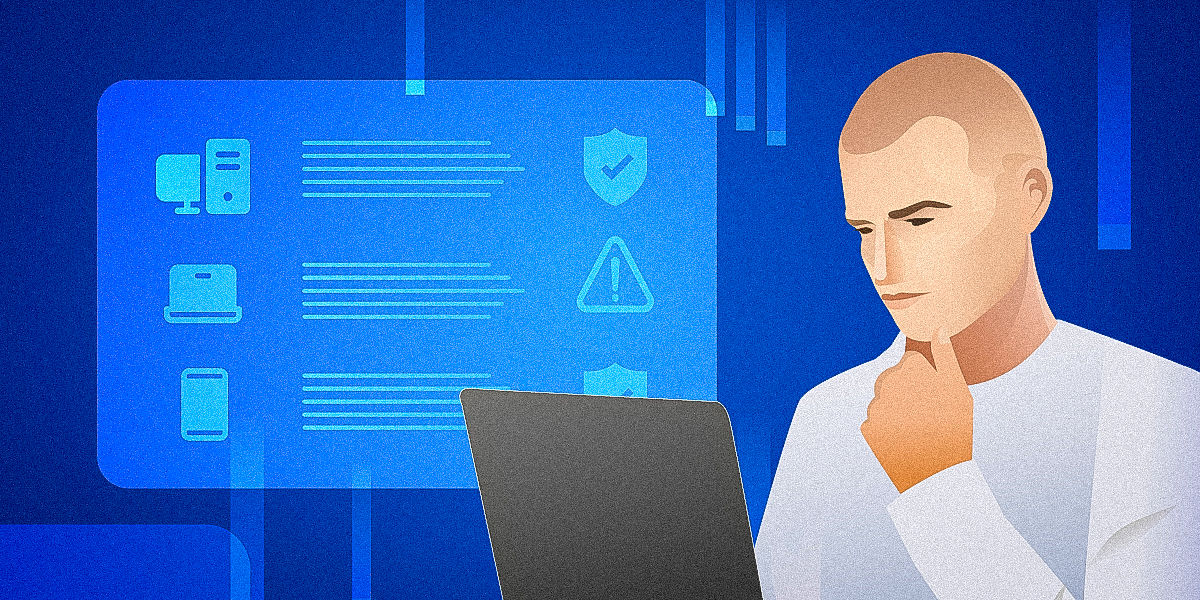
Unified endpoint management (UEM) is a cloud-based approach that consolidates control of all devices (laptops, mobiles, tablets, and remote workstations) into a single platform. It replaces fragmented, device-specific tools with centralized policy management, enabling IT teams to provision, secure, and support endpoints at scale without manual configuration.
Most IT teams underestimate how much their endpoints actually cost. It's rarely one big expense. Every unmanaged device, unused license, and manual support task adds up over time. Enterprise devices that nobody uses still holding active licenses, support technicians traveling on-site to fix issues that could be resolved remotely, and shadow devices that consume resources without appearing on any inventory list.
A cloud-native endpoint management system changes the economics of IT support, and for teams serious about cloud cost management, it's one of the most overlooked levers available. Instead of responding to problems as they emerge, it gives IT teams proactive control: automated provisioning, real-time visibility, and policy enforcement that scales without adding headcount. This article covers five key strategies that directly reduce unnecessary expenses.
Traditional endpoint management vs. unified endpoint management (UEM)
Traditional endpoint management software relies on on-premise infrastructure, manual configurations, and legacy systems that require significant IT involvement at every stage. A cloud-native endpoint management platform consolidates devices into a single cloud-based environment with centralized policy and automation capabilities.
The core difference is operational leverage. Traditional approaches require IT staff to touch each device individually, whether physically or through fragmented tools. Modern endpoint management platforms automate that work at scale, allowing policies and configurations to be applied across large numbers of endpoints simultaneously. For organizations managing distributed or hybrid workforces, the cost difference between these approaches is significant and not in favor of traditional endpoint management tools.
Best practice #1: Eliminate idle and unused endpoints automatically
Unused endpoints are pure cost with no return. The scale of the problem is larger than most IT teams realize, with an average organization wasting around 30% of their SaaS spend. For a mid-sized business with $500K in annual cloud spend, that's $150K in idle resources.
The foundation of this cost optimization practice is real-time device inventory. When IT teams can see which devices haven't been active in 30, 60, or 90 days, they can act on that data rather than guess. Automated lifecycle rules make this even more efficient: a device that goes unused beyond a defined threshold triggers a workflow (license removal, account suspension, or full deprovisioning), without requiring manual intervention.
Every endpoint follows a defined path from provisioning to active use to offboarding. When existing devices fall out of active use, automated rules move them to the next stage rather than letting them linger in a gray zone that inflates costs.
Cost impact:
- Lower license costs through automated deprovisioning
- Reduced attack surface from fewer active, unmonitored endpoints
- Less admin effort spent on manual audits and cleanups
Best practice #2: Replace manual endpoint tasks with policy automation
Manual endpoint management doesn't scale. Every device that requires individual configuration, every patch applied by hand, and every support ticket that demands on-site presence adds time and cost that compounds across a growing device fleet. Policy automation replaces this one-to-one effort with one-to-many control.
Automated device onboarding is the starting point. New devices can be configured remotely based on predefined policies once they are connected. Standardized policies ensure every endpoint meets the same baseline regardless of where it's located or who sets it up. Automated monitoring and patching help close the gap between identifying issues and remediating them, reducing both the risk of security incidents and the IT hours spent chasing down non-compliant devices.
Cloud-native endpoint management and remote connectivity platforms like TeamViewer ONE extend the reach of automation by significantly reducing the need for on-site IT presence. When an endpoint issue requires human intervention, IT teams resolve it remotely, accessing the device directly, applying fixes, and closing the ticket without dispatching a technician. Fewer IT staff can support more endpoints, response times improve, and the cost per support interaction drops substantially.
Cost impact:
- Fewer IT hours spent on routine configuration and support
- Lower error rate from consistent, policy-driven setup
- Predictable operating costs that don't grow linearly with device count
Best practice #3: Right-size endpoint licenses and access in real time
Most organizations pay for more software access than their teams actually use. Zylo found that 53% of SaaS applications go underutilized or unused, and organizations waste approximately $21M each year on unused SaaS licenses. That's not a marginal inefficiency and it requires a whole system rethink.
Good application management means mapping licenses to business units' functions rather than assigning identical software packages across your digital environment. A warehouse team member and a finance analyst have different tool requirements. Treating them identically wastes money on one side and potentially under-provisions the other. Dynamic permission management allows you to adjust access automatically as roles change.
Usage-based license allocation adds another layer of precision. When your cloud-native endpoint management platform tracks actual software usage, you can identify licenses that are assigned but rarely or never opened. Those are direct savings waiting to be acted on! Combined with real-time reporting, IT teams can make license decisions based on what people use.
Cost impact:
- Allows to reduce or completely eliminate waste on unused licenses across your device fleet
- Aligns software spending with real business needs and usage patterns
- Improves cost efficiency through better licensing options
Best practice #4: Reduce security incidents through built-in compliance
Security incidents are among the most expensive endpoint-related costs that require extensive ransomware endpoint protection. Cerber ransomware-as-a-service (RaaS) encrypts files using AES+RSA encryption while simultaneously exfiltrating sensitive data. Attackers then threaten to publish that data even if the ransom is paid. Paying doesn't end the incident; it often just starts a new negotiation.
Automated patching removes one of the most common causes of successful cyberattacks, unpatched software with known vulnerabilities. When patches are applied automatically across all endpoints on a defined schedule, the window of exposure shrinks dramatically. IT teams don't need to track patch status manually or chase down devices that missed an update cycle. The process runs continuously in the background.
Continuous device health monitoring gives IT teams real-time visibility into endpoint status. The system flags problems as they emerge. An endpoint running outdated software, missing a required security configuration, or showing signs of compromise appears on the dashboard immediately. This shifts incident response from reactive to preventive, which is far less expensive in both time and cost.
Cost impact:
✔ Fewer breaches from consistent, automated patch coverage
✔ Lower recovery and downtime costs through early detection
✔ Predictable security spending instead of emergency incident budgets
Best practice #5: Centralize visibility to prevent endpoint sprawl
You can't control what you can't see. A study by Stratix has found that 30% of endpoints aren't adequately managed. Combined with the fact that 94% of organizations rely on more than one endpoint management tool, that leads to blind spots, potential security risks, and tremendous budget waste.
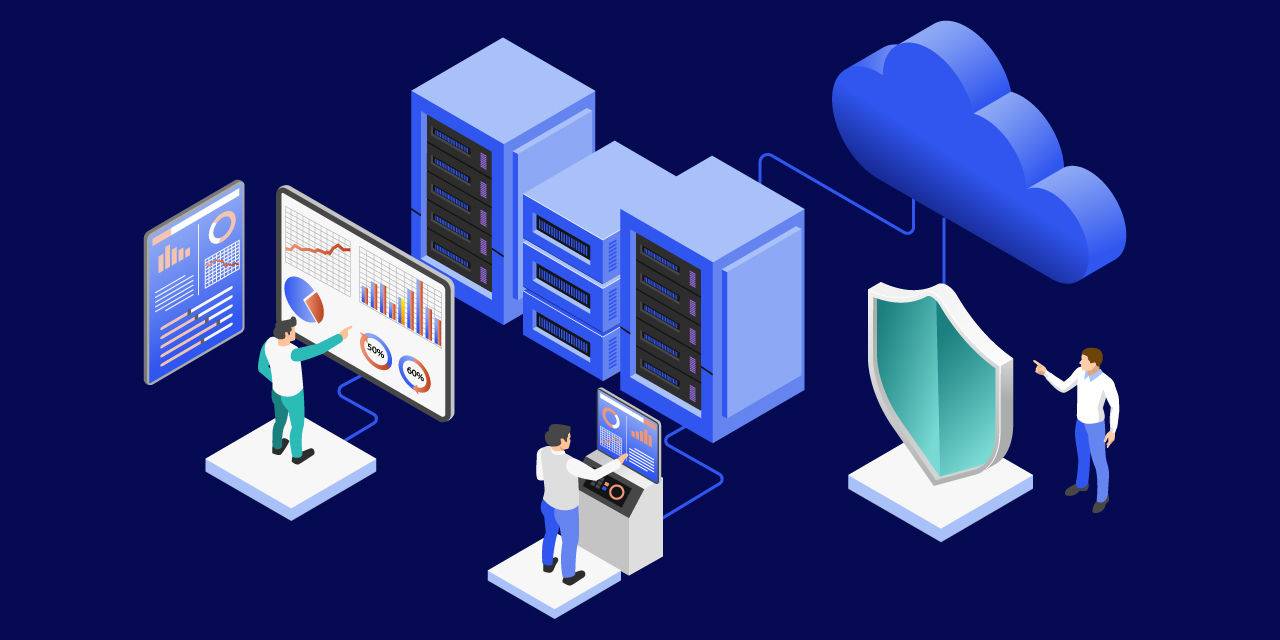
A unified dashboard consolidates usage data, license status, and monitoring insights into one place. IT leaders can see exactly how many endpoints are active, which ones are idle, where licenses are going unused, and which devices are falling out of compliance. This visibility is the prerequisite for every cost reduction practice in this article.
Endpoint analytics make it easier to allocate costs accurately and support better financial decision-making. Clear ownership and accountability prevent the slow accumulation of endpoints that nobody claims but everyone pays for. Regular audit and reporting capabilities make it straightforward to demonstrate cost control to leadership and support FinOps processes across the organization.
Cost impact:
- Prevents uncontrolled endpoint growth before it inflates costs
- Supports FinOps and IT budgeting with accurate, real-time data
- Improves forecasting accuracy by replacing guesswork with visibility and historical data
Conclusion
Endpoint sprawl, unused licenses, manual processes, and poor visibility drain IT budgets in ways that are easy to overlook but significant in aggregate. Switching from traditional endpoint management approaches to modern cloud-native platforms goes beyond a simple tool upgrade.
Costs persist because nobody can see them clearly or has resources to act. Modern tools give IT teams better endpoint visibility while simultaneously automating most of the routine IT tasks to reduce costs and prevent security risks. When IT teams can see every endpoint and act on that data without manual effort, significant cost savings follow.
Frequently asked questions (FAQ)
Autonomous endpoint management reduces IT costs by eliminating unused licenses, automating manual support tasks, preventing security incidents through continuous compliance, and providing real-time visibility into device usage. Each of these removes a category of waste: idle spend, labor overhead, incident response costs, and uncontrolled growth that compounds over time.
Endpoint sprawl occurs when device counts grow faster than IT's ability to track and effectively manage them. Unmanaged endpoints hold active licenses, create security vulnerabilities, and consume IT resources without appearing in any official inventory. Left unchecked, sprawl quietly inflates both licensing costs and security risk.
Start by eliminating idle devices and unused licenses through automated deprovisioning. Replace manual configuration with policy-driven automation, right-size software access by role, and enforce compliance automatically to prevent costly incidents. Centralizing all endpoints in a single platform gives you the visibility to control costs before they accumulate.
The best endpoint management software centralizes all devices in a single platform, automates provisioning and patching, enforces compliance continuously, and provides real-time visibility into usage and costs. Look for solutions that support all operating systems, scale without adding IT headcount, and integrate with your existing tools and workflows.