Knowledge Base
Save the chat history of a TeamViewer session
Last Modified: Jul 18, 2024
You can save the chat history to keep track of what happened during a TeamViewer session.
This article applies to all TeamViewer users.
How to save the chat history of a session
To save the chat history of a session, please follow the instructions below:
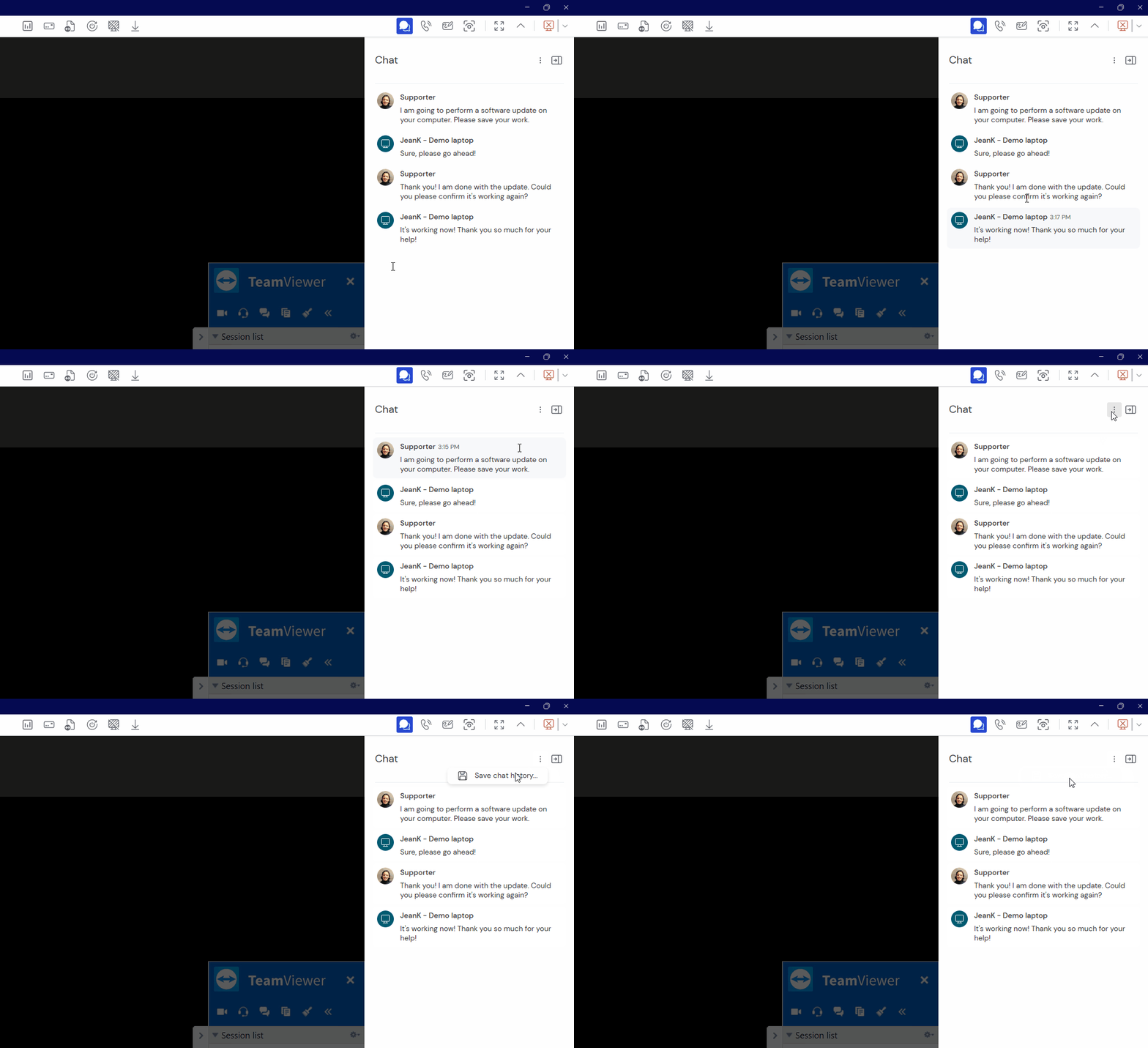
- During the TeamViewer session, click the chat icon on the right-hand side of the session toolbar.
- Click the three vertical dots, and click Save chat history…
- Select the desired path location and click Save.
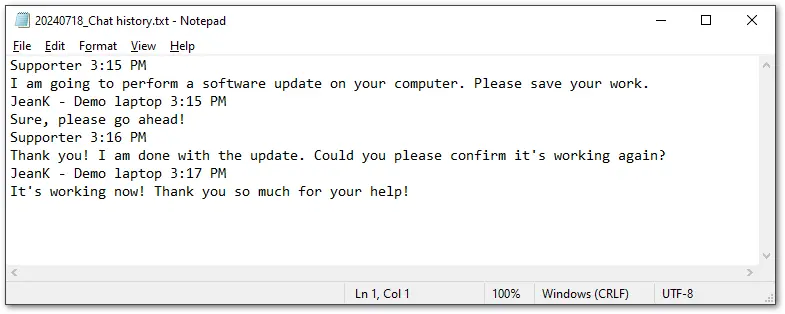
The chat history will be saved as a text file.