Knowledge Base

Set up Session Insights

Last Modified: Aug 4, 2026

step1

How to define Session Insights permissions

You can define your users' permissions for Session Insights through roles.


Settings vs. permissions

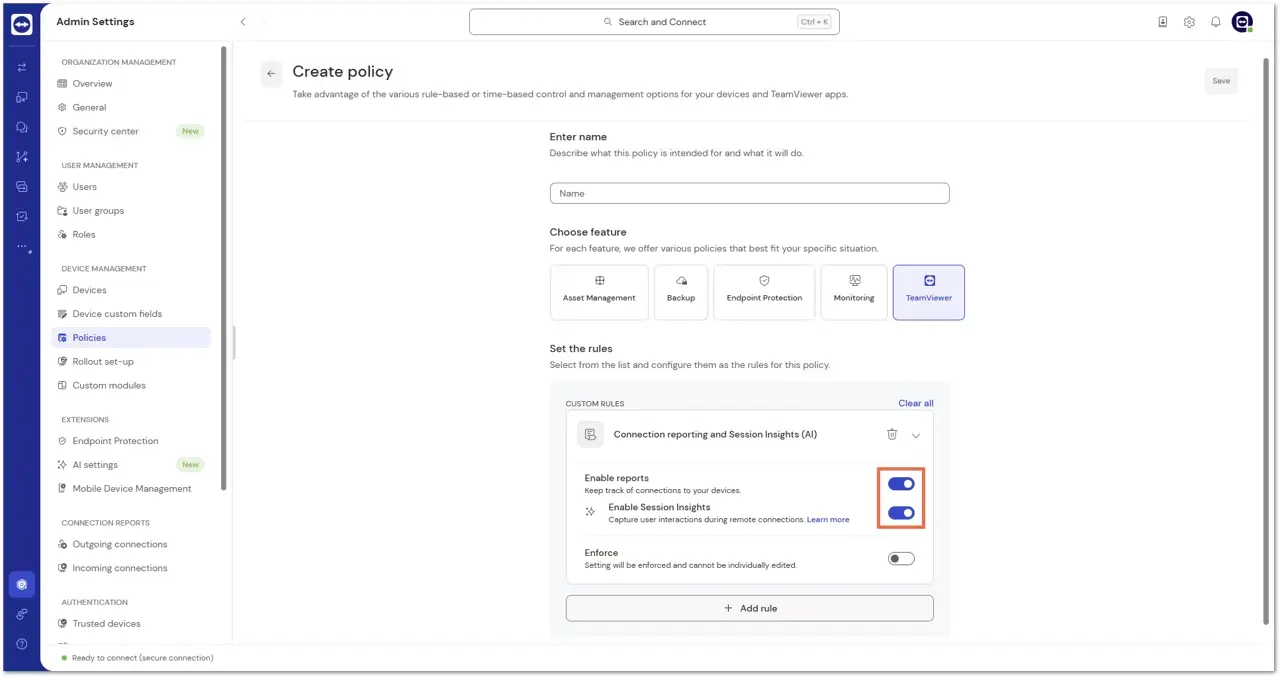
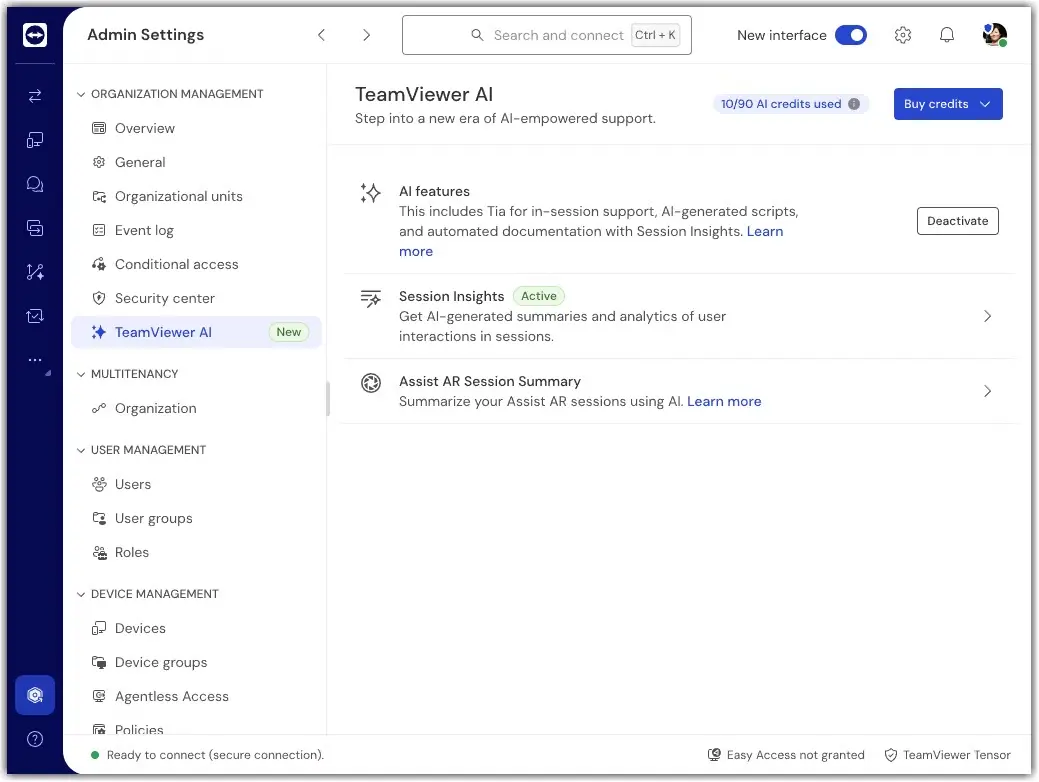
The setup options described above control whether Session Insights is available during a session. They determine whether Session Insights can generate a summary for a connection.

Permissions control what users can do with those summaries after the session. They determine who can view, edit, export, or manage Session Insights summaries.

To grant the respective permissions, please follow the instructions below:

  1. Go to Admin settings.
  2. Click the role you want to edit.
  3. Click Edit role.
  4. Go to Permissions (key icon).
  5. Within TeamViewer, scroll down to Session Insights.
  6. Select the desired Session Insights permissions and click Save.