
知识库
准备电子会议 - 文档
上次修改时间: 2024年3月14日
目的
在“文档”中,您可以上载文档模板,并为预约做准备。
功能说明
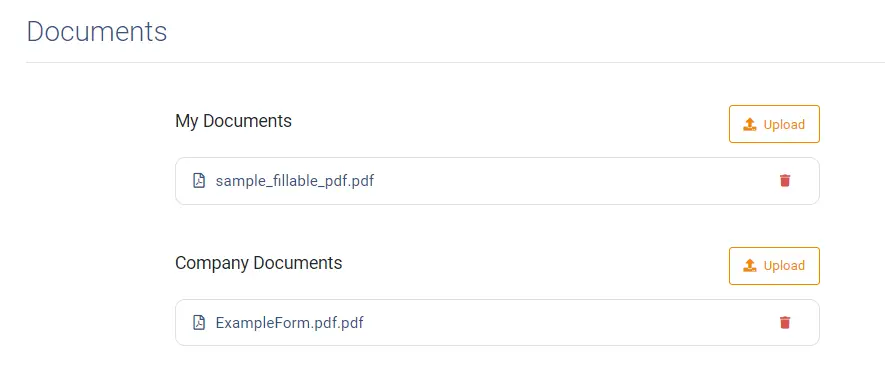
文档类型
TeamViewer Engage区分两种类型的文档:我的文档和公司文档。 ”我的文档“是您的个人文档模板。 公司文档通常由您的公司组织上载,并且可以作为模板供所有员工使用。
准备或预填文件
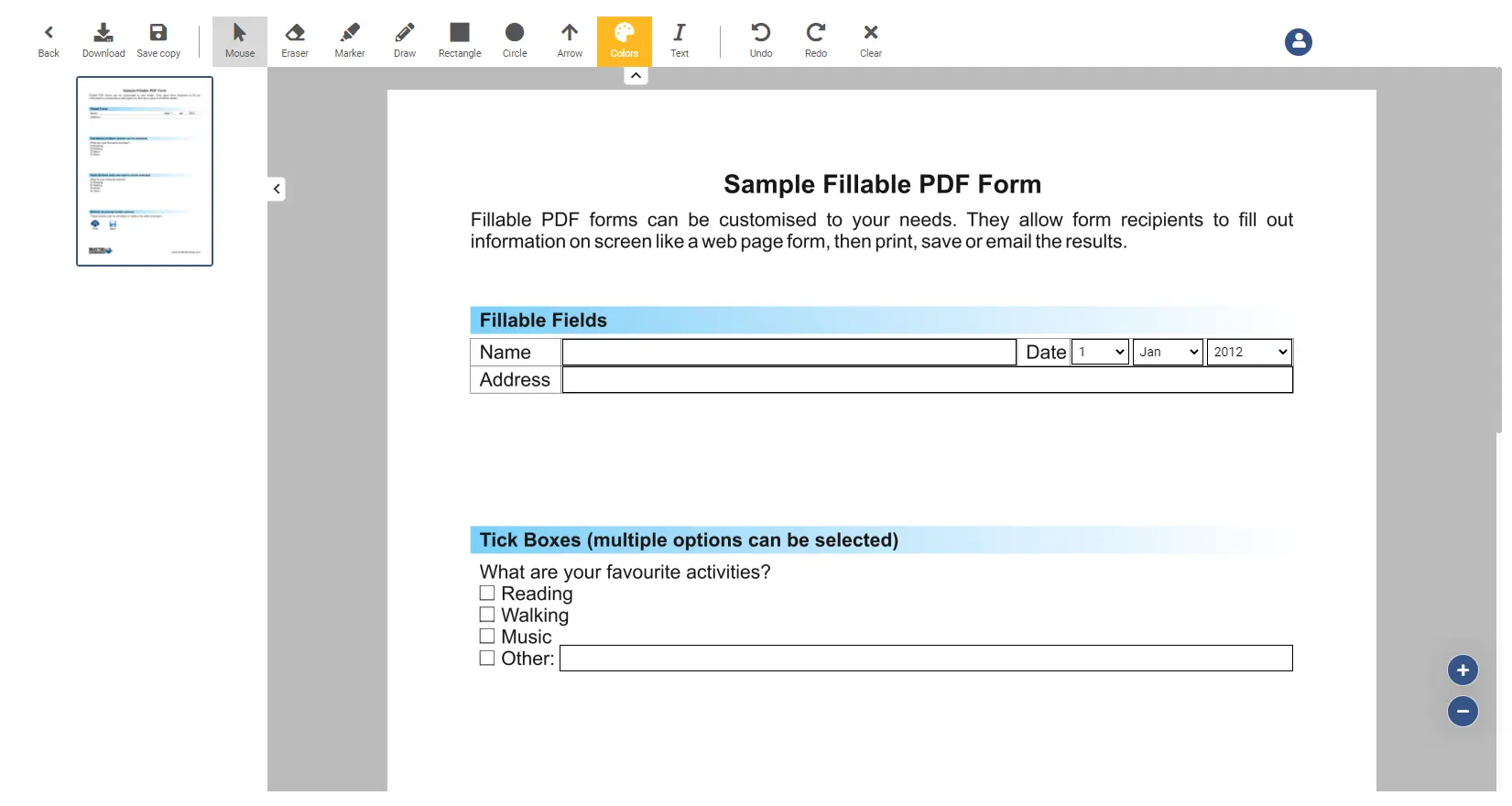
通过单击上载的文档,您可以预填写并保存它:
编辑选项
在下面,您可以找到可用于编辑和更改打开的文档的所有功能的列表。
| columns/column | 1 |
|---|---|
Back | Navigates you back to the overview screen |
Download | Downloads the current document |
Save copy | Saves a copy of the current document |
Mouse | Changes the cursor back to a normal mouse |
Eraser | Changes to cursor to an eraser, which you can use to remove drawings |
Marker | Changes the cursor to a marker, where you can paint on the screen. |
Draw | Changes the cursor to a drawer, when you can paint on the screen. |
Rectangle | Draw a rectangle over the screen |
Circle | Draw a circle over the screen |
Arrow | Draw an arrow over the screen |
Text | Insert a text into the document |
Undo | Undo the last action |
Redo | Redo the last undone action |
Clear | The clear button clears all changes made to the document |