知识库
聊天选项 - SLA 规则
上次修改时间: 2024年3月15日
概括

目的
通过SLA规则,您可以设置紧急目标,以回复实时聊天中的消息。 它可以帮助您确保特定客户或重要客户获得他们期望的支持或待遇。
功能说明
第一个 SLA 规则
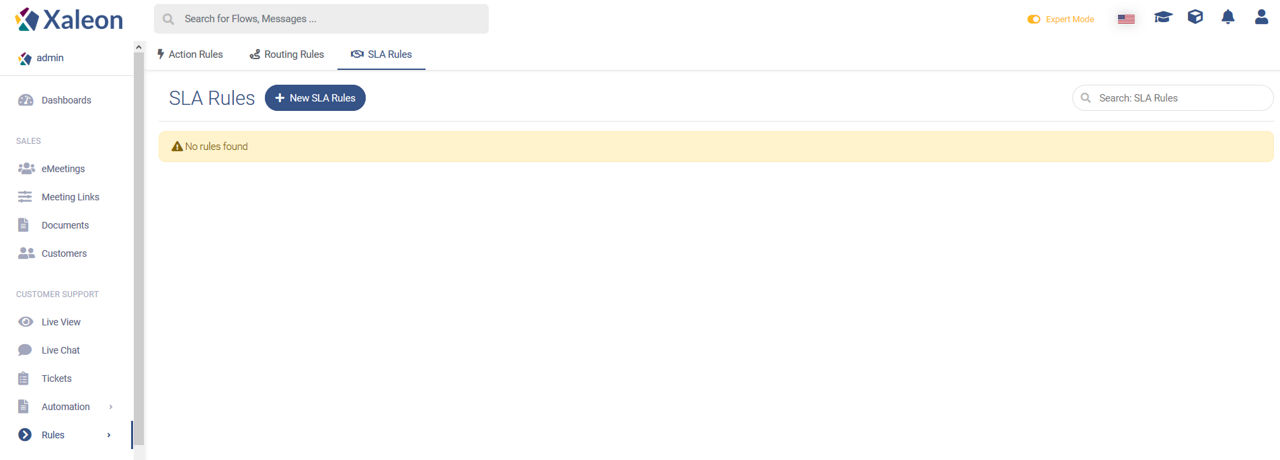
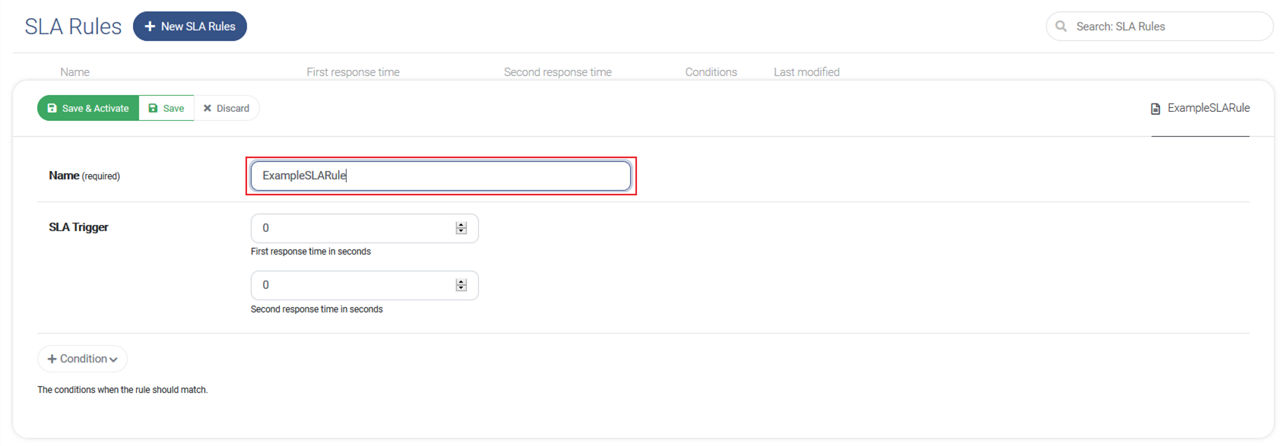
要创建您的第一个SLA规则,请点击 + New SLA Rules。 首先,请确保为规则指定一个描述性名称。
SLA 触发器
第一响应时间。 这是队友应该回复与您的规则相符的对话的第一条初始消息的时间。
第二响应时间。 这是队友应该回复来自同一客户的后续消息的时间。

条件
通过点击 Condition 元素, 将打开条件配置。 在这里,您可以找到以下条件类型:
| Condition Type | Description |
|---|---|
URL | Where did the customer trigger the communication? |
Inside opening hours | Does the request happen during opening hours? |
Outside opening hours | Does the request happen outside opening hours? |
Has Label | Does the conversation have a defined label? |
Has ID | Does the ID match? |
Agent online | Is an agent online to answer the conversation? |
Agent available | Is an agent available to answer the conversation? |
Country | Does the customer request come from a specific country? |
City | Does the customer request come from a specific city? |
要完成您的第一个SLA规则,请点击 Save & Activate.
总览
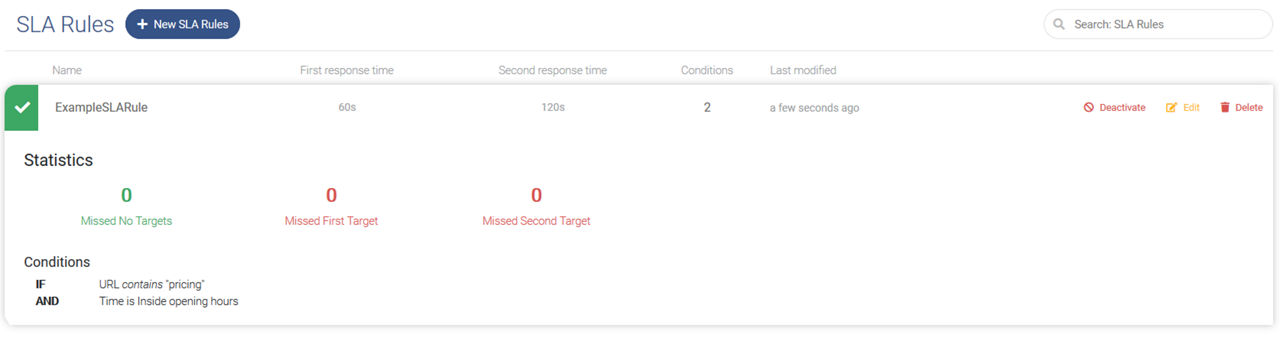
在“ SLA规则”菜单中,您将找到已创建规则的列表。 您可以在此处创建,搜索,更新和取消激活它们。
此外,您还将看到有关每个规则匹配的频率以及错过SLA目标的频率的统计信息。