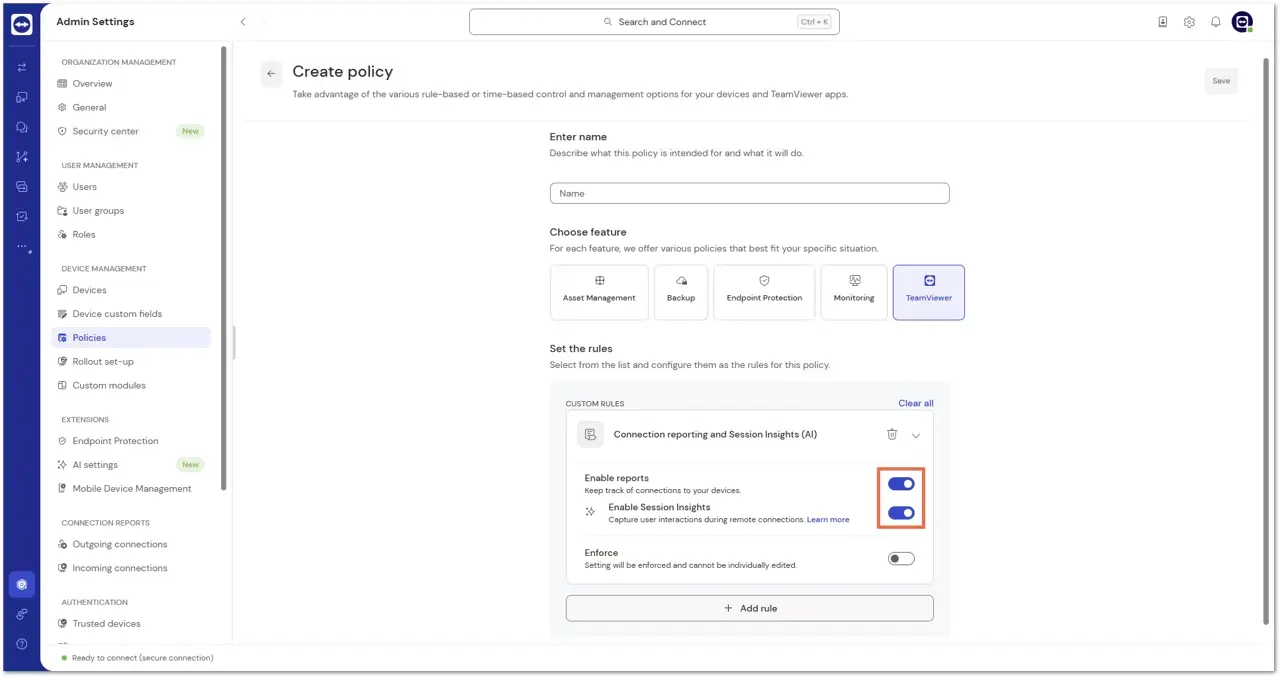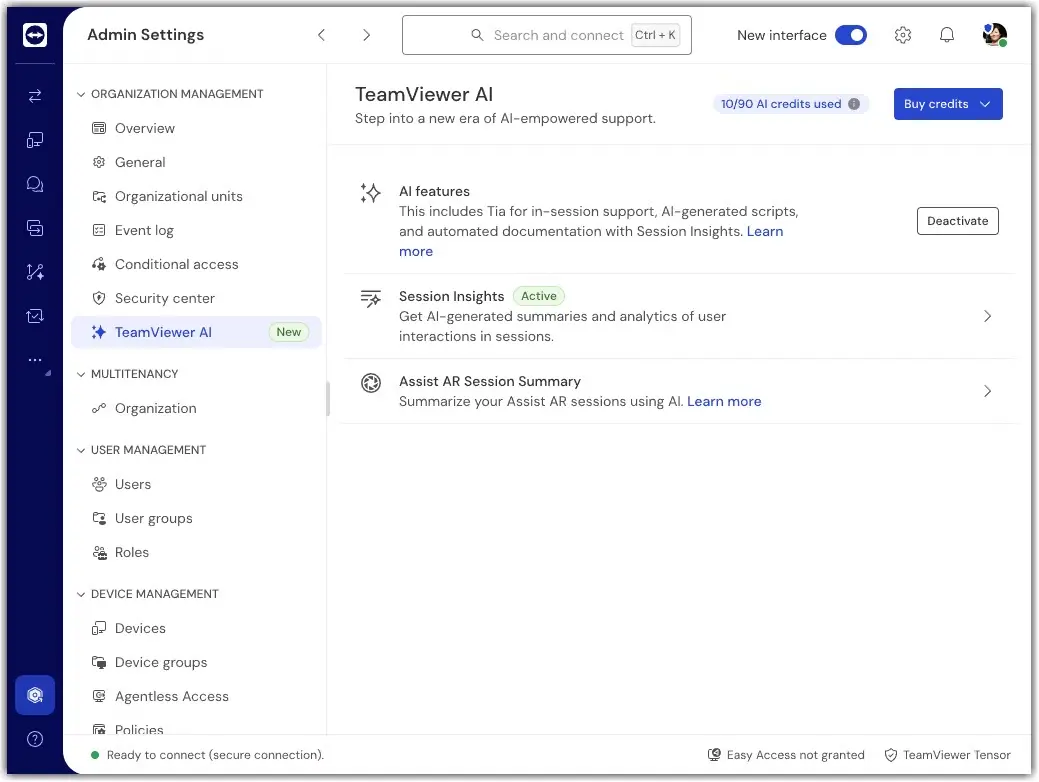
If you use the Only connections using custom QuickSupport modules option for more granular control, you can specify which custom QuickSupport modules should generate outgoing session summaries.
- Open the configuration of your custom QuickSupport module.
- Enable Session Insights for this module.
- Click Save.
This setting determines whether Session Insights can be generated for sessions that use the selected QuickSupport module.