

Annotate:
Opens the Whiteboard with the uploaded image
Last Modified: Dec 2, 2025
The Show Files tab gives the user an overview of all the shared media within the current call. It is possible to upload all file extension types although, not all may be visible within the Frontline Workplace mobile application.
To send a file during the call:
It is possible to Annotate, Download, Rename, Copy, and Delete the files.
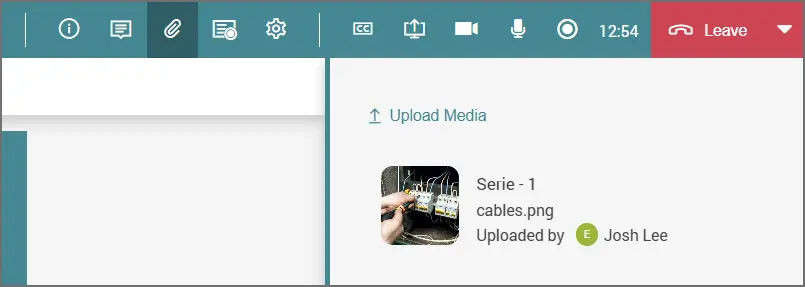
Here are the elements explained:
Opens the Whiteboard with the uploaded image

Downloads the image

Deletes the image

Allows the user to rename the file

Allows the user to copy the file to the clipboard