
Knowledge Base
Wi-Fi QR Codes
Last Modified: Dec 3, 2025
Frontline Command Center also allows you to generate Wi-Fi sign-in credentials. When connecting a smartglasses device, these codes can be scanned for a convenient setup without the need to manually enter the required credentials.
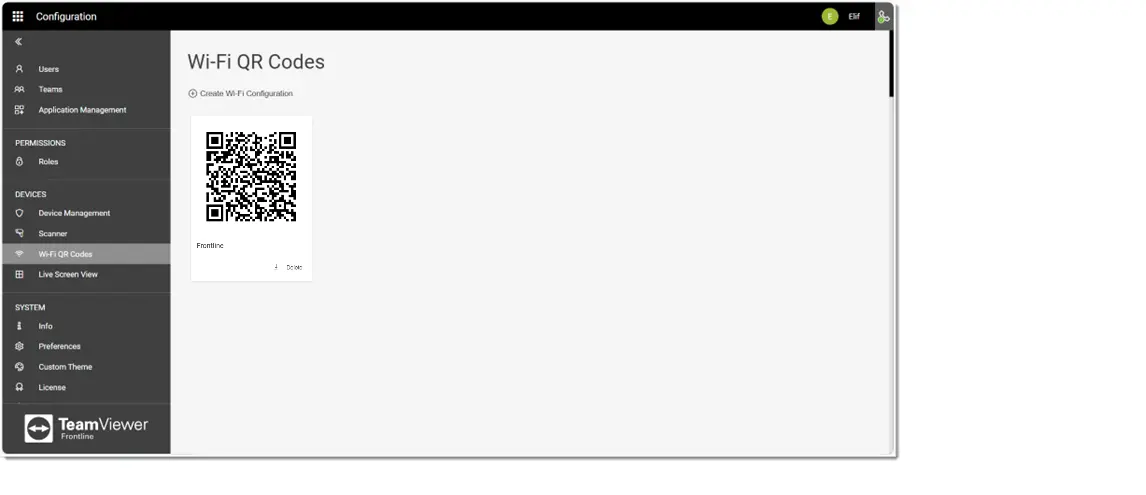
Once a Wi-Fi configuration has been created, the QR code is displayed on the Wi-Fi QR Codes page.
To create a new Wi-Fi configuration:
- Click on Create Wi-Fi Configuration.
- Select the security protocol from the corresponding drop-down list.
- Enter the SSID (i.e., the name of the Wi-Fi network).
- Toggle the Hidden Network switch if the network you are trying to connect is a hidden network.
- Enter the Wi-Fi Password.
- Click on Save.
Note: Wi-FI configurations can also be made part of Application configurations. When a Wi-Fi network is configured within the application, every smartglasses device that tries to install the corresponding application has the Wi-Fi settings already pre-configured. For more information, check out Application Management.