
Knowledge Base
Custom Themes
Last Modified: Apr 30, 2026
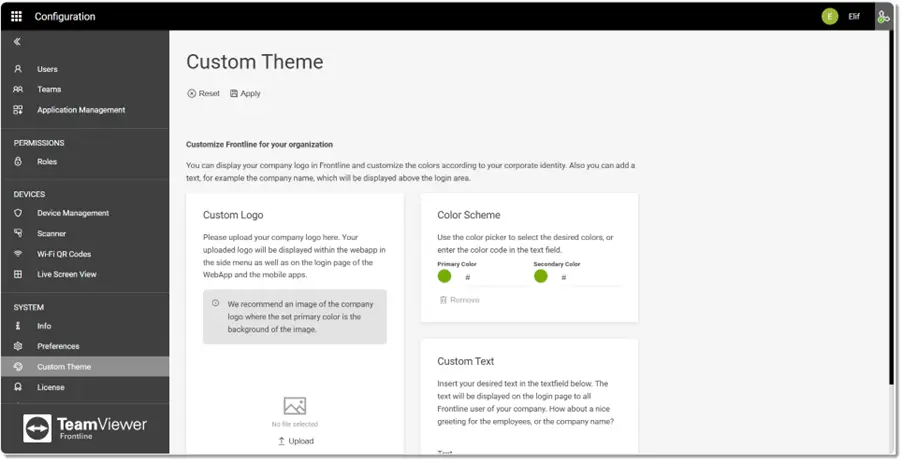
Custom Themes allow users to customize the theme and appearance of the Frontline Command Center and the Frontline Workplace smart glasses app. Using these settings, it is possible to change the following configurations for all user types within the server:
- Custom Logo: Logo image displayed on the Frontline Command Center sign-in page
- Color Scheme: Hexadecimal color codes for the primary and secondary colors
- Custom Text: Intro text displayed on the sign-in page for all Frontline users in your organization
The following screenshot shows an example of a custom-themed Frontline Command Center instance with a custom logo and a different color scheme.
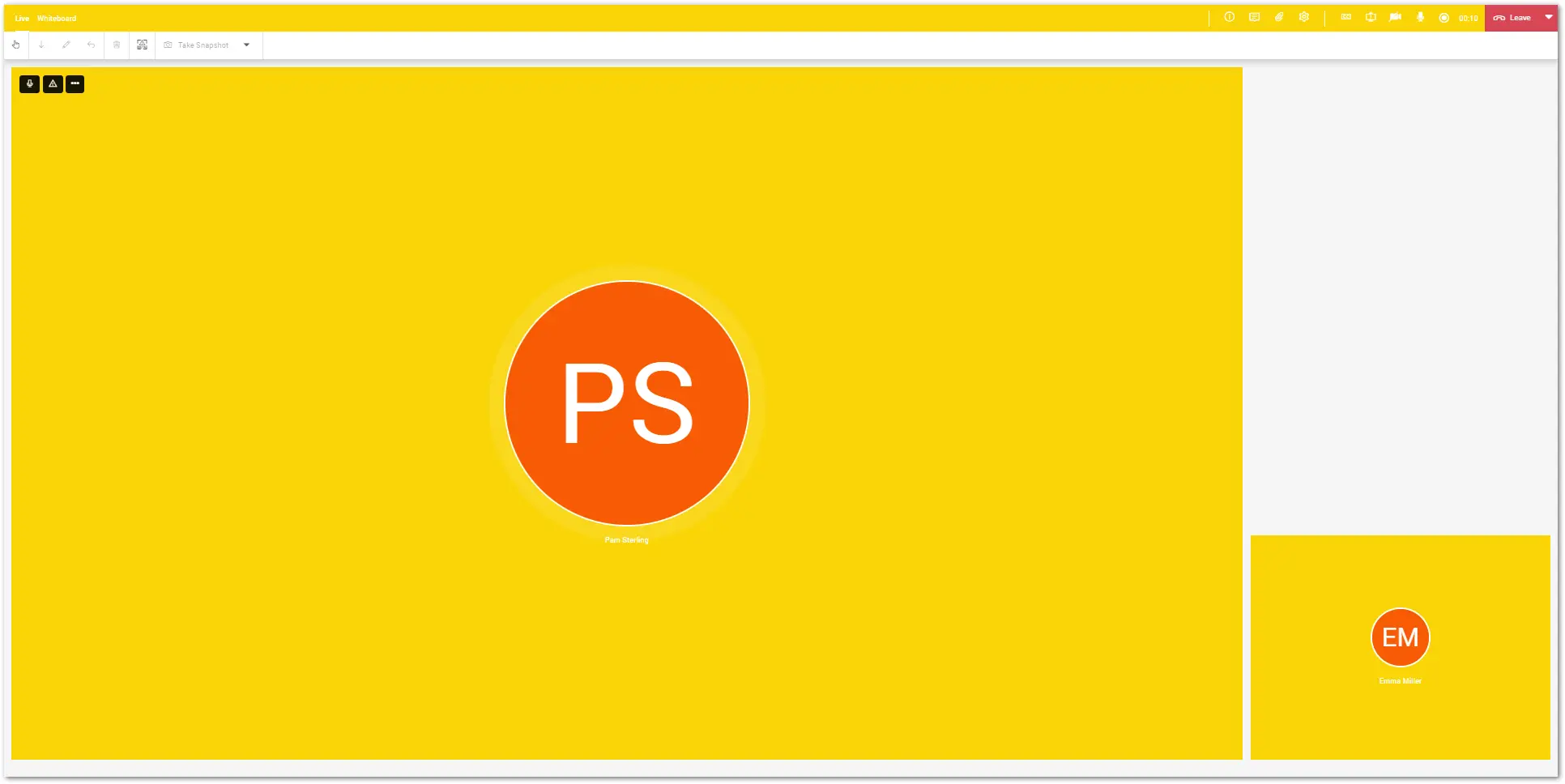
The following screenshot shows an example of a custom-themed Assist call:
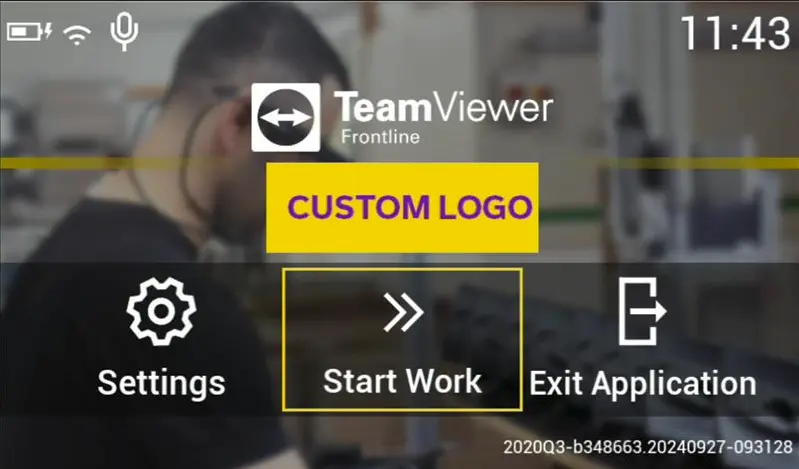
The following screenshots show the same custom theme applied to Frontline Workplace login page on smart glasses.
Note: Make sure that you do not choose black as a primary colour, as it would blend with the background and it will not be visible.
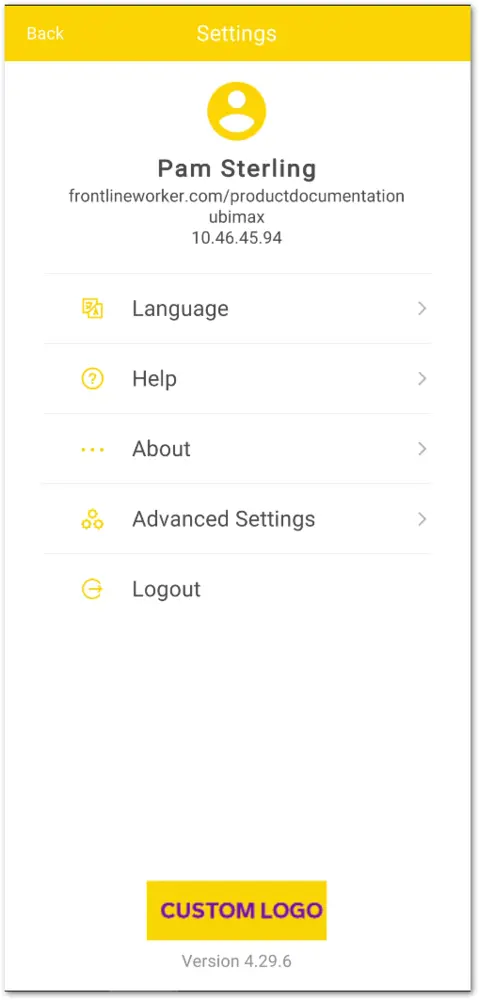
The following screenshot shows the custom theme applied after logging in with Frontline Workplace App for Smartphones:
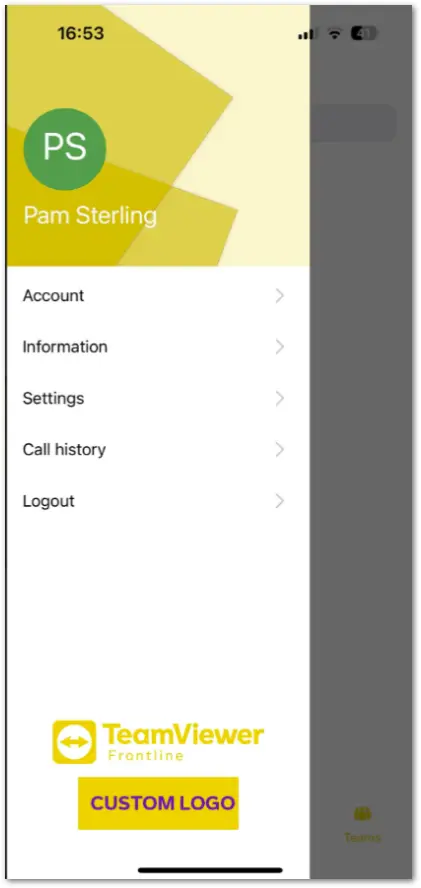
The following screenshot shows the custom theme applied after logging in with Frontline Spatial Workplace for Smartphones:
Recommended video links for this guide: