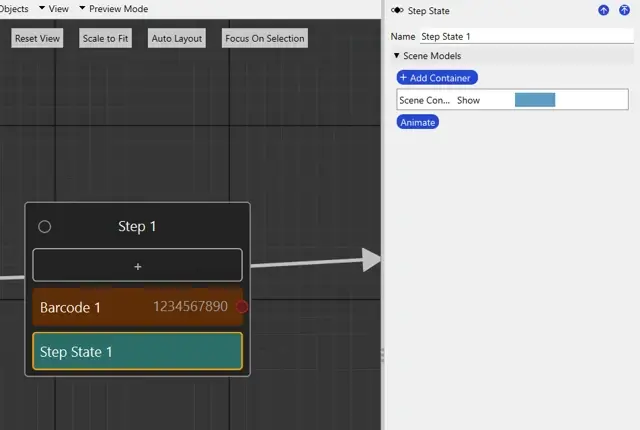
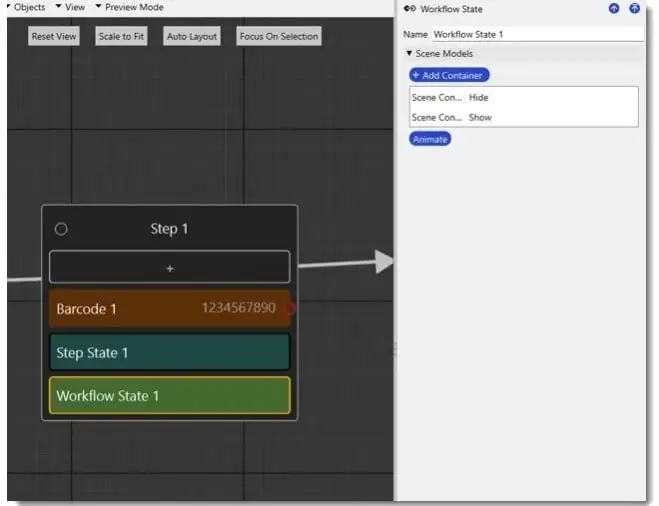
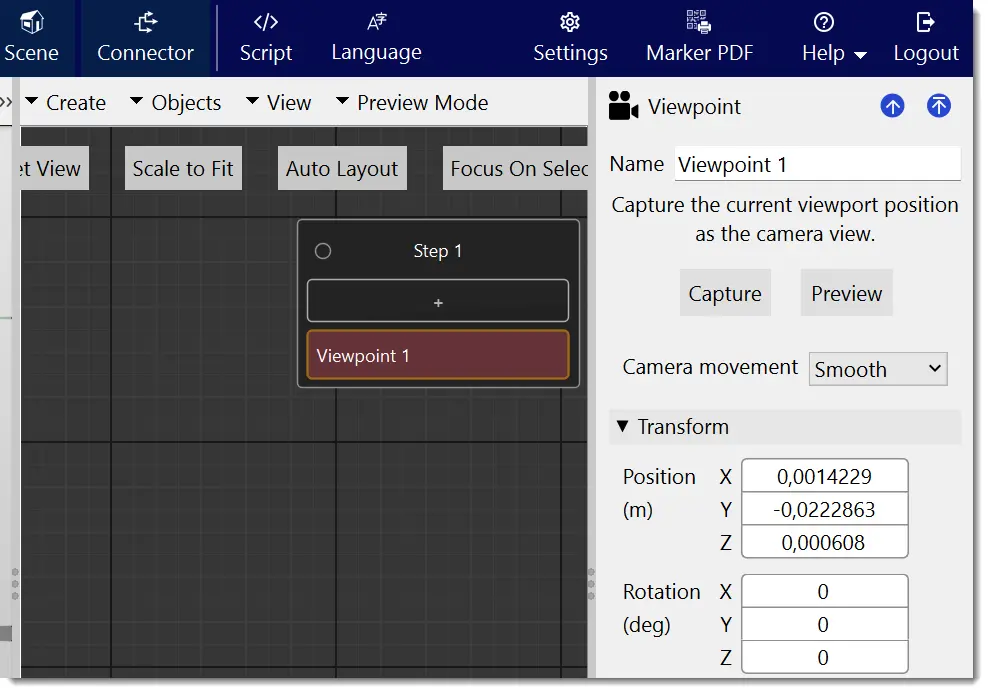
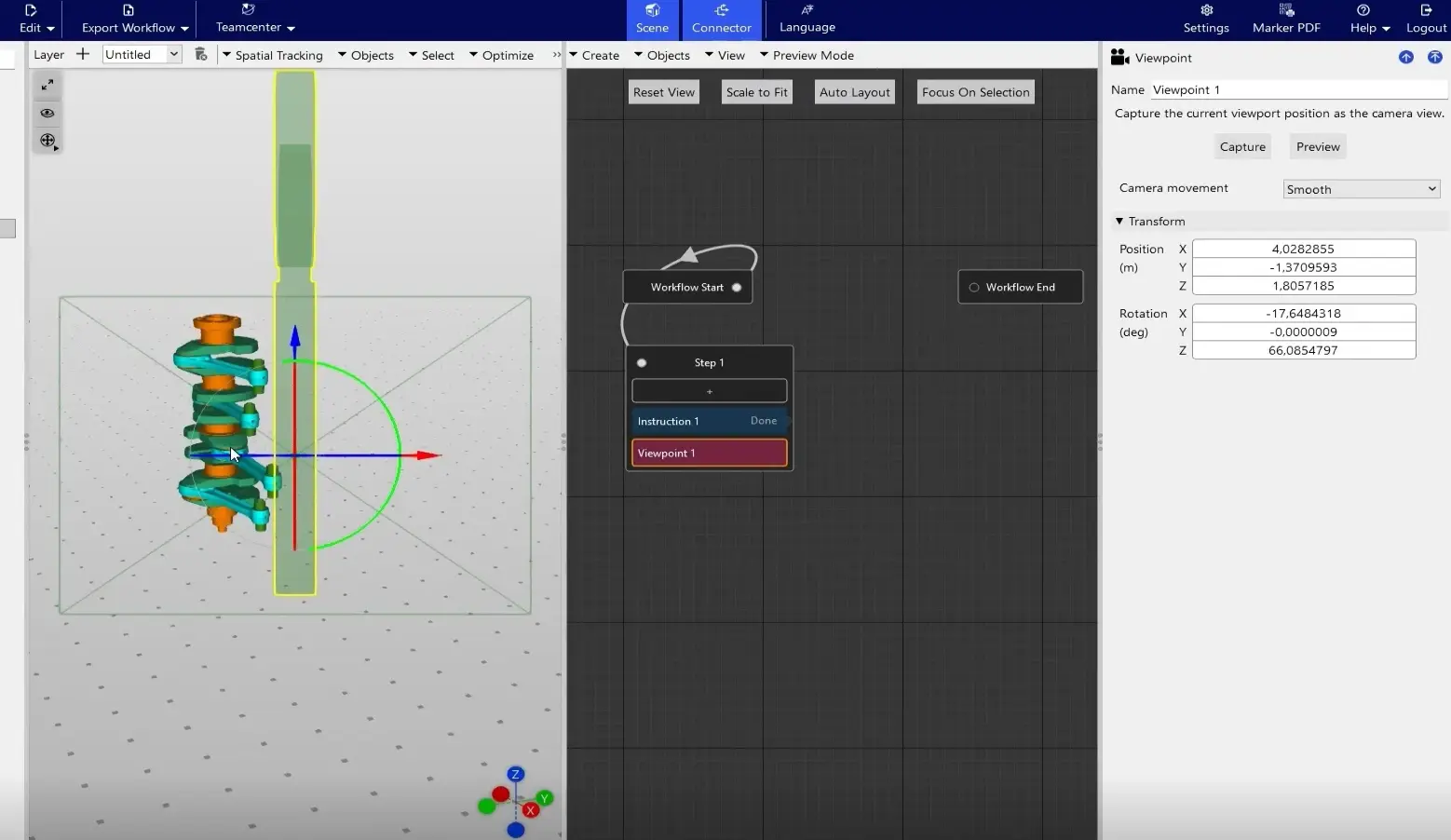
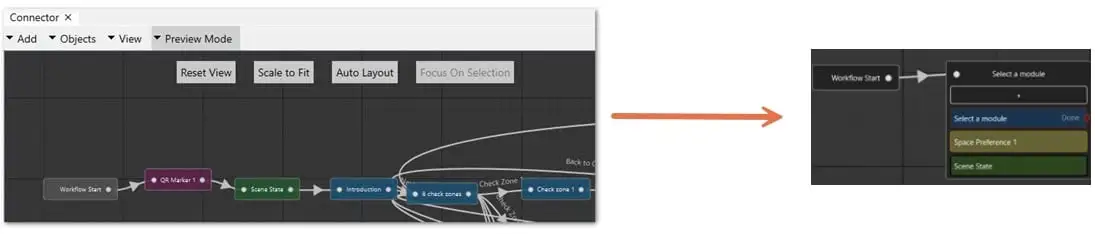
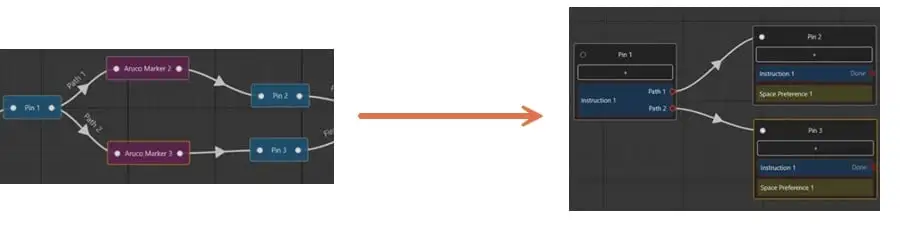
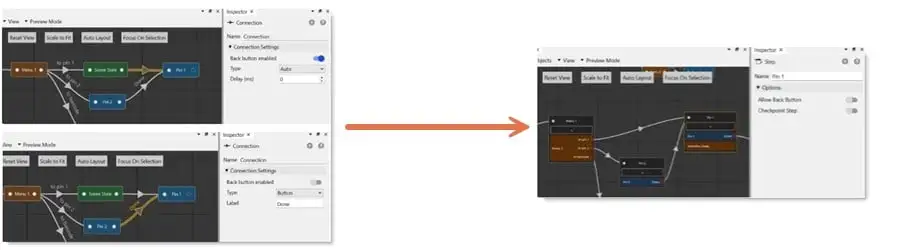
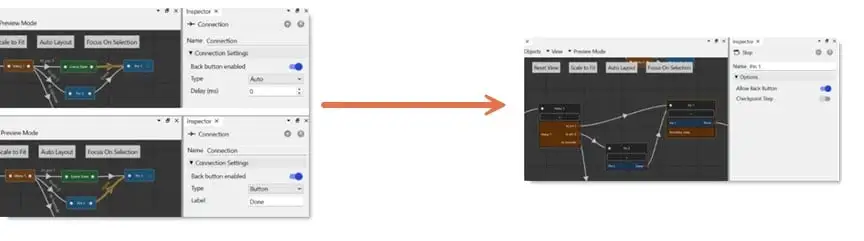
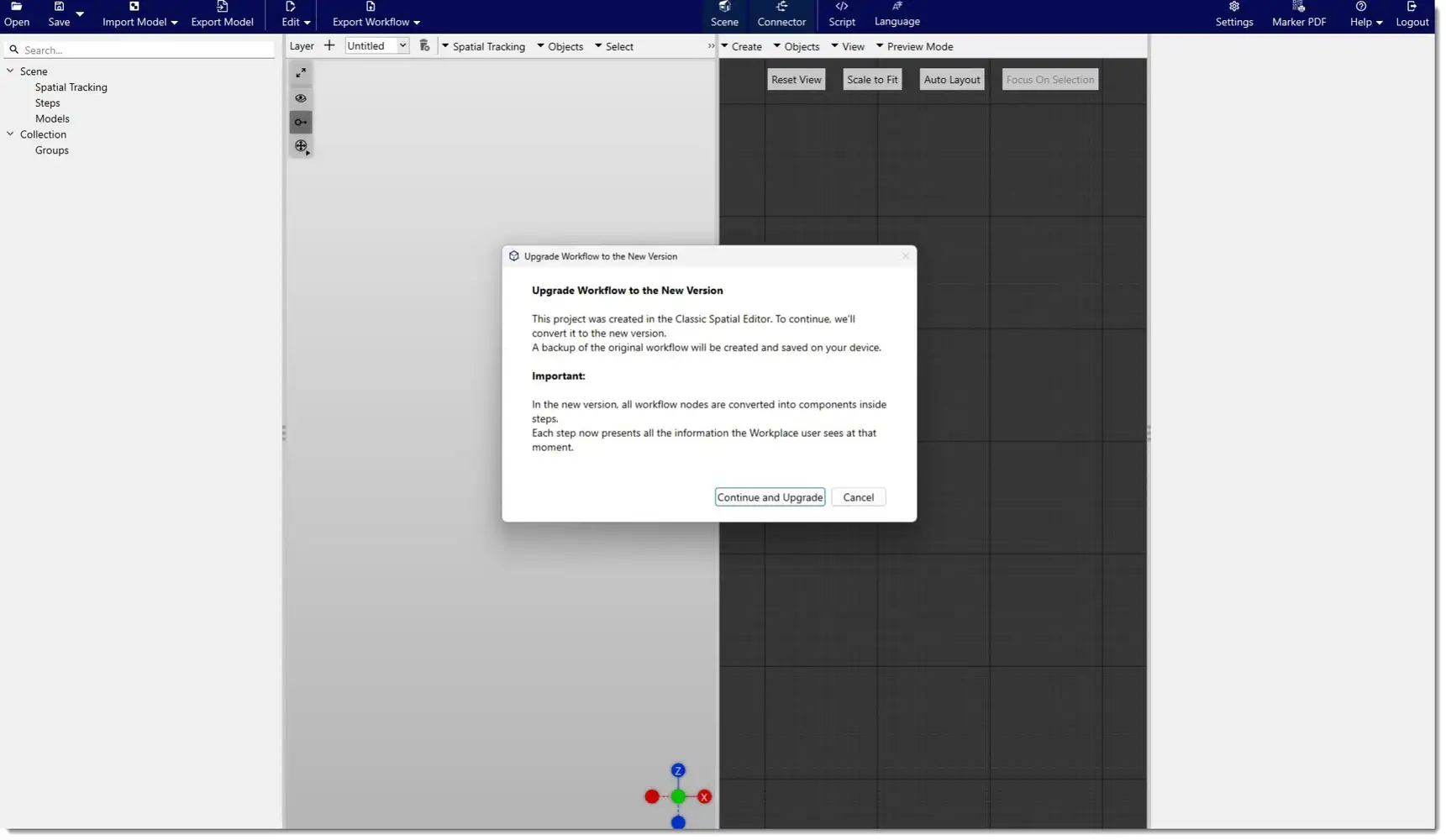
When a legacy workflow is opened, newer editor versions (4.39 and higher) automatically detect that the workflow uses a legacy format. In this case, a conversion confirmation dialog is displayed.
The workflow is converted only after the user explicitly confirms the conversion:
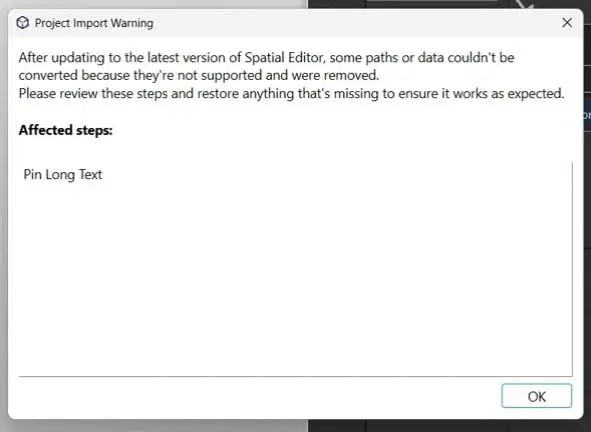
After the conversion is complete, if any parts of the workflow cannot be mapped in one‑to‑one correspondence, the editor displays a conversion summary panel. This panel lists all affected Steps and elements and remains available for review, allowing users to verify the converted workflow. The conversion process always aims to preserve the original execution flow.
When legacy behavior is not fully compatible with the New Editor's behavior, the system applies the best‑effort conversion and reports the issue as a warning.
In these cases, the dialog lists the names of the affected Steps:
Note: While converting the Workflow, there will be a backup saved on your local device under the folder name: