The Home Screen gives you quick access to create a new project and access the recent projects.
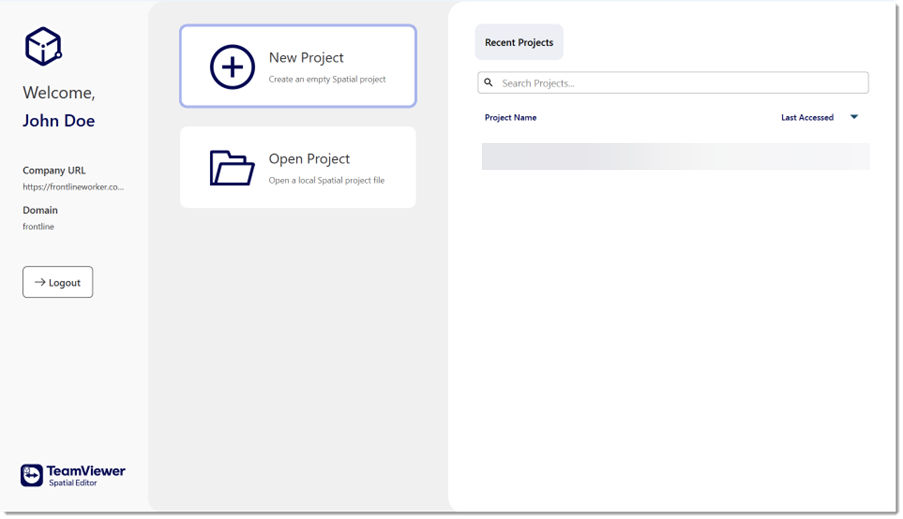
Home Screen has the following sections:
A. New Project: Create an empty Spatial project and lead to an empty Workspace.
B. Open Project: Open a local Spatial project file. If the workflow you are opening was created in a version earlier than 4.39, the editor will ask you to confirm its conversion to the new version (4.39 and higher).
C. Logout: Logout from your account.
D. Recent Projects: List all the Spatial projects you have recently accessed.
Opening a local file
To open the .v3pproj files that already exist on your computer:
1. Click on Open Project.
2. Optional: You can also download the .v3pproj files from Spatial Workflow Management.
If it is a project that has already been opened in Spatial Editor, it will be listed on the Recent Projects tab of the subsequent menu and can be opened with a click.