
ナレッジベース
設定 - Watchdogs
最終変更: 2024/03/21

Watchdogs
Watchdogsは、TeamViewer Engageに関連するイベントを通知します。特定のイベントが発生すると、電子メール通知が届きます。
新しい Watchdog の作成
New Watchdog...をクリックして新しい Watchdog を作成することができます。Watchdog にわかりやすい名前をつけてください。
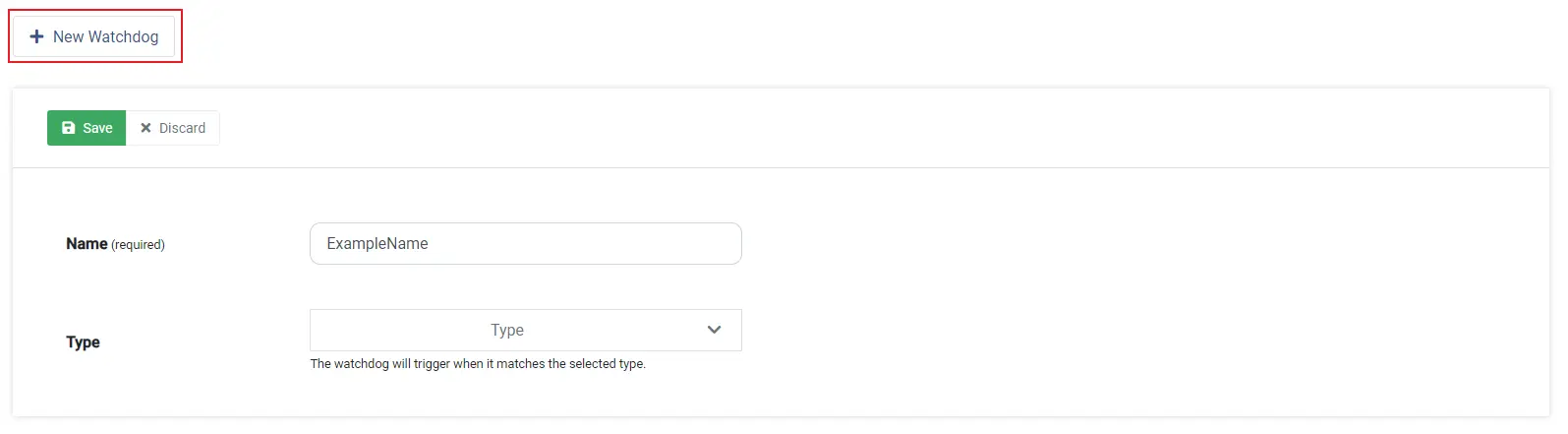
その後、Watchdogが作動する条件を定義するタイプを選択する必要があります。
| Type | Description |
|---|---|
Customer Assigned | Receive an email notification when a customer gets assigned to you (and you are logged off) |
Form Submission | Get notified when a customer fills in and submits a Form |
JavaScript Error | Receive a notification when a JavaScript Error occurs |
Message Received | Get notified when a customer sends a message to you |
Settings changed | Receive an email when the settings of Xaleon get changed |
最後に、ユーザー(複数可)またはチーム(複数可)を選択して、Watchdog の受信者を選択する必要があります。
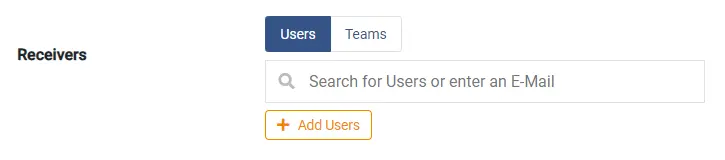
📌注意: 顧客割り当てでは、割り当てられたユーザーに対して作動するため、受信機を選択するオプションはありません。