Base de Conocimientos
¿Dónde puedo encontrar mi ID y mi contraseña?
Última modificación: 11 mar 2026
El ID sirve como identificador único del dispositivo, lo que permite añadirlo como favorito y que el usuario pueda acceder a él a futuro. Por otro lado, la contraseña es necesaria para la conexión inicial por control remoto al dispositivo después de haberlo añadido como marcado.
Este artículo se aplica a tod@s l@s usuari@s de TeamViewer Remote.
Cómo encontrar tu ID y contraseña
En el full client de TeamViewer Remote
Si no has iniciado sesión
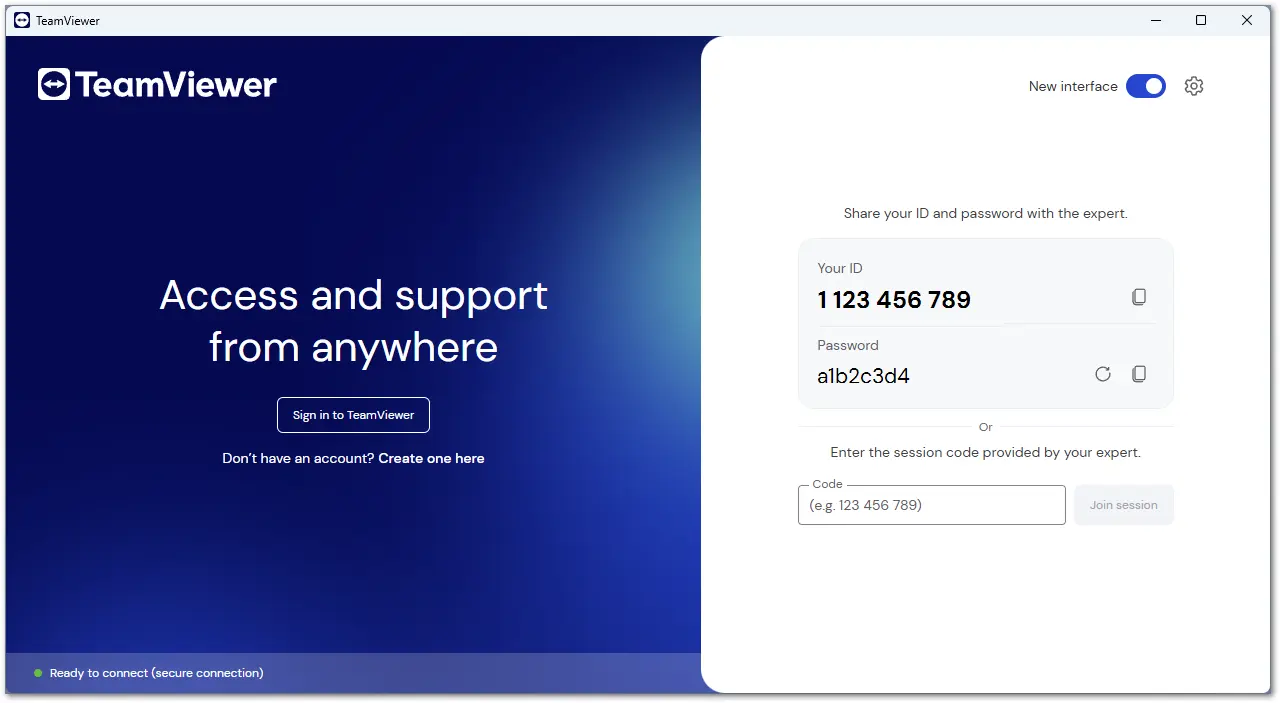
Si deseas compartir tu ID y contraseña con el agente de soporte, abre TeamViewer Remote.
Tu ID y contraseña aparecerán en la pantalla inicial de la interfaz.
Si has iniciado sesión
- Abre TeamViewer Remote.
- Ve hasta el menú de Soporte remoto (Remote support).
- Tu ID y tu contraseña se mostrarán en la sección Permitir control remoto (Allow remote control).
En el QuickSupport de TeamViewer
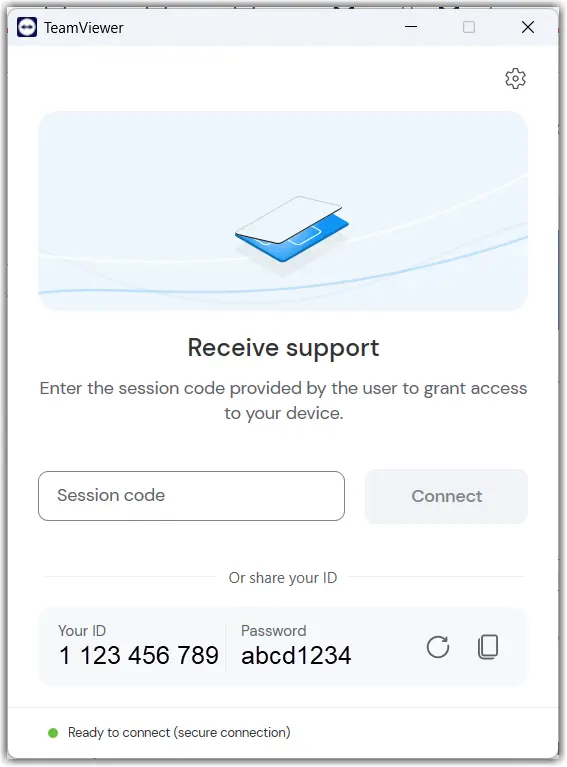
En el QuickSupport el ID y la contraseña se muestran automáticamente en la pantalla inicial. Aquí no se requiere ninguna acción adicional.
En el Host de TeamViewer
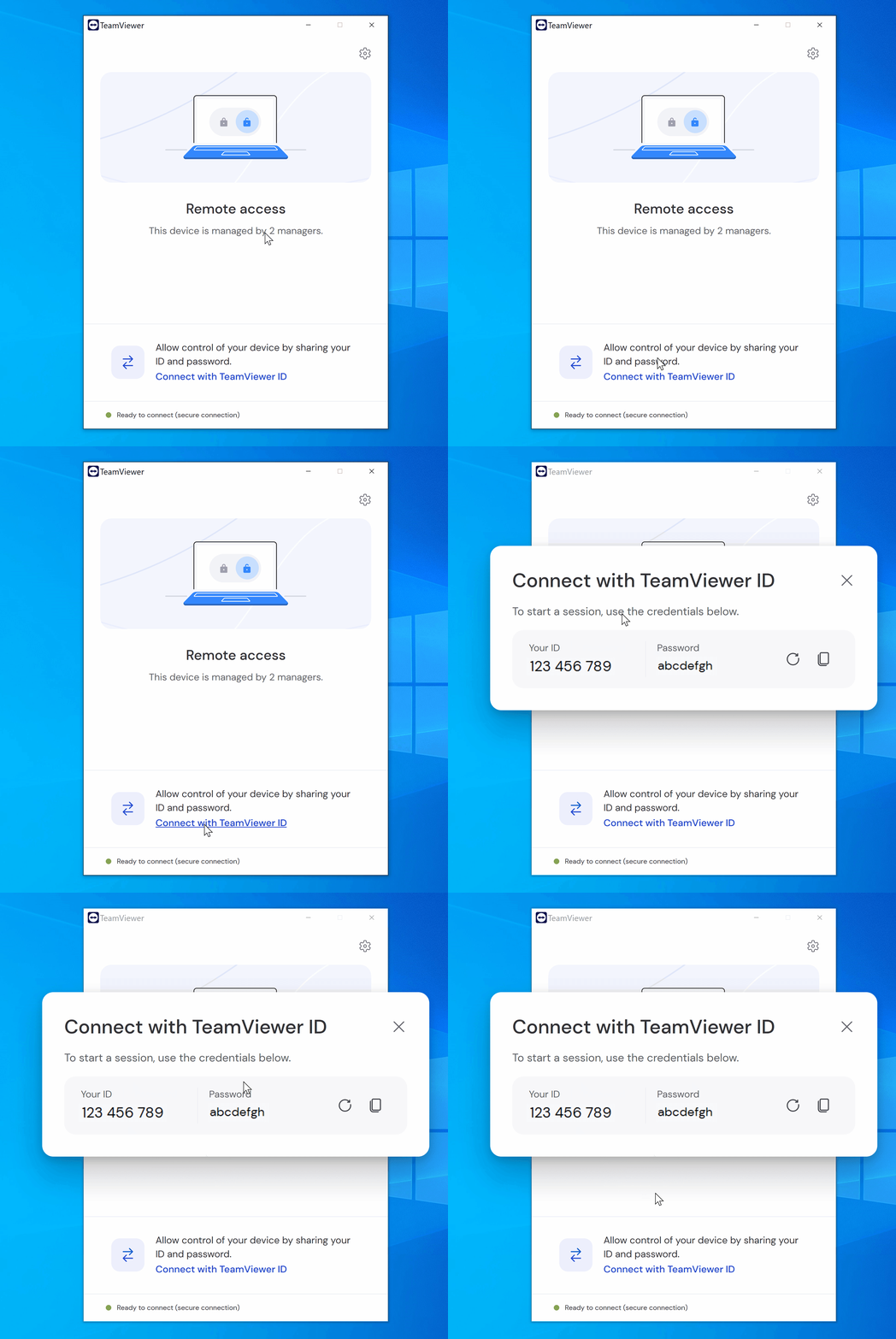
Si deseas compartir el ID y contraseña con el agente de soporte, abre el Host de TeamViewer y haz clic en Conectar con el ID de TeamViewer (Connect with TeamViewer ID).